
Ben A.
Members
-
Joined
-
Last visited
Everything posted by Ben A.
-
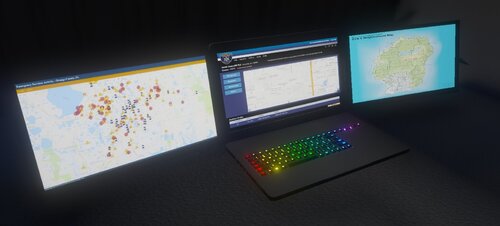 Many Polys wow
 -
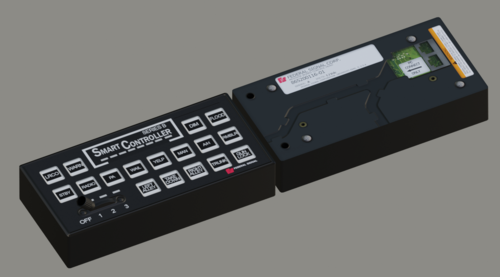 Hot, very hot
 -
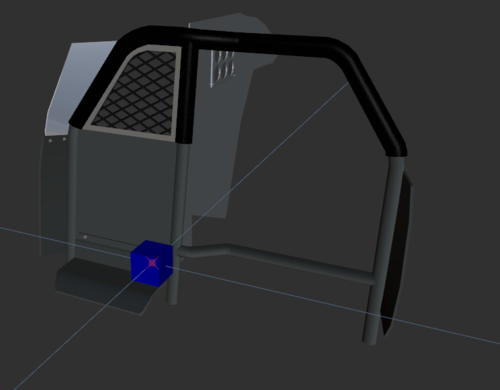 Pretty good tbf, ngl
 -
 Cheers for credit and links boss. Interesting, that's for sure.
 -
I'm making an LVMPD pack currently, feel free to DM me on discord
-
DM me on discord 🙂
-
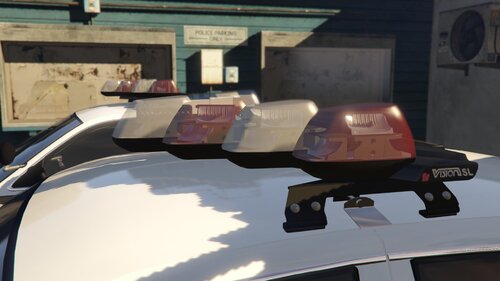 absolutely mint
 -
Yeah, thank you man, I figured it out a little ago with the non-els/els rotator mix, cheers bud 🙂
-
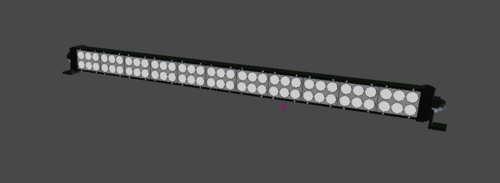 that's bright lol
 -
-
-
-
Hello! I would like to know how to make ELS rotators, for halogen lightbars, such as the Maxim halogen. I dont know if it is something to do with the XML, but I have no idea. If someone could help me that would be great! Thanks, Ben Ps. Sorry if this is in the wrong category, couldn't find another fitting one
-
-
I cant wait for this
-
-
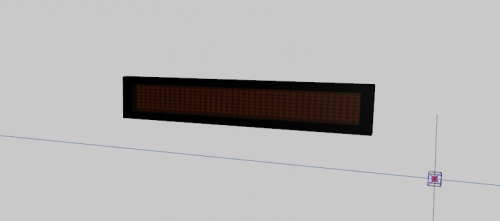 Looks incredible!
 -
I'd like to know this too, did you find it?
-
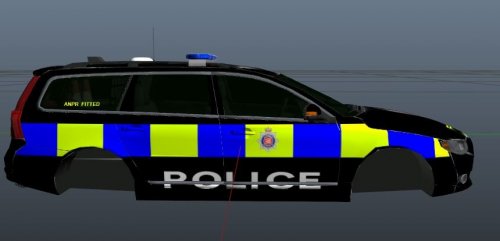 Bro dont market the model as unlocked if its locked
 -
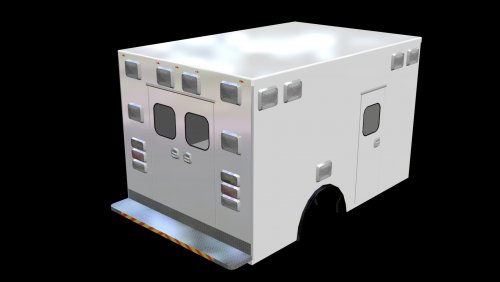 I cant get any textures on this?
 -
-
Yeah big facts
-
Its just absolutely disgusting isn't it. Why do people have to do this? It's so sad
-
Lmfao
-
R.I.P 🙏