


Caz1147
Members
-
Joined
-
Last visited
Everything posted by Caz1147
-
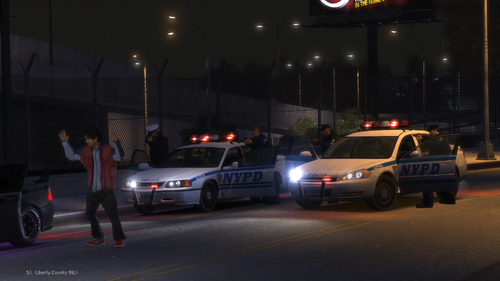 Any idea how to fix ELS? The lighting is going way faster than it should be in comparison to what the video shows (with everything installed in my game properly as far as I know..) I even tried setting flash delay up to 5 instead of the default 1
 -
.thumb.jpg.4066677156985e22489bfecddc2f6c45.jpg) I found it, its in update\x64\dlcpacks\patchday5ng\dlc.rpf\x64\levels\gta5\vehicles.rpf\
I found it, its in update\x64\dlcpacks\patchday5ng\dlc.rpf\x64\levels\gta5\vehicles.rpf\- 376 comments
- 81 reviews
-
-

- 1
-
-
-
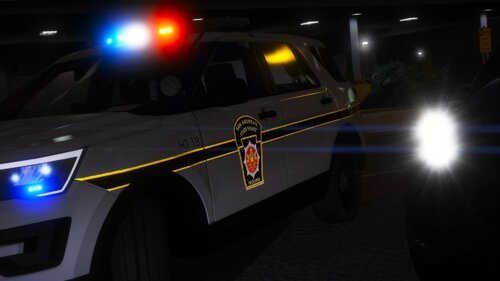 These are amazing looking! Do you have any plans on making a dodge charger with these skins?
- 31 comments
- 8 reviews
-
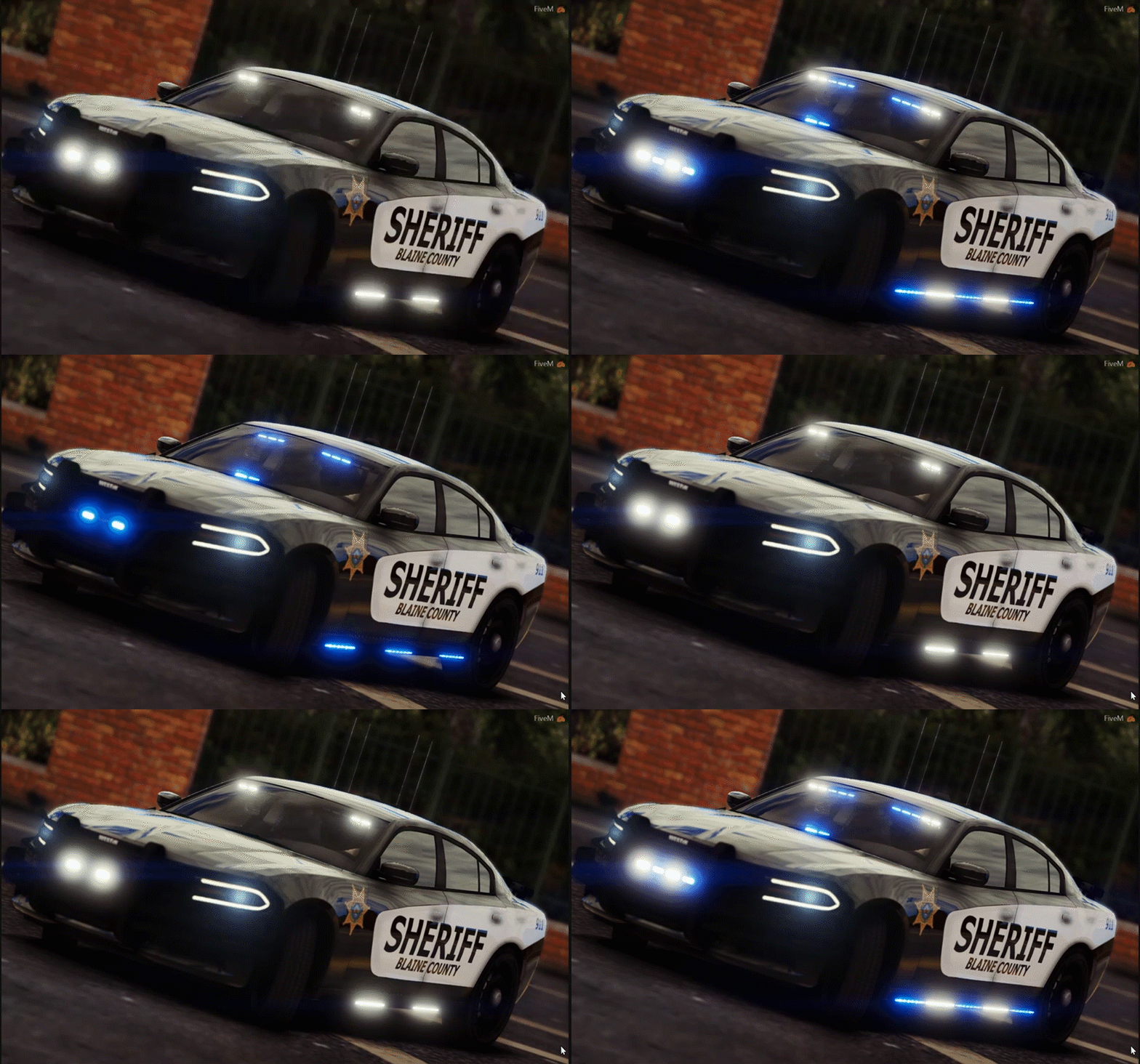 Can you make a 2016 ford explorer with this same skin? I love the skin for the car.
- 17 comments
- 1 review

.thumb.jpg.4066677156985e22489bfecddc2f6c45.jpg)
