


Diggs
Members
-
Joined
-
Last visited
Everything posted by Diggs
-
 Thank you for the original backup in the download folder! Super cool of you to do that! Did something that I normally do! Installing now, will leave a review!
- 23 comments
- 18 reviews
-
 An absolute must have mod! Thank you Albo1125!. Im very new here but the top streamers all use this so I made it part of my mod list! Thank you for the YT instructions as well. Couldn't have done it without you!
- 1,178 comments
- 137 reviews
-
I sometimes have the same problem, what I do is make sure I'm standing face to face with the suspect, then double tap "E", you should see in the bottom corner of your screen : "you have 1 ped's attention" or something like that, and youll then have a host of options, and if you have interaction+ installed, you'll have even more options by pressing "T" or "Y", I cannot remember of the top of my head. Hope that helps...
- 1,178 comments
- 137 reviews
-
 Thats a great suggestion. Though Im concerned that will cause the computer to open every time I take a left turn lol. But there is an option to add a modifier key which I believe I can assign to left control without any conflicts. Wish me luck and thank you for leading me in another direction!
- 3,646 comments
- 306 reviews
-
First, fantastic mod and thank you for making it! I found it of JF mods list on of his latest YT episodes. I have computer+ installed and whenever I attempt to open the computer after pulling someone over (holding E for one second), it activates my horn and triggers Run The Light. I doubt I'll ever have a purpose for Run The Light, is there a way to disable it? I have searched everywhere and the AI gets very confused during the traffic stop lol. I would keybind computer+ to something else, but I seem to cause a conflict with something else when I do that. Disabling Run The Light seems to be best option if possible, but I don't see it in the ini file. Any guidance would be greatly appreciated!
- 3,646 comments
- 306 reviews
-
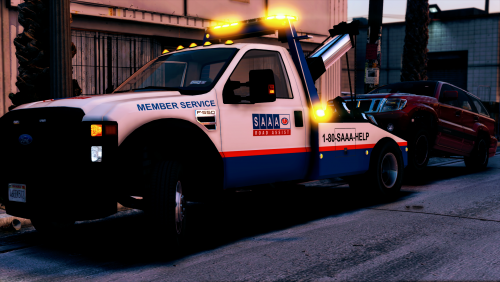 Awesome skins. I think I saw these on the latest JF YT video, and that led me here. Just installed and they look great!
- 15 comments
- 5 reviews
