bevarnow
Members
-
Joined
-
Last visited
Everything posted by bevarnow
-

From the album: FiveM Adventures
-
From the album: FiveM Adventures
-
From the album: FiveM Adventures
-

From the album: FiveM Adventures
-
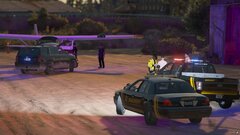
From the album: FiveM Adventures
-
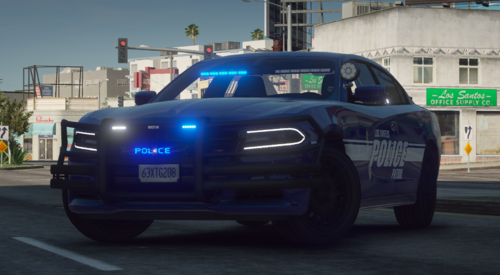 no sir
 -
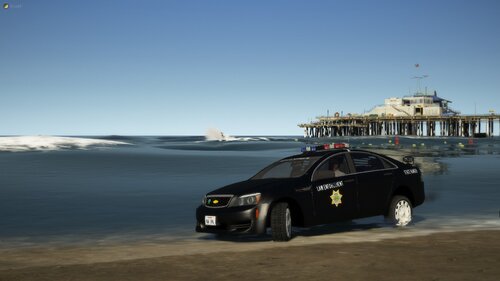 I didnt compile one nor will. If you look at the Credits you can compile yourself, but I know for a fact you wont get one for the Caprice & GMC
 -
There are alot of ZModeler tutorials on YouTube. Oleg also has some on the Forums. But alot of it is just trial and error with you and the program
-
-
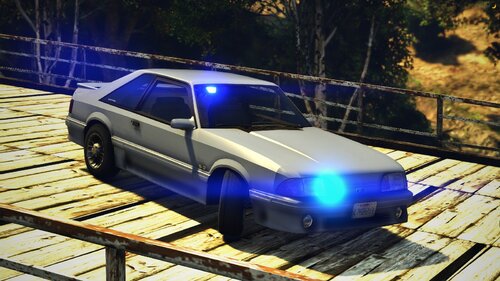 Thank You. No there isn't a Template for this Vehicle
 -
You can look up a tutorial on YouTube on how to do that, probably one on here aswell. For message, go into the .ytd (Texture Dictionary) and find the message board texture, using an equivalent font just type what you want over the previous ones following its shape. then save and put it back into the ytd
-
Thanks, were you able to convert it to LML? Cause I'm not exactly sure how to do it. And by decal, do you mean livery or the Message Board on the front?
-
-
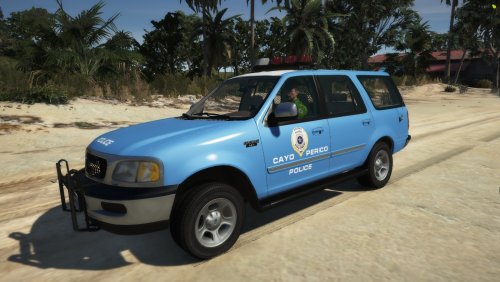 I'm fairly certain I don't even have the Unlocked Files for these anymore
 -
At the time of making this pack, I had no idea how to do rotators properly at the time.
-
Not all vehicles nor packs comes with handling.metas. Mine don't usually, nor does this pack
-
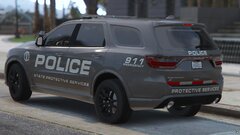
From the album: FiveM Adventures
-
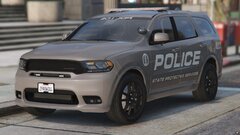
From the album: FiveM Adventures
-
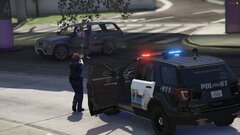
From the album: FiveM Adventures
-
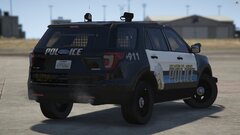
From the album: FiveM Adventures
-
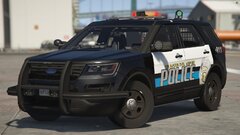
From the album: FiveM Adventures
-
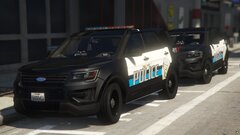
From the album: FiveM Adventures
-
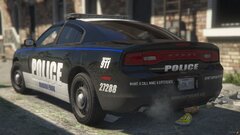
From the album: FiveM Adventures
-
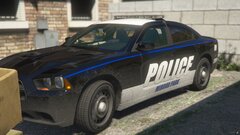
From the album: FiveM Adventures
-
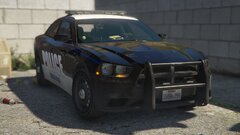
From the album: FiveM Adventures