Skip to content
View in the app

A better way to browse. Learn more.

LCPDFR.com

A full-screen app on your home screen with push notifications, badges and more.

To install this app on iOS and iPadOS
  1. Tap the Share icon in Safari
  2. Scroll the menu and tap Add to Home Screen.
  3. Tap Add in the top-right corner.
To install this app on Android
  1. Tap the 3-dot menu (⋮) in the top-right corner of the browser.
  2. Tap Add to Home screen or Install app.
  3. Confirm by tapping Install.

Verxcade

Members
  • Joined

  • Last visited

  1. This looks sooo good might make another lcpdfr video on this
  2. TheJokerMrjay87 started following Verxcade
  3.    JakeKindaSus reacted to a comment on a file: NYPD 2020 Ford Explorer
  4. WE GOT A 2020 FPIU IN GTA 4 BEFORE GTA 6
  5. all u have to do is just turn els off and when your done with the mission turn it back on again
  6.    Wehrmachgt reacted to a file: City Car Pack
  7. bro someone needs to add a 2020-22 ford explorer in gta iv
  8. When I call for a unit or ambo my lspdfr crashes RagePluginHook.log
  9. Verxcade started following STEVETHEGAMER
  10. Verxcade started following IronicRainbow
  11. Verxcade started following Deactivated Member
  12. Verxcade changed their profile photo
    • 65 downloads
    • Version 1.0.0
    Just a texture I made but if you want the pack its here 🙂 :
  13. They were painted LOL Sure!
  14. Do you have ELS Installed?
  15.    Verxcade reacted to a comment on a file: New Jersey State Trooper Pack
    • 1,930 downloads
    • Version 2.0.0
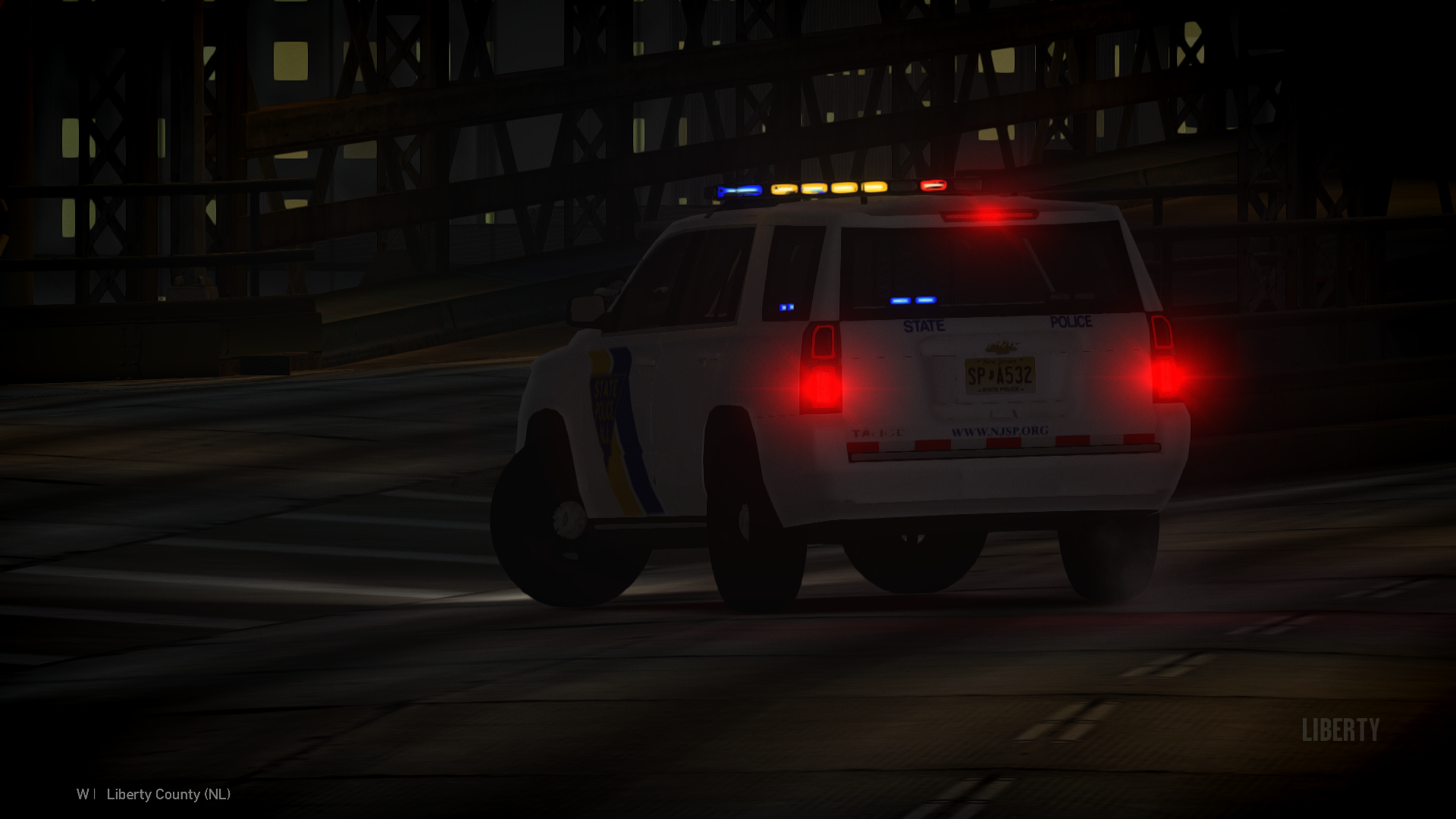
    Hello Welcome to my New Jersey State Pack! I really enjoyed making this and I think you'll Love It! This comes with a FPIU, Tahoe, Taurus, and CVPI which I forgot to spawn in to take pictures because I was rushing to have this Project out LOL.
  16. The Explorer crashes on spawn??
  17. I just renamed the fbi into police so my game doesn't crash
    • 772 downloads
    • Version 1.0.0
    Nothing really, just 3 Woodville police cars. This car pack has a, Tahoe, Charger, and CVPI

Account

Navigation

Search

Search

Configure browser push notifications

Chrome (Android)
  1. Tap the lock icon next to the address bar.
  2. Tap Permissions → Notifications.
  3. Adjust your preference.
Chrome (Desktop)
  1. Click the padlock icon in the address bar.
  2. Select Site settings.
  3. Find Notifications and adjust your preference.