


OneSpeaks
Members
-
Joined
-
Last visited
Everything posted by OneSpeaks
-
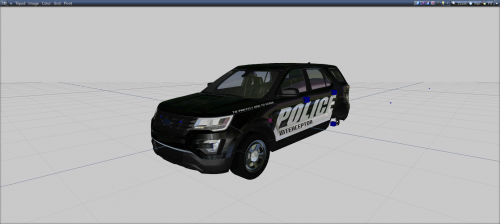 I third Jacob's comment, and the taillights are not that accurate aswell. And 400k is a bit too much for a base that can be made with the fourth of that.
 -
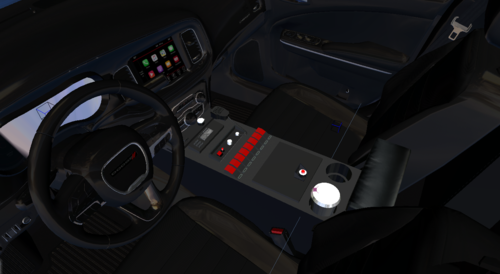 Add some smoothing to the coffee cup's lid, dials and the coffee cup holders/holes.
 -
-
 Good callouts, kinda generic but sorta good addition to LSPDFR. After 2 weeks of using this plugin it made my game unable to start. And it even crashed GTA V and my whole computer. Can hardly recommend to anyone.

