



jamwil420
Members
-
Joined
-
Last visited
Reputation Activity
-
 jamwil420 reacted to UnknownBastion in Help! I'm about to give up :(Since you are new, I am guessing you probably don't know where that is. To find it follow these steps:
1. Open your GTA 5 Main Directory.
2. Find the test file titled: "RagePluginHook".
3. Post it here!
Thanks! 🙂
-
jamwil420 reacted to iguiin21 in LSPDFR Crashes on Start UpI just changed the timeout of RagePluginHook from 10000 to 30000! @jamwil420
-
okay thank you
-
jamwil420 reacted to Officer offduty in Your best LSPDFR 0.4 screenshots?
-
jamwil420 got a reaction from danksg in Your best LSPDFR 0.4 screenshots?https://pt.gta5-mods.com/paintjobs/eurocopter-as365-lspd-police-helicopter 🙂
real good model, the only problem is with the rural rescue call out thing. As there is no open doors on the side no one actually abseils down but i dont do many air rescue call outs so doesnt bother me too much
-
jamwil420 reacted to totallynotbriantall in Your best LSPDFR 0.4 screenshots?Public Relations;
Giving directions
Checking licenses & helping folks catch a fish
-
jamwil420 reacted to
Deactivated Memberin Your best LSPDFR 0.4 screenshots?This speedtrap is cold, both literally and figuratively!
-
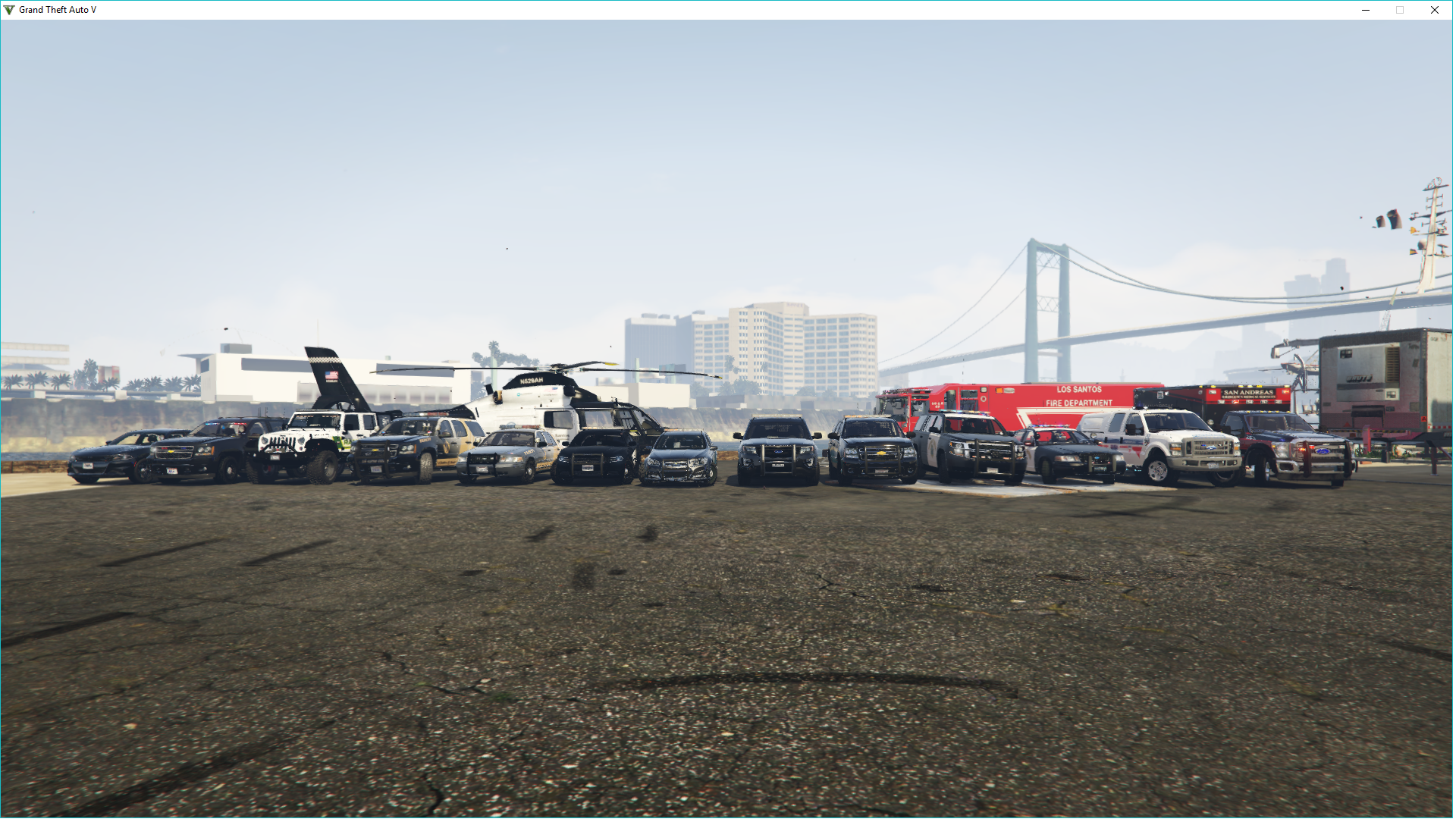
jamwil420 got a reaction from Carrythxd in Your best LSPDFR 0.4 screenshots?Full gang out for a prime photo op
-
jamwil420 got a reaction from danksg in Your best LSPDFR 0.4 screenshots?Full gang out for a prime photo op
-
jamwil420 reacted to Carrythxd in Your best LSPDFR 0.4 screenshots?
-
jamwil420 reacted to
Deactivated Memberin Your best LSPDFR 0.4 screenshots?Tried pulling him over for the underglow - ended up running, chase didn't last long as he crashed into the fence. Arrested him and as i was about to enter my car to write an arrest report some guy ran up to him and pulled a gun in on his face. Luckily i reacted quick enough to shoot the gunman, who died.
-
jamwil420 reacted to
Deactivated Memberin Your best LSPDFR 0.4 screenshots?A traffic stop of a pick up truck occupied x5 turned into a felony stop after a plate check revealed that the registered owner had a felony warrant for simple assault. After getting all 5 occupants out of the vehicle, it also turns into a drug bust with meth being found in the car and 3/5 suspects also being under the influence, including the driver. 2 of those 3 also had drugs on their person. The driver was also carrying a revolver and didn't have a gun permit.
-
jamwil420 reacted to danksg in Your best LSPDFR 0.4 screenshots?LSPD Patrol
On patrol in an unmarked 2017 Chevy SS. Responded to an active shooter in Cypress Flats.
-
jamwil420 reacted to
Deactivated Memberin Your best LSPDFR 0.4 screenshots? -
jamwil420 reacted to totallynotbriantall in Your best LSPDFR 0.4 screenshots?major shots fired on vinewood blvd
-
jamwil420 reacted to
Deactivated Memberin Your best LSPDFR 0.4 screenshots?I feel dumb for not having read the rule of putting images in spoilers earlier, my apologies.
Today i did a little ranger patrol.


