


criscl173
Members
-
Joined
-
Last visited
Everything posted by criscl173
-
it crashed, xD i change the gameconfig to x2 vehicle and it seems to be stable now. thank you 😄
-
ill try, hopefully my game not crash because add on car =))
-
yes i do have that installed
-
it runs okay. but i kinda want to play around with some vehicle pack. is that because of my mods folder is too big? i mod a few packs of vehicle and some effects.
-
okay i will try
-
Hi everyone, my LSPDFR often crashes after 5 minutes and sometime it crashes on the loading screen. this is my newest log file. can you guys help me, thank you. RagePluginHook.log
-
 1, I turned the pack to add-on so might be that is problem, anyway I use that 2015 Tahoe vehicle.meta the same with another 2013 Tahoe that I got in different pack. 2, 2013 Tahoe is fine, all the cars is fine except that Tahoe. 3,I'm pretty sure that I downloaded the right pack.
- 89 comments
- 45 reviews
-
-
-
-
the same issue, anyone knows how to fix it?
-
hi, how are you, guys?, can u help me pls? I try to mod a different siren to my game but every time I've done with replacing a siren then I turn the game on then the game just auto update all the modded files to original files, how I can fix it?
-
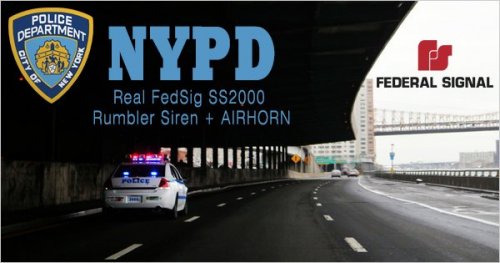 Hi guys, can anyone fix that problem is I installed the siren but when I'm open the game and it updates every mod siren back to original siren. How can I fix it?
- 21 comments
- 12 reviews
-
 is this mod release yet?

