
help12354
Members
-
Joined
Everything posted by help12354
-
-
 eup
eup -
No you have to pay pay for them but the code4mods facebook is down and you cant get them anymore
-
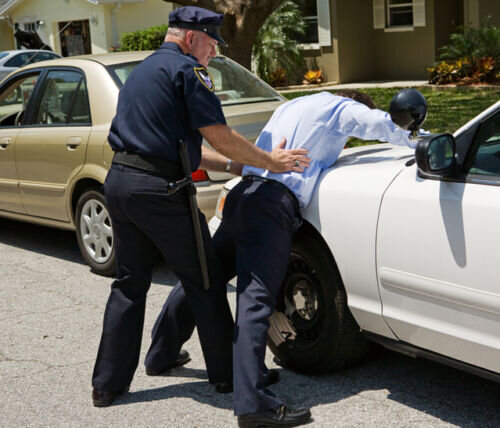 First of credit to @BejoIjo for making stoptheped wich you will need for this mod it isn't on lcpdfr.com anymore so you will have to download it from Bejoljo's website Download link for stoptheped https://bejoijo256.wixsite.com/bejoijo/post/stop-the-ped this mod adds 260+ new items for stoptheped to install just follow the instructions on the file
 -
-
 yes love it was waiting for it
 -