KerollWhat
Members
-
Joined
-
Last visited
Everything posted by KerollWhat
-
Hi! I have a problem - when I launch the EUP through F11, I have a notification saying that EUP has crashed. Even though I have sticked to the official manual: 1. creating mods folder 2. installing of OIV docs through open IV 3. loading of EUP in the game through console F4 In the attachment is the problem from ragepluginhook.log Thanks for help ! Ahoj ! Zkus nainstalovat jako první EUP, zapni hru a načti EUP pokud vše poběží v pořádku tak poté dodej mody na uniformy 🙂
-
Now when I start the game manually, RPH will write me an error. I don't have antivirus i have only microsoft defender and in firewall is RPH enabled.
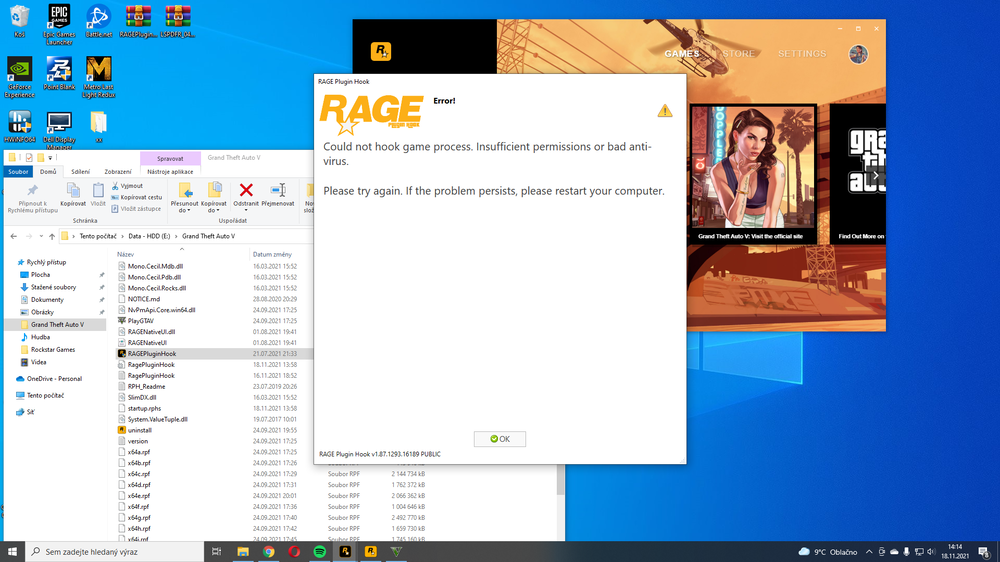
-
Still nothing. What are the possible things/actions that can block my game to start? Maybe the solution is much more simple and maybe the problem lies somewhere completely else.
-
Problem with blocked dll files is solved by downloading winRAR. Launcher is running fine but the game itself won't start.
-
The problem still persists, the game does not want to start. 😞
-
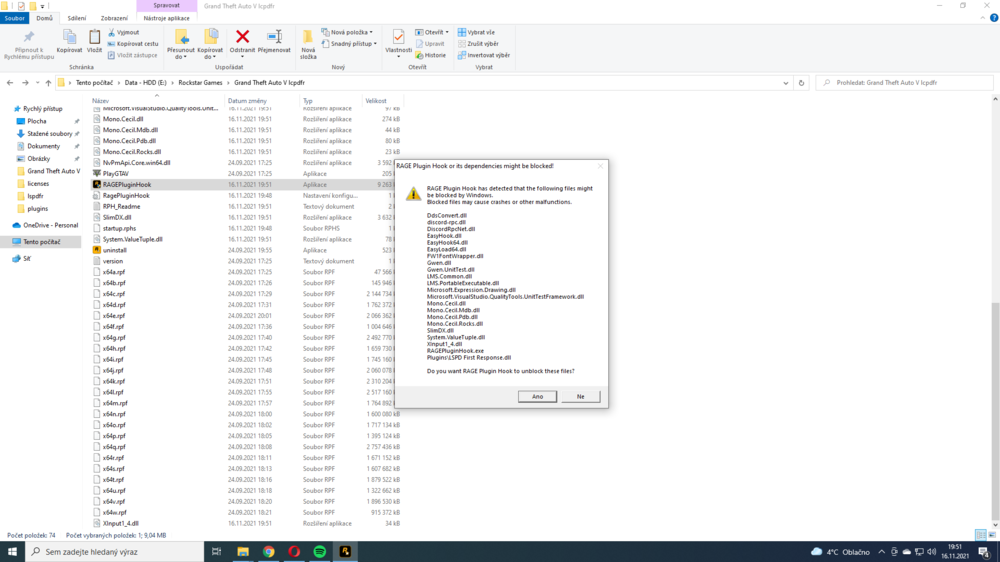
I did exactly that and it still doesn't work. The game will start loading but after that nothing is happening. Could it be something with Firewall/Windows defender? Or something completely else? ...also I noticed "it" blocks only .dll files as shown in the screenshot. I have brand new PC but on my old one I had no problems with this.
-
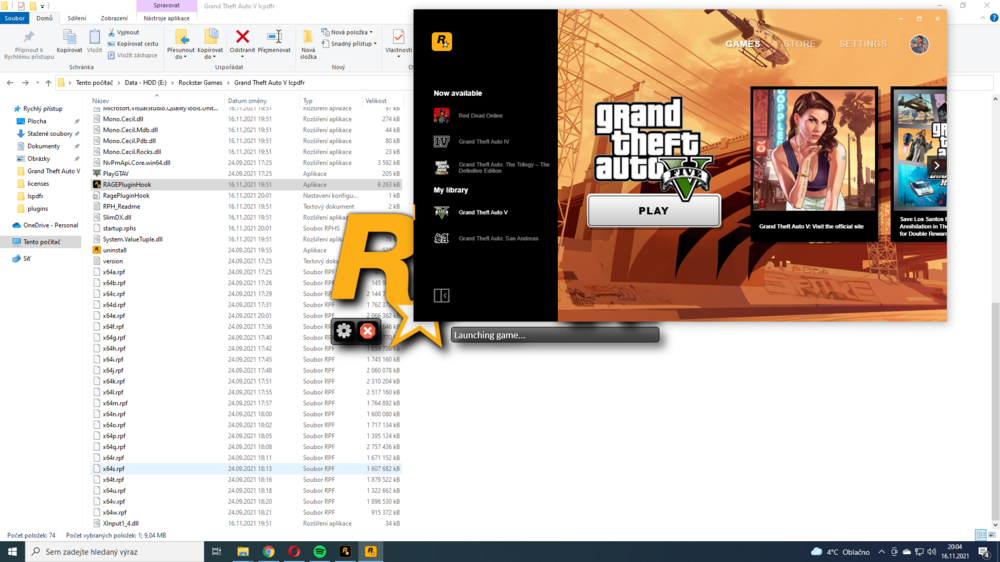
Hi! Please help ! I downloaded LCPDFR and dragged it to the GTA 5 folder. Now the Rage plugin hook writes this to me. When I unblock the files and start the game via RPH, the game will not load. Only the launching game writes to me. Thanks for help ! 🙂