



MarshallSantini
Members
-
Joined
-
Last visited
Everything posted by MarshallSantini
-
 Awesome! Im in portage so this works perfect!
 -
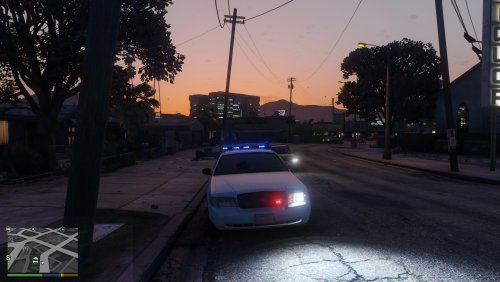 Awesome! Im out in Portage, so we see only see the chargers and tahoes out here. I cant wait to use this in my next patrol!
- 25 comments
- 6 reviews
-
 Thank you guys, I fixed the problem. It was my own stupidity. out of repetition I placed everything in the vehicles meta like most other vehicles would have needed to. It wasn't until I went back and checked I realized that.
- 269 comments
- 67 reviews
-
I already did. I replaced Police. I then replace the text line in carvariations to police. Do you know then if police pulls from a different carvariations?
- 269 comments
- 67 reviews
-
Oh, I kept looking at that but it didnt do that for me. It always stays red/blue.
- 269 comments
- 67 reviews
-
Beautiful vehicle, and amazing exterior detail! 4/5 only because of the interior detail(As I usually play in first person). The components inside are highly detailed, but the main texture is not. Besides that, Ill for sure keep this vehicle in its slot.
- 269 comments
- 67 reviews
-
Very nice! But what does component 8 do? I see it says traffic advisor, but for me, its already in the rear window. I keep adding and removing it but Im not seeing a difference. Also, for me everything works, except the visor bar. I installed in police in the default 64e, with the carvariations in the valentines2.
- 269 comments
- 67 reviews
-
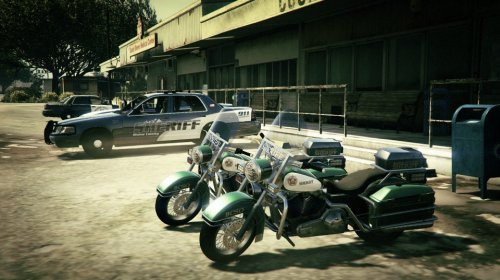 Of course! Im actually finishing one up now. Ill have it release tomorrow on the LSPD post. Thank you!
- 3 comments
- 1 review
-
-

- 1
-
-
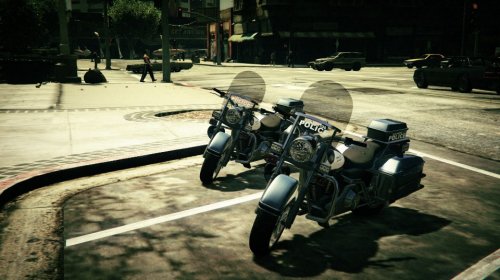 Thank you! Id love to add more to the bike, but its very limited on what can be changed and added.
- 2 comments
- 1 review
-
All information is provided in the readme. Including the file path and correct police bike to download and use. Let me know your thoughts! This isn't much, since only so much can actually be edited on the police bike. -MarshallSantini Soon releasing the SAHP version with the LSPD as a pack. CP's Bike of Many Colors is needed to use these textures: http://www.lcpdfr.com/files/file/8499-dev-cps-bike-of-many-colors/
- 2 comments
- 1 review
-
-
- 3
-
-
 Id love to add this to my sheriffs dept as well. What do I need to edit in the carvariations for that to work?
- 112 comments
- 36 reviews
-
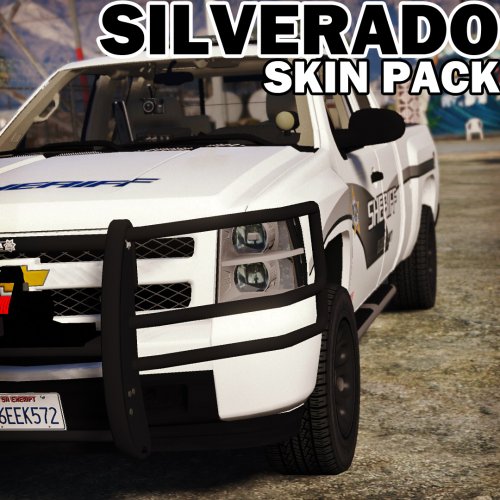 For the window templates, could you make one that says Sheriff on it? I would do it, but I dont know the image settings.
- 8 comments
- 3 reviews
-
 Amazing! I have a high preference for detailed interiors, and you hit the spot! I must say this is one of the greatest silverados I have seen! I cant wait to begin making textures for this truck!
- 87 comments
- 23 reviews
-
-
- 1
-
-
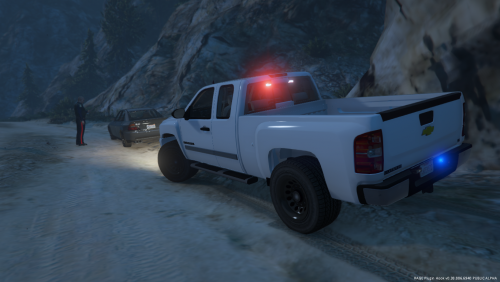 I like it! I would like it even more if we could create a texture for it! But overall nice job!
- 26 comments
- 8 reviews
-
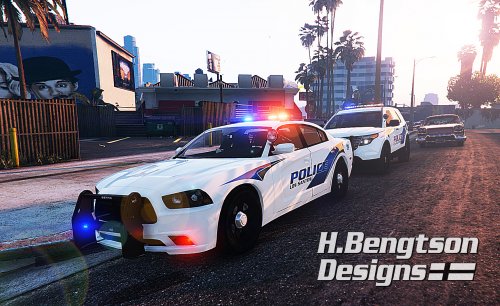 Yeah, its not to exact. Like over the rear wheel there is a small difference, but it was soo close!
- 42 comments
- 16 reviews
-
-
Cool, its actually the same paint scheme as what my police department uses. I thought you lived out here as well. I've yet to see another PD use the same layout.
- 42 comments
- 16 reviews
-
Whoa, where did you find that paint scheme? Ive never seen anyone elses vehicles use this style! Awesome job!
- 42 comments
- 16 reviews
-
-
- 1
-
-
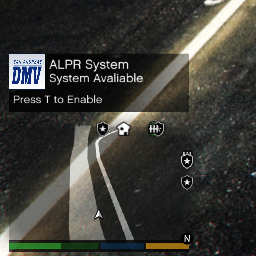 I cant wait to try it out, but which folder do I place it in? The plugins or lspdfr plugins folder?
- 149 comments
- 29 reviews
-
Just a few screenshots of reskins and random craziness.
-
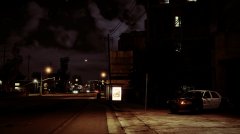
From the album: Marshall's Screenshots
-
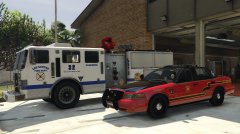
From the album: Marshall's Screenshots
-
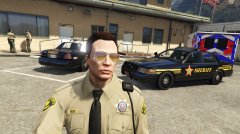
From the album: Marshall's Screenshots
-
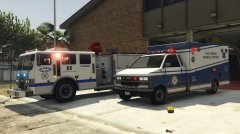
From the album: Marshall's Screenshots
-
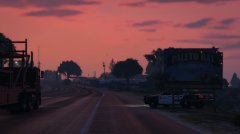
From the album: Marshall's Screenshots

