
SpecialAgentRed
Members
-
Joined
-
Last visited
Everything posted by SpecialAgentRed
-
Hi, all. Does anyone more knowledgeable on sirens know which ones are being used in this video? RNC Taurus responding code 3 I can't find any concrete information on which sirens this police force use. I think it could be the Whelen Epsilon, but I'd like to know for sure. Thanks!
-
From the album: Red's screenshots
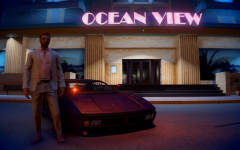
Investigating a crime scene in the Ocean View Hotel, Ocean Beach -
-
From the album: Red's screenshots
-
I'm trying to play GTAV with an ENB. I have prior experience installing, playing with and even creating ENB presets for other games, so I was expecting GTAV to work flawlessly. That is unfortunately just not the case. It's installed and configured correctly, it injects into the game's executable without issue. But upon launching, I'm just met with a black screen and the ENB injection credits. Game doesn't load, just an infinite black screen. Can't Alt+F4 out of it, need to kill the exe in task manager. Reshade works fine, but it's known to be a bit uncooperative with ENB so I didn't have it installed prior to this black screen issue. Tried several different presets, older versions of ENB, even reinstalled my game. Here's what I'm working with: Game version: 1868.4 ENB version: 0.387 RPH version: 1.78.1267.16039 Scripthook V version: 1.0.1868.4 Other mods: LA Roads ELS LSPDFR 0.4 Specs: GTX 1060 6GB Intel Xeon W3520 @ 2.67GHz 12GB RAM W10 Pro Any help would be greatly appreciated. Thanks.
-
You won't have any issues, providing everything has been installed correctly. Be sure to thoroughly read the descriptions of each mod prior to installing them so you're informed on their installation nuances and dependencies. ELS, for instance, requires both the RAGE Hook plugin and Scripthook V. Scripthook V is currently incompatible with the Epic Games version of GTA V, so if you're trying to install ELS on that version you're outta luck until it updates. For tutorials on how to install car mods, or how to troubleshoot when things go wrong, please direct yourself to these threads:
-
Not in the way you'd expect. For ELS to work, vehicles need to have altered models which integrate support for new lighting patterns, and on top of that they need .VCF files which contain the lighting data for ELS. Without these things, ELS may be loaded but your vehicle lighting will be as it was in vanilla. There are packs which contain vanilla vehicles modified for ELS. I use this one.
-
Both? No. The current version of Scripthook V only supports Steam and retail versions of GTAV. However, RAGE Pluginhook is compatible with the Epic version, as is LSPDFR. Any fancy scripting mods like ELS won't work until Scripthook V is updated to support v.1868.4, but you can still install mods that don't require it such as vehicle/sound replacements, model replacements, or even LSPDFR plugins like Stop the Ped and Cop Holster. To run the RAGE Pluginhook with the Epic version of GTAV, simply install it as you normally would. launch the game through your Epic library, and open RagePluginHook.exe once your game has been launched. Good luck!
-
The EGS copy of GTAV is v.1868.4. Right now, the Scripthook only supports the Steam version v.1868 and below. It'll have to be updated before it's compatible with the EGS copy, which shouldn't take too long.
-
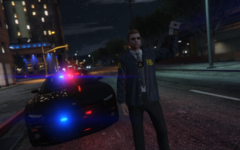
From the album: Red's screenshots
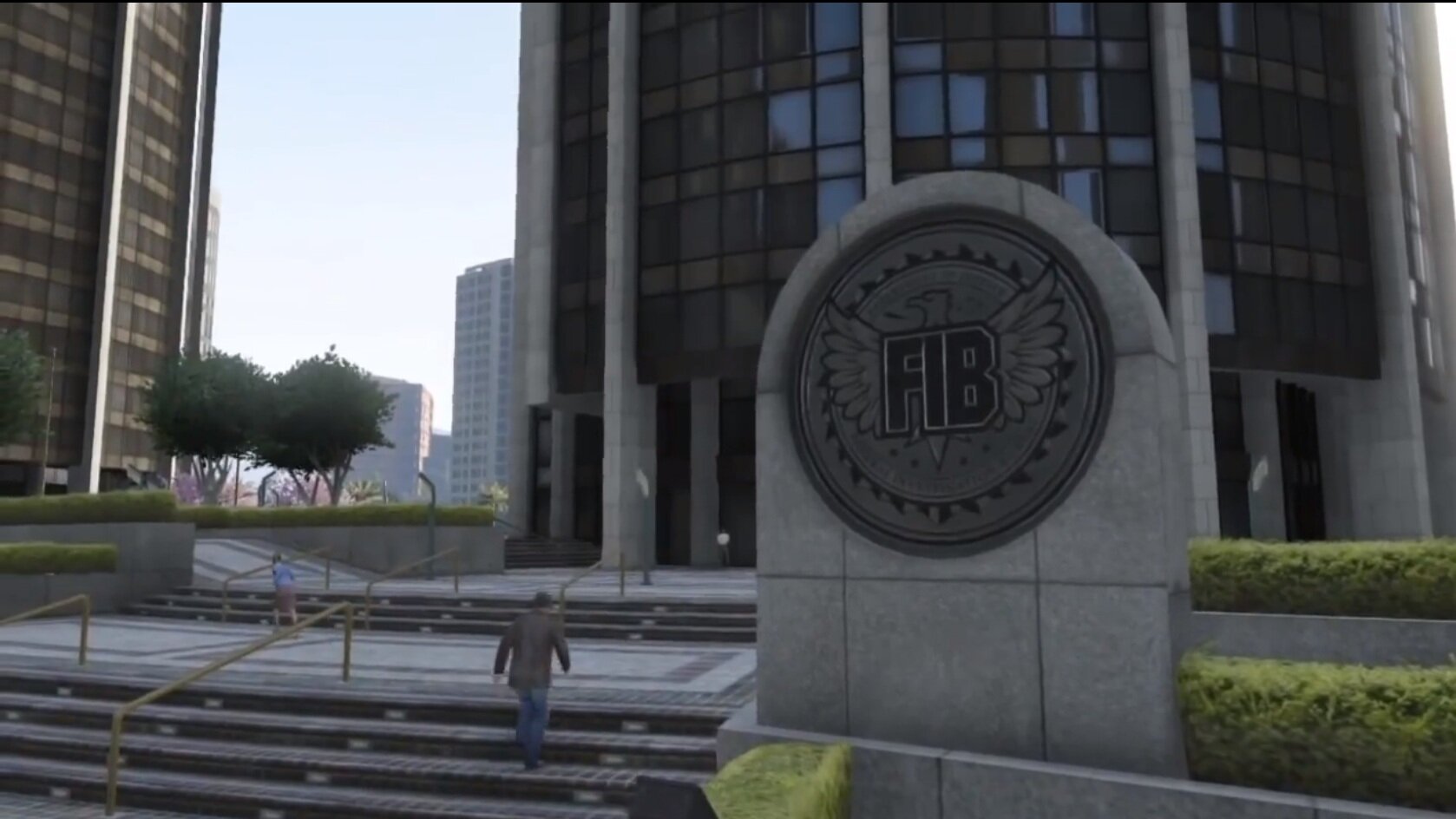
FIB agent on scene at Pillbox Hill. -
There are widespread outages affecting the Rockstar Social Club services as well as the GTAO and RDO servers. Rockstar is aware of these outages and is "working" to fix them. This shouldn't even be a big issue, but the Rockstar Launcher acts as DRM. Because people are unable to login to the Rockstar Launcher, they're unable to play GTA. I can't even play singleplayer! Absolutely ridiculous! Why Rockstar thinks a seven year old game needs a second launching platform to act as DRM is beyond my comprehension, but there you go. Hopefully someone figures out a way to disable it in the future.
-
After messing around with the EGS copy of GTA V, I'm happy to confirm that yes -- you can in fact play LSPDFR on it! But only LSPDFR. Step by step guide: Enjoy bringing justice to the streets of LS! Please note that until the scripthook/RAGE plugin is patched, you'll have to repeat steps 4-6 every time you want to play.
-
As of right now, the answer to both your questions is a resounding no. I'm not an expert in GTA modding by any means, but it seems the scripthook is blocked by the Rockstar launcher and that patching will be necessary in order to mod the EGS copy of GTAV. I was curious about this as well, so I installed the free copy of GTAV and ran it vanilla. Played it until I completed the tutorial mission, it ran fine. Installed LSPDFR, the RAGE hook, scripthook and a variety of other mods. It wouldn't launch. Reinstalled it, tried it with only LSPDFR + the RAGE hook. Still wouldn't launch. Launching it through the RAGE hook brings forward the Rockstar launcher, which asks you to launch it through Epic, and launching it through Epic gives you a RAGE hook error.
-