



Hayden's Development
Members
-
Joined
-
Last visited
Everything posted by Hayden's Development
-
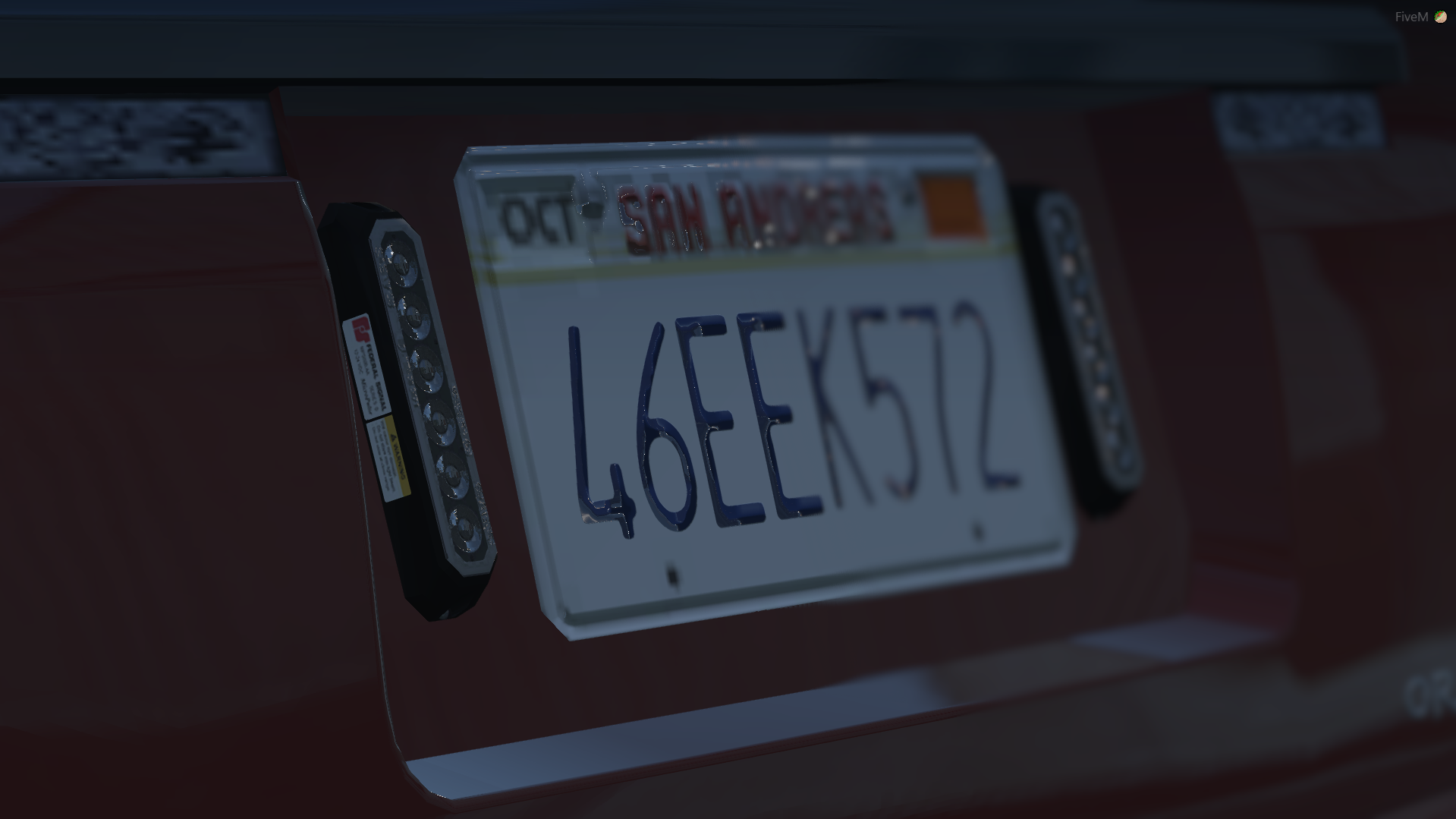
I have the same issue. It's like when the brakes are on it is an emissive, but when the brake lights are not active the texture is there but it's not lighting up like an emissive. Just makes the ions look red
-
.thumb.jpg.182dedb1a55dea252c1853d35d4d1e3c.jpg) May I ask why you use different clothing components? It would be a great help to use the default ones as I am trying to install them into the default law and order packs so my ultimate backup will respond in these EUP peds.
May I ask why you use different clothing components? It would be a great help to use the default ones as I am trying to install them into the default law and order packs so my ultimate backup will respond in these EUP peds.- 256 comments
- 29 reviews
-
do you have a list of the files for each component? i want to re-texture all of my departments and i need to know the file names.

.thumb.jpg.182dedb1a55dea252c1853d35d4d1e3c.jpg)