


ANONE
Members
-
Joined
-
Last visited
Everything posted by ANONE
-
I have a ASUS GeForce GTX 1050Ti 4GB ROG Strix OC Edition I'm constantly updating
-
I have the latest versions of Microsoft Visual C ++ from 2005 to 2017 I can not install 2015 and 2017 with each other so I have to cancel one of them and install one tried to prove and several of the computer running but did not get something problem as it has been explored also that I can not run the game on its own without lspdfr or rage but other games are not by problem but grand thft auto just i'm very frustrated

-
I have the latest versions of Microsoft Visual C ++ from 2005 to 2017 I can not install 2015 and 2017 with each other so I have to cancel one of them and install one tried to prove and several of the computer running but did not get something problem as it has been explored also that I can not run the game on its own without lspdfr or rage but other games are not by problem but grand thft auto just i'm very frustrated

-
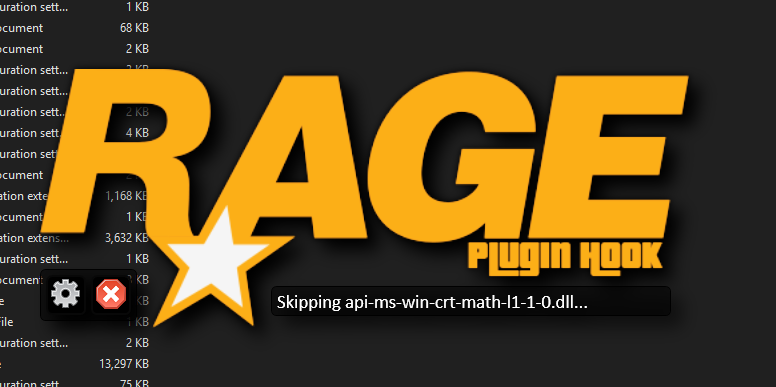
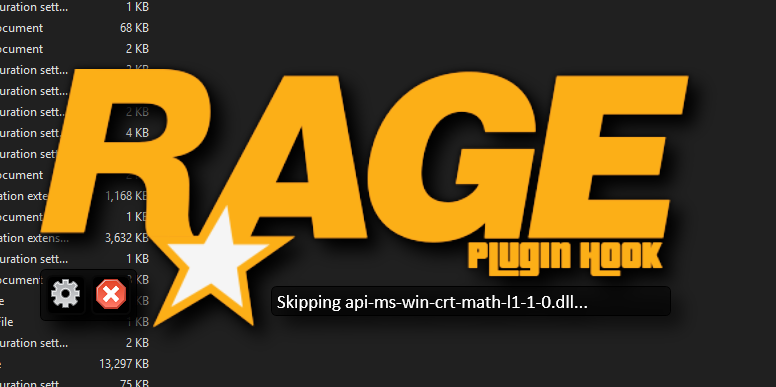
Please anyone who knows the solution to the problem tell me my problem is: when I run Rage Plugin Hook it shows me this Skipping api-ms-win-crt-math-l1-1-0.dll then then closes I can not play I've done everything I uploaded The file and confirmed that everything is compatible and updated and everything is okay but not useful will attach a picture to illustrate the problem Please anyone who knows the solution to the problem tell me my problem is: when I run Rage Plugin Hook it shows me this Skipping api-ms-win-crt-math-l1-1-0.dll then then closes I can not play I've done everything I uploaded The file and confirmed that everything is compatible and updated and everything is okay but not useful will attach a picture to illustrate the problem
-
I have the same problem I have been sure that everything is updated and compatible but has not come to the solution a month ago!


