ChronicKillaDK
Members
-
Joined
-
Last visited
Everything posted by ChronicKillaDK
-
Appreciate it! thank you.
-
Hello just wanted to report a bug, I have been doing cpr on dead peds and reviving them with stoptheped, but when ems show up they redo the cpr and usually ends up with cpr failed. Just wondering if this can be compatible with stop the ped and that issue. been noticing some youtube videos are doing the same thing as well. I mean I can wait for the ems to show up but with the respond time they are usually dead. I prefer the realism and don't want to auto spawn them either lol Is there anything I can do on my end to solve this?
-
-
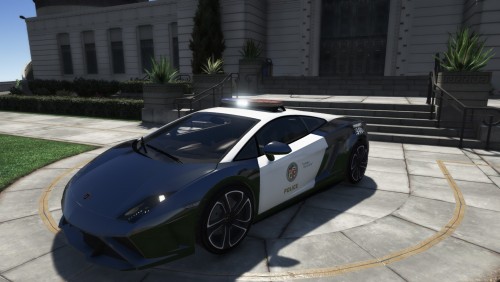
maybe its just the cop car your using, if it the vanilla fpis slot if u keep it stock and apply all it ads a spoiler and body kit lol thought it was weird. but put a modded police car and only puts on performance parts and lowers it.
-
 I have fixed my issue with the cursor disappearing and the game freezing, I remembered you had the same issue just wondering if you got yours working correctly yet?
- 1,743 comments
- 172 reviews
-
which siren u usin in the video?
-
Im having exact same issues! worked fine at first.. now doing whats stated above..
- 1,743 comments
- 172 reviews