


PzM
Members
-
Joined
-
Last visited
Everything posted by PzM
-
This is my rage hook crash logRagePluginHook.log Help would be amazing 🙂
-
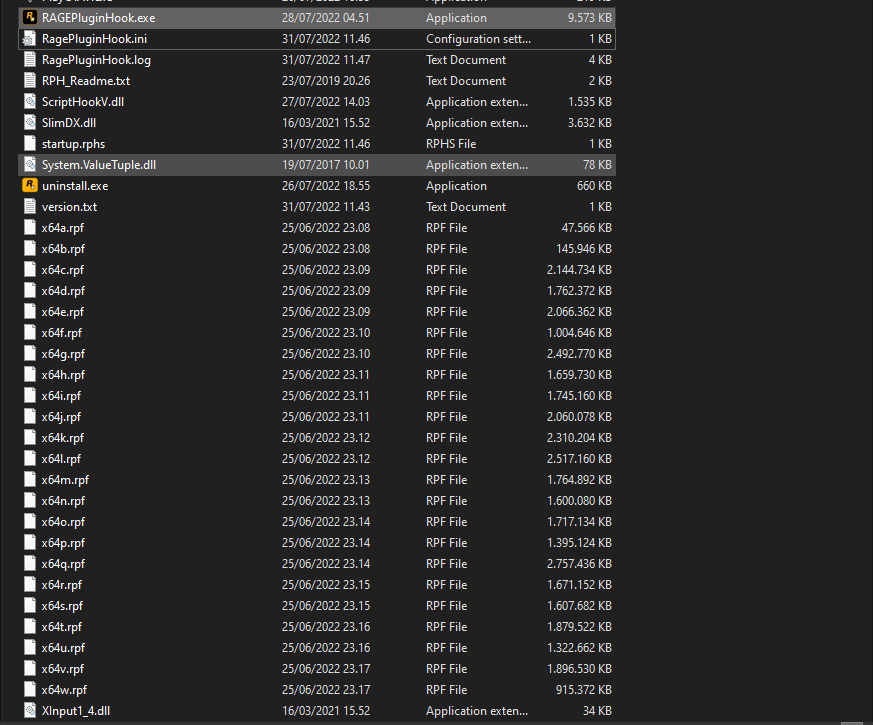
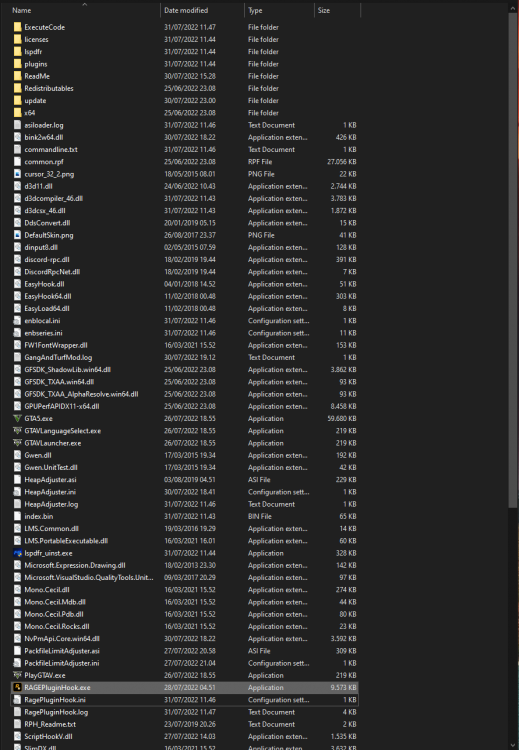
Yeah here it is The only thing i have installed now is, Lspdfr - scripthook - heapadjuster - packfilelimitadjuster thats it
-
I tried, still crashes.. 😞 It launches the game, but before the starting screen, it says gta v has crashed
-
Yeah here it is 🙂 launcher.log
-
Hey, i have followed the intructions to install LSPDFR, i have installed it before, but this time it doesnt seem to work. I have mods like add ons and scripts, i have installed scripthook v and .NET + a new gameconfig. The game seems to work fine if i l launch it without RPH. Idk what do 😞 So if anyone has any suggestions, i would love them! Heres my log RagePluginHook.log
-
How do i get more then one partner?
-
BEGIN *SIGNED* LCPD First Response Issue Report Diagnostics Tool Version: 0.4.3 Operating system: Windows7 HomePremium (6.1.1.0 Build: 7601) Service Pack:Service Pack 1 System RAM (GB): 7,98 CPU cores: 4 NET Framework 4.0 installed: True Visual C++ 2010 Redistributable installed: True GTA IV - Installed: False GTA IV - Install folder: GTA IV - Version: GTA IV - Asi loader installed: False GTA IV - Asi loader: GTA IV - Asi loader valid: False GTA IV - C++ ScriptHook installed: False GTA IV - C++ ScriptHook valid: False GTA IV - C++ ScriptHook version: GTA IV - ScriptHookDotNet installed: False GTA IV - ScriptHookDotNet valid: False End of *SIGNED* LCPD First Response Issue Report Digital signature: rOe9y67eHB87RB+bvVQtOg== i have gta iv installed its just in another folder :) and i have C++ ScriptHook and asi loader install
-
i have all green need help it will not start in game
-
hey guys i need help when i start gta 4 the game works fine but if i try start lcpdfr nothing happen i press L alt+p nothing help
