Officer Hondo
Members
-
Joined
-
Last visited
Everything posted by Officer Hondo
-
when your game crashes does in throw you a error pop up window? if so tell me what it says, i may be able to fix this for you.
-
disable antivirus. then rage should work, also turn off windows defender, and run as administrator
-
i did find out what causes the crash with the getting in cars thing, it is LCPDFR Loader.net.dll causing the crash, if you take it out the cars work, when its in they dont, but i have no idea how to fix the issue
-
im having the same issue, it is now causing a crash when i try to go on duty, only thing i can think of that no one wants to do is to do a fresh install sadly. hey brother, i found a fix for you, uninstall LCPDFR launch the game. get in car. there is something conflicting with LCPDFR and game files that is causing this. as for lcpdfr. i dont know what to do about that. with it in the game it still crashes when you get in the car, but for now uninstall it, ill try to find a fix.
-
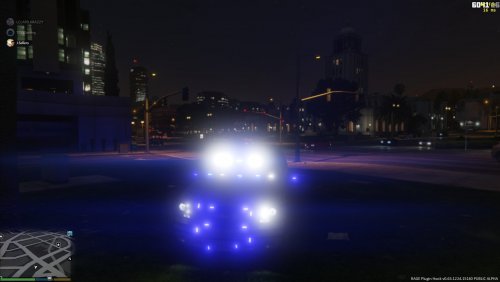 ya i figured that out, but there is one other issue, the body isnt quite centered over the wheels, the wheels stick out on the right side and are more in on the left. other than that i love it
- 56 comments
- 6 reviews
-
-
-
-
-
-
-
.thumb.jpg.182dedb1a55dea252c1853d35d4d1e3c.jpg)