Wikd
Members
-
Joined
Everything posted by Wikd
-
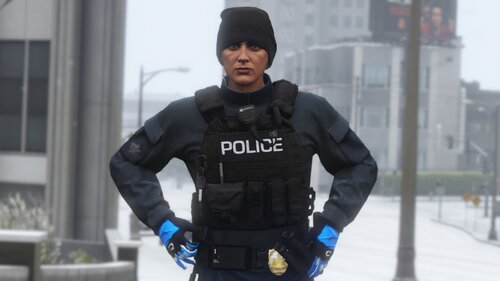 A simple conversion to police for Hanako's Vest 13 setup 3 Simply made this because I'm a simp for Polecat. Installation: Hanako's pack: If you want to see my textures in use check out my YouTube: WIKD
 -
 Somewhere in the patch notes of
 -
StowThatWeapon with Hanako's present
-
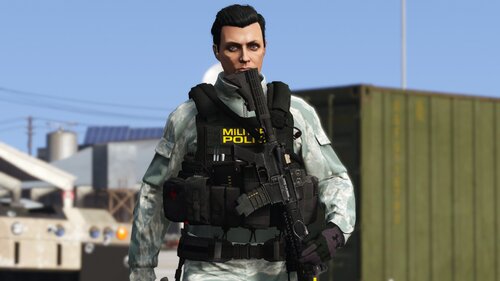
Simple Military Police Vest Texture for Hanako's vest You will need: Shameless plug if you want to see my textures in use on my channel: WIKD
-
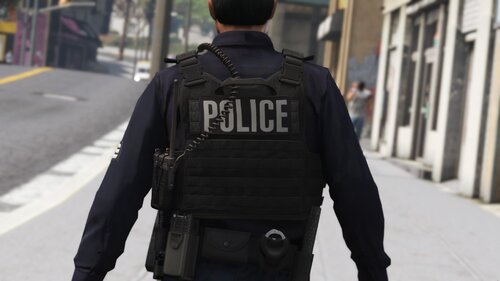 This is a simple police texture for Hanako's vest that I wanted to make to fit one of my future videos. If you need help installing look in the ReadMe or comment on this file
- 4 comments
- 1 review
-
-

- 5
-
-
-
 Go to Grand Theft Auto V\mods\update\x64\dlcpacks\eup\dlc.rpf\x64\eup_componentpeds.rpf\mp_m_freemode_01_male_heist Look for Task_diff_000_a_uni.ytd, Task_diff_000_b_uni.ytd, Task_diff_000_c_uni.ytd, Task_diff_000_c_uni.ytd, Task_diff_000_e_uni.ytd From here copy Task_diff_000_a_uni.ytd to desktop and copy 3 times Rename to Task_diff_000_c_uni.ytd, Task_diff_000_c_uni.ytd and Task_diff_000_e_uni then put back into Grand Theft Auto V\mods\update\x64\dlcpacks\eup\dlc.rpf\x64\eup_componentpeds.rpf\mp_m_freemode_01_male_heist And now your vest have textures in the assigned slots that the game can pull them from for the vest!
- 555 comments
- 46 reviews
-
-
- 1
-
-
This is not a texture glitch you simply don't have a texture in that slot, go into your files and duplicate the 1st texture onto the 3-5 slots.
- 555 comments
- 46 reviews
-
Yeah I’ve gone through the inventory.xml but that just affects the weapons load outs and such in the station, I’ll be sure to look through STB and Ultimate Backup when I get home thanks for the suggestions guys
-
Hello! I was wondering if there is a way to make it so LSPDFR doesn't override the amount of ammo in a stun gun, I have edited the amount in the weapons.meta and works when off duty but when it comes to going on duty LSPDFR sets the stun guns ammo to infinite if anyone has a work around or any tips it would be much appreciated, thanks!
-
Id like to see if there is a way to make it possible to make sounds for the holster (Draw and put away) I think it would add a nice touch, let me know and what you think! Video showcasing my idea
-
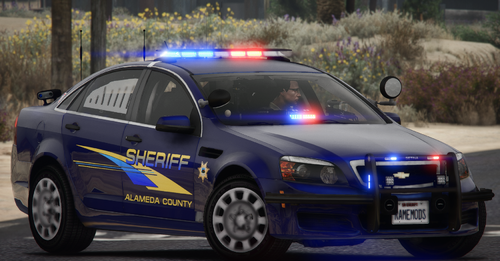 Amazing pack! But how do you fit the marked 16 explorer skin to the model?
 -
Thanks guys! helped me out a ton!
-
That is the Navigator Light bar
-
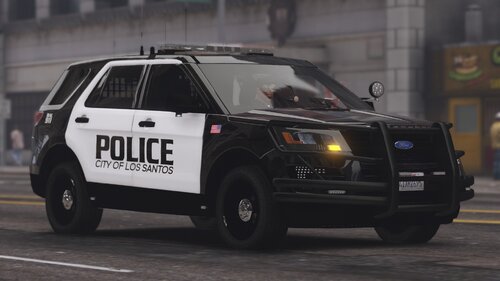 Thanks! And yeah this pack is fictional or not based on any department just made a design that I liked.
 -
This pack is my first time attempting to texture vehicles and can be improved, but because this is my first time I wont be updating this pack This pack uses the SAHP Code 3 Pack by Ripple https://www.lcpdfr.com/downloads/gta5mods/vehiclemodels/26793-els-sahp-code-3-pack/ To install put the textures into the vehicle texture which is usually "cvpi_sign_1" Etc. If you need further help watch this video https://www.youtube.com/watch?v=2-pMmlHURuo Thanks for downloading!
-
I would like to know if there is a way to add the new Intimidation with cop holster or to add a key bind to activate the animation without needing to go into the interaction menu.
-
This mod adds EUP to ultimate backup and you can add EUP to normal LSPDFR backup with this if I remember correctly.
-
-
Does anyone know how to make the balaclava or some of the other masks fit my characters face?
-
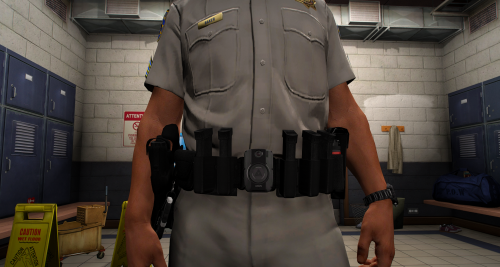 That's a very interesting belt.
 -
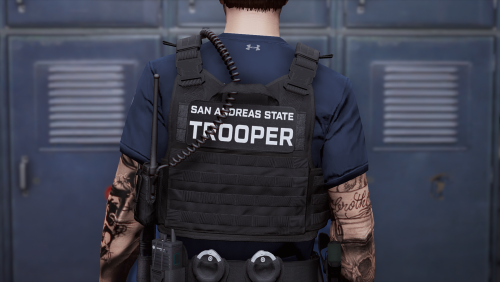
From the album: LSPDFR State Trooper's
© Wikd
-
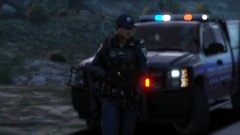
From the album: LSPDFR State Trooper's
© Wikd
-
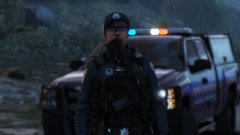
From the album: LSPDFR State Trooper's
© Wikd
-