


Wikd
Members
-
Joined
Everything posted by Wikd
-
-
 Make sure you read what's included and its the same shirt that base SWAT units use you will need to create a custom outfit to use the jumpsuit. The version is made using 9.3 BUT is compatible with 8.2, Some models just aren't in 8.2 that 9.3 has. Make sure to read the description as its stated.
- 131 comments
- 5 reviews
-
-

- 1
-
-
-
-
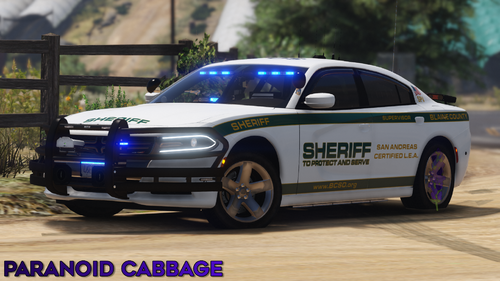 Just what I was looking for. Awesome work!
 -
-
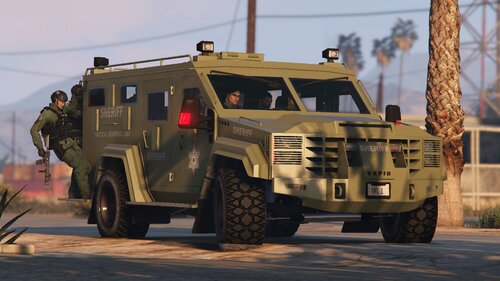 [REUPLOAD] I can't really remember removing this mod but its back! Simple retexture for Nacho's Vapid TARV Bearcat. Model:https://www.gta5-mods.com/vehicles/vapid-tarv-lore-friendly-bearcat-add-on-eup Install: Go to where you installed Nacho's Vapid TARV Bearcat and replace the texture with the desired departments textures. Textured by Wikd I am not responsible for ANY DAMAGES. Do not claim this work as your OWN and do NOT REUPLOAD to any sites. Credits: Vehicle Nachtfliege: https://www.gta5-mods.com/users/Nachtfliege Logos leod23: https://www.lcpdfr.com/profile/459369-leod23/
 -
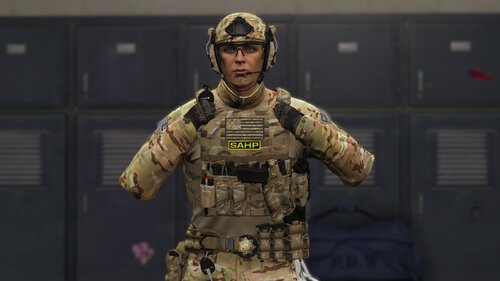 The YDD is the model itself and the YTD is where it stores textures. Where its installed is when you put the battle belt into your game so I can't know that, for example I might have it replace a regular duty belt or I could have it replace one that's not used at all it depends on you.
- 43 comments
- 1 review
-
Around here Grand Theft Auto V\mods\update\x64\dlcpacks\eup\dlc.rpf\x64\eup_componentpeds.rpf\ You should be able to find anything EUP related unless you have a mod like mpclothes installed
- 43 comments
- 1 review
-
"unfortunately because every one is different, locations of the file itself and others will be different per item and texture etc."
- 43 comments
- 1 review
-
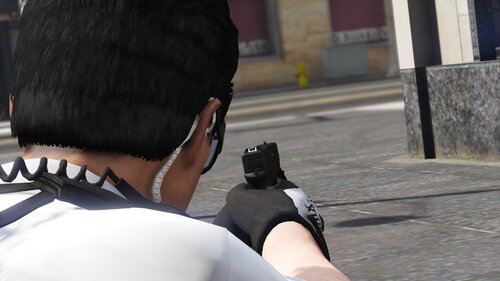 A simple retexture which changes the nightsight on Sergeantfranki's Glock 19 to white instead of red.
 -
EUP 9.3 Beta Follow this video on how to put the texture in the file and put the textures in the files stated in the installation text And no, I do not have any experience in modelling.
- 131 comments
- 5 reviews
-
DDS files go inside of a texture dictionary (YTD), unfortunately because every one is different, locations of the file itself and others will be different per item and texture etc.
- 43 comments
- 1 review
-
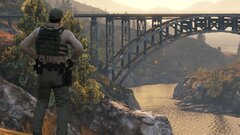 I made it myself for this patrol
 -
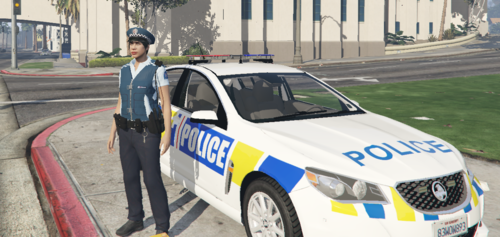 Good work!
 -
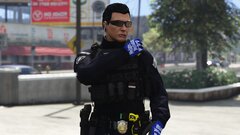
-
From the album: Patrol Chronicles
© Wikd
-
Follow the install paths in the install guide included or look up a video for further help Thanks! It should but no support will be provided and if you do use it on a FiveM server make sure to credit me.
- 131 comments
- 5 reviews
-
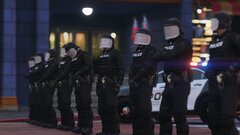
From the album: Patrol Chronicles
© Wikd
-
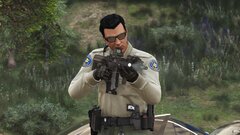
From the album: Patrol Chronicles
© Wikd
-
-
-
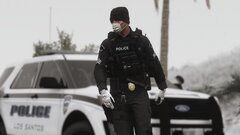
From the album: Patrol Chronicles
© Wikd
-
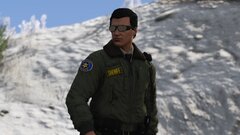
From the album: Patrol Chronicles
© Wikd
-
From the album: Patrol Chronicles
© Wikd




