Turma
Members
-
Joined
-
Last visited
Everything posted by Turma
-
I actually didn't know that, thanks!
-
In the past I have had mods that lock your doors when stepping away from the vehicle. And yes, it would prevent stealing the car. But it is just a workaround for the matter. On the other hand, yesterday I had gang involved shooting callout. Many units present, lots of bodies and suddenly there is 3 police vehicles being stolen, so blipping all of those and initiating pursuits would also be unrealistic. Maybe it would be just best to prevent NPC's from taking those vehicles.
-
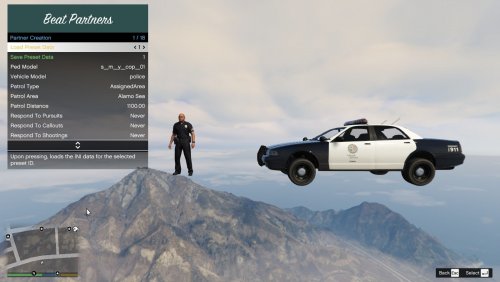 Hi and thank you for an awesome mod. I was wondering if it is possible in the future to have more than one member backup units? I was thinking of having a SWAT unit roaming around, to always respond on shootings. Would be nice if it had more than one officer in the vehicle. And furthermore, if you could preset livery as well. For example I have a nice Lenco Bearcat which works fine with the mod, but sometimes spawns with Sheriff livery instead of LSPD livery, and vice versa.
 -
HI, first time I post here. Tried to to search for the matter, couldn't find a previous post about it. As we all know, if you leave your police vehicle unattended and it blocks the driveway, the game will try to clear the block by sending a NPC to steal it. Just happened to me and as I watched my Charger to speed away, my instincts told me to call for backup. But there is no blip on my car, LSPDFR doesn't recognize it as car theft. Would be cool if you could call it in, wait for another patrol to pick you up and join the chase. And if you are lucky, you get it back, in one piece.