




Caesar
Members
-
Joined
-
Last visited
Everything posted by Caesar
-
-
-
-
-
-
-
-
-
-
-
-
-
-
-
-
-
-
Yes I already have a GPU (GTX 650, will update in the future) and a PSU (600W). What MOBO would you recommend then? I plan on keeping the CPU cooler. It fits for the case, already checked.
-
So, I am building a new PC. I want your opinions on the build, please tell me what you think or what you would change. List of hardware: http://pcpartpicker.com/p/rFmBdC
-
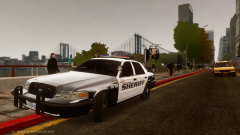 Shh.. no one needs to know that!
 -
It's most likely a car model. Future tip: Install one car/ped/or any mod at a time. And test them thoroughly.
-
I need to change my pants again. Thanks Foward.
-
RANDOM!!!!!!!!!!!!
-
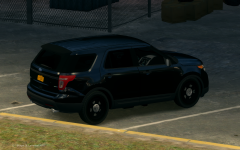 State Police receive FPIU for field testing.
-
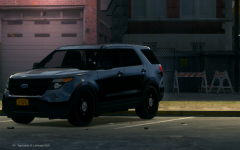 State Police receive FPIU for field testing.
-
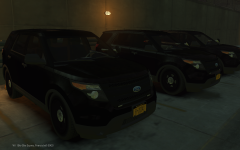 Three FPIU's ready to be outfitted.
-
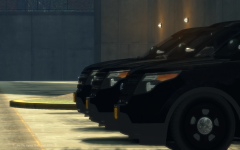 Three FPIU's ready to be outfitted.
-
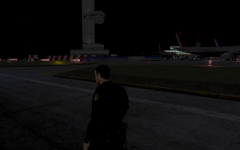 Just taken' the light bar out for a ride :D
-
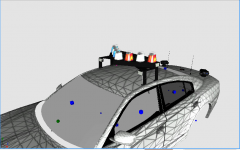 Derp
Derp
-
 Clark County Sheriff
-
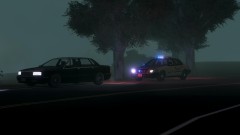 Clark County Sheriff
-
 Clark County Sheriff
-
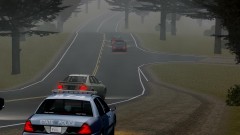 Running Radar
-
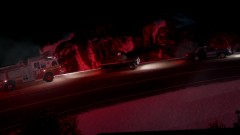 Scene of Forest fire
-
 Scene of Forest fire
-
 Scene of Forest fire
-
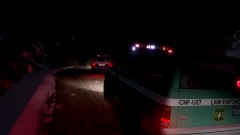 Scene of Forest fire
-
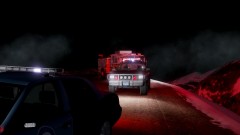 Scene of Forest fire
-
 Scene of Forest fire
-
 Scene of Forest fire
-
-
From the album: Random Pictures
The State Police have purchased a FPIU to test it's capability, and to hopefully replace the older Tahoe units. -
From the album: Random Pictures
The State Police have purchased a FPIU to test it's capability, and to hopefully replace the older Tahoe units.

