Skip to content
View in the app

A better way to browse. Learn more.

LCPDFR.com

A full-screen app on your home screen with push notifications, badges and more.

To install this app on iOS and iPadOS
  1. Tap the Share icon in Safari
  2. Scroll the menu and tap Add to Home Screen.
  3. Tap Add in the top-right corner.
To install this app on Android
  1. Tap the 3-dot menu (⋮) in the top-right corner of the browser.
  2. Tap Add to Home screen or Install app.
  3. Confirm by tapping Install.

Hellcat007

Members
  • Joined

  • Last visited

  1. Quang Minh started following Hellcat007
  2.    OblongGaming reacted to a gallery image: Armadale Station ready for anything
  3. By red/blue version you mean we gotta create the light textures ourselves and change the carcols ourselves, right? wish the siren IDs were labeled on the lights .DDS so colours could be set right in carcols.
  4. Hellcat007 started following Trooper Mikey Mods
  5. That won't be the fix. The fix is that the corrupt/missing file was replaced or installed. I see you verified your files 3 times, which only verifies files outside the mods folder. Did you ever recreate your mods folder after I started helping you? If you didn't, and that file was still missing/corrupt, that'd be the reason your game was still crashing.
  6. In that case, it appeared there may have been a missing or corrupt file in your game. Glad you got it sorted. The error code in question seemed to be trying to access something that either doesn't exist or has no permission to access. What file that was, probably one of the .dll files mentioned in the crash log. I'm glad you got it fixed.
  7. Just try the vanilla one for now. Make sure we can get that working before installing mods, otherwise what's the use of modding it if you can't play the base game anyway? I've never had to adjust my packlimitsize. Mine's at 14688.
  8. Ok, so it's crashing without mods, send the launcher.log from your Rockstar folder.
  9. 1. ScripthookV is updated. 2. 1x is probably a bit too low if you have a few mods. 3. If your crash ends up being with a mod, it's better to fresh reinstall all your mods instead of copying and pasting them across. If your crashing is because of mods, transferring them over again just means you will have the same problem. I'd recommend re-installing the game then testing vanilla to make sure the base game works fine and then proceeding from there. When you put mods back in, do them one at a time and test to make sure they all work otherwise you may just relive the same struggles you are facing now.
  10. That crash log doesn't tell me anything useful for your crash. Why would you delete the Rockstar folder? That folder has the other log which may help with this. In my experience with heap adjusting, 2000 is what mine is set to and it works alright. I use the 3x traffic gameconfig as any others cause issues. I'll follow this thread until we reach a solution. I'm going to add here, when you re-installed, did you make sure to delete the remaining GTAV folder after uninstalling? Make sure you do this before installing again.
  11.    Red Blue Designs reacted to a comment on a gallery image: New livery on a ZB wagon 2
  12. Hey mate, inside your GTAV foler, there is a txt file named 'RagePluginHook.log'. That is the crash file you need to send to us, not the rcr file.
  13. You need to download and install Scripthookdotnet. It's trying to access ScriptHookDotNet3 but cannot find the file.
  14. This crash is showing nothing. What's happening? Did this happen just once? Did your whole game crash? Can we get your game crash log please. (C:\Documents\Rockstar Games\Launcher\Launcher.log)
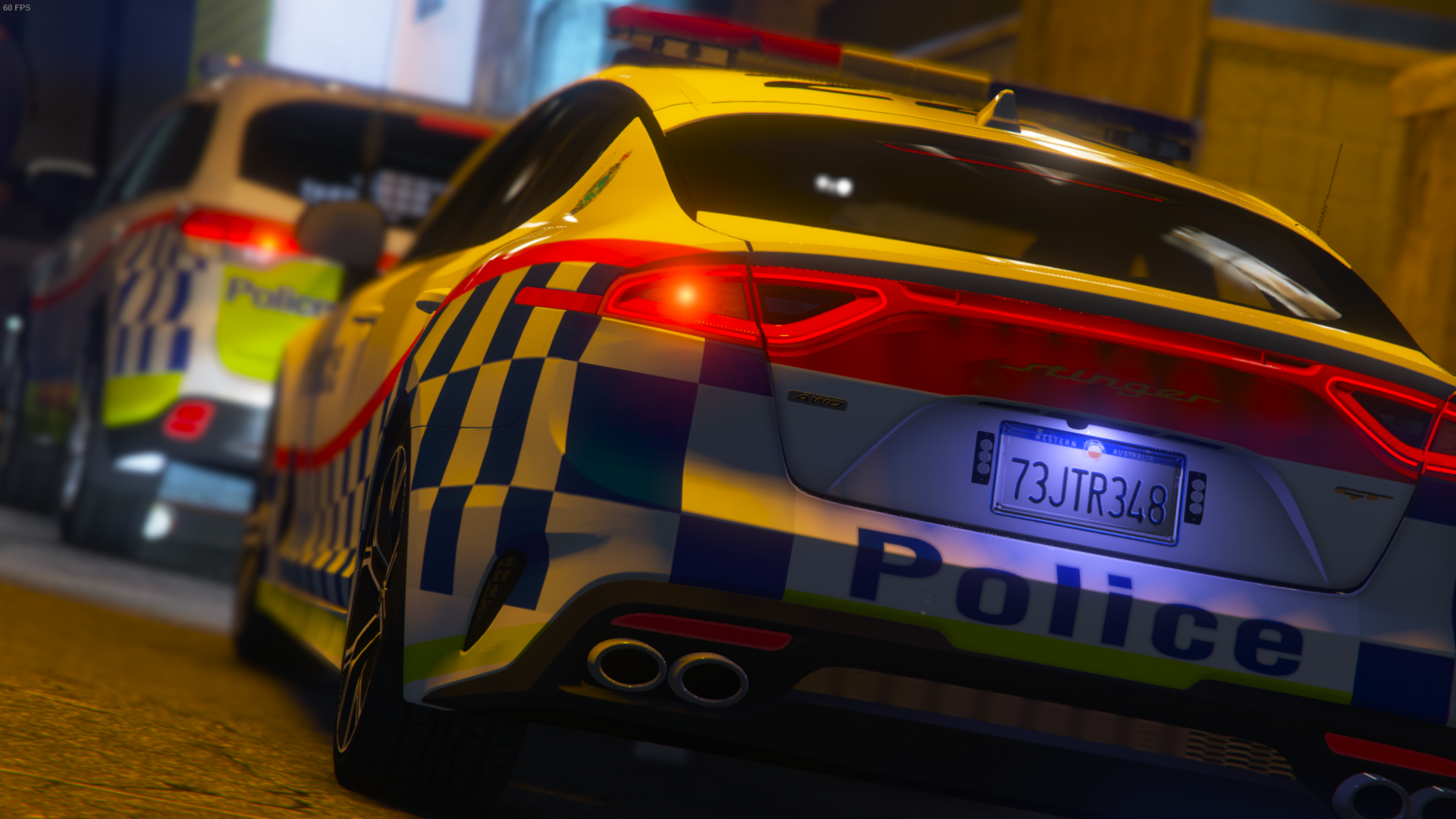
  15. Images added to a gallery album owned by Hellcat007 in GTA V Galleries
    Private skins that I have made for vehicles for FiveM servers and/or my singleplayer. Skins are NOT for sale. Only for show.
  16.    Jolt Designs reacted to a comment on a file: WAPOL AUDI RS6 AVANT TEG(FICTIONAL)
  17. All props to you mate, it looks really nice.

Account

Navigation

Search

Search

Configure browser push notifications

Chrome (Android)
  1. Tap the lock icon next to the address bar.
  2. Tap Permissions → Notifications.
  3. Adjust your preference.
Chrome (Desktop)
  1. Click the padlock icon in the address bar.
  2. Select Site settings.
  3. Find Notifications and adjust your preference.