Skip to content
View in the app

A better way to browse. Learn more.

LCPDFR.com

A full-screen app on your home screen with push notifications, badges and more.

To install this app on iOS and iPadOS
  1. Tap the Share icon in Safari
  2. Scroll the menu and tap Add to Home Screen.
  3. Tap Add in the top-right corner.
To install this app on Android
  1. Tap the 3-dot menu (⋮) in the top-right corner of the browser.
  2. Tap Add to Home screen or Install app.
  3. Confirm by tapping Install.

SeaBear

Members
  • Joined

  • Last visited

Everything posted by SeaBear

  1. I moved my GTA and LSPDFR to my SSD and I already was running my game in borderless windowed mode. Sadly I am still running into the same issue. I also tried changing the timeout threshold to 60k but that also did not work :(. Any help is appreciated.
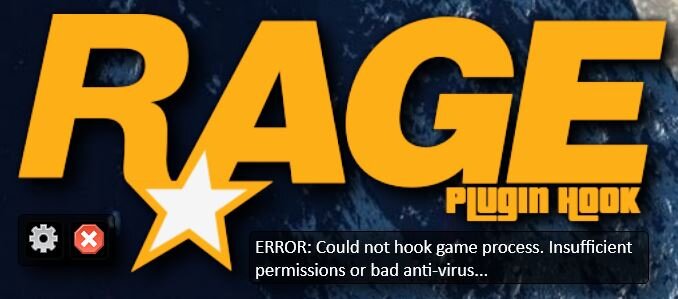
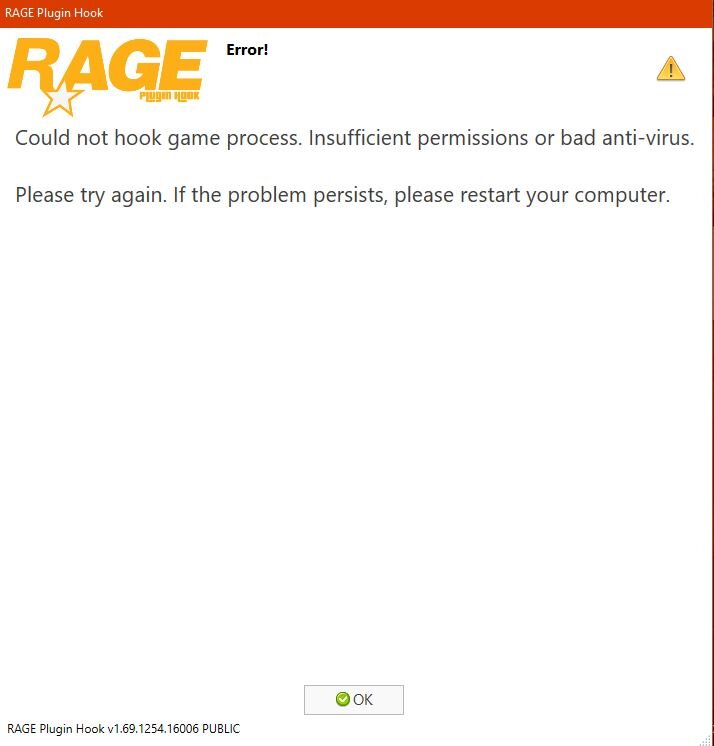
  2. I have recently wanted to get back into lspdfr so I downloaded the mod and the game ran fine, but when I added some of the mods I used to have, like LSPDFR+, I got the error shown in the pictures below. I have a clean version of the game and I disabled my av (Norton) as the error suggested. I also tried reinstalling RPH after disabling my av but that didn't work either. If anyone could help me that would be awesome, Thanks. Error messages that I received:
Account

Navigation

Search

Search

Configure browser push notifications

Chrome (Android)
  1. Tap the lock icon next to the address bar.
  2. Tap Permissions → Notifications.
  3. Adjust your preference.
Chrome (Desktop)
  1. Click the padlock icon in the address bar.
  2. Select Site settings.
  3. Find Notifications and adjust your preference.