



officeralexander111
Members
-
Joined
-
Last visited
Everything posted by officeralexander111
-
Was just loading fie earlier today, only plugins ive added since then was DashcamV. Removed it and still nothing. I did delete a car pack out of my dlcslit.xml but only removed that and nothing else. Verified files and still..... Any ideas?
-
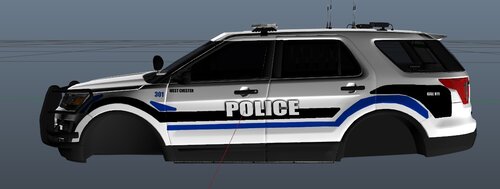 Love seeing Ohio on here, good first try man!
 -
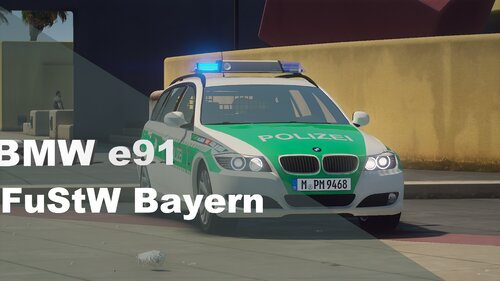 Sieht wirklich gut aus, besonders der Innenraum. Also rundum sauber!
 -
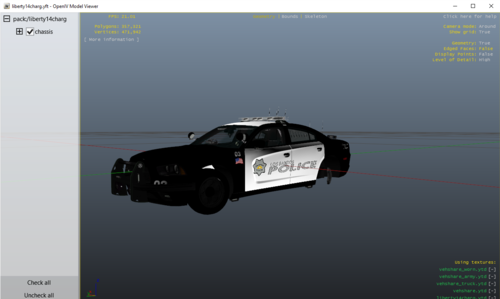 Looking good bud! 👍
 -
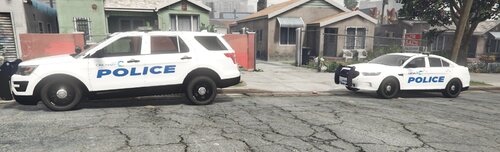 Thank you both!
 -
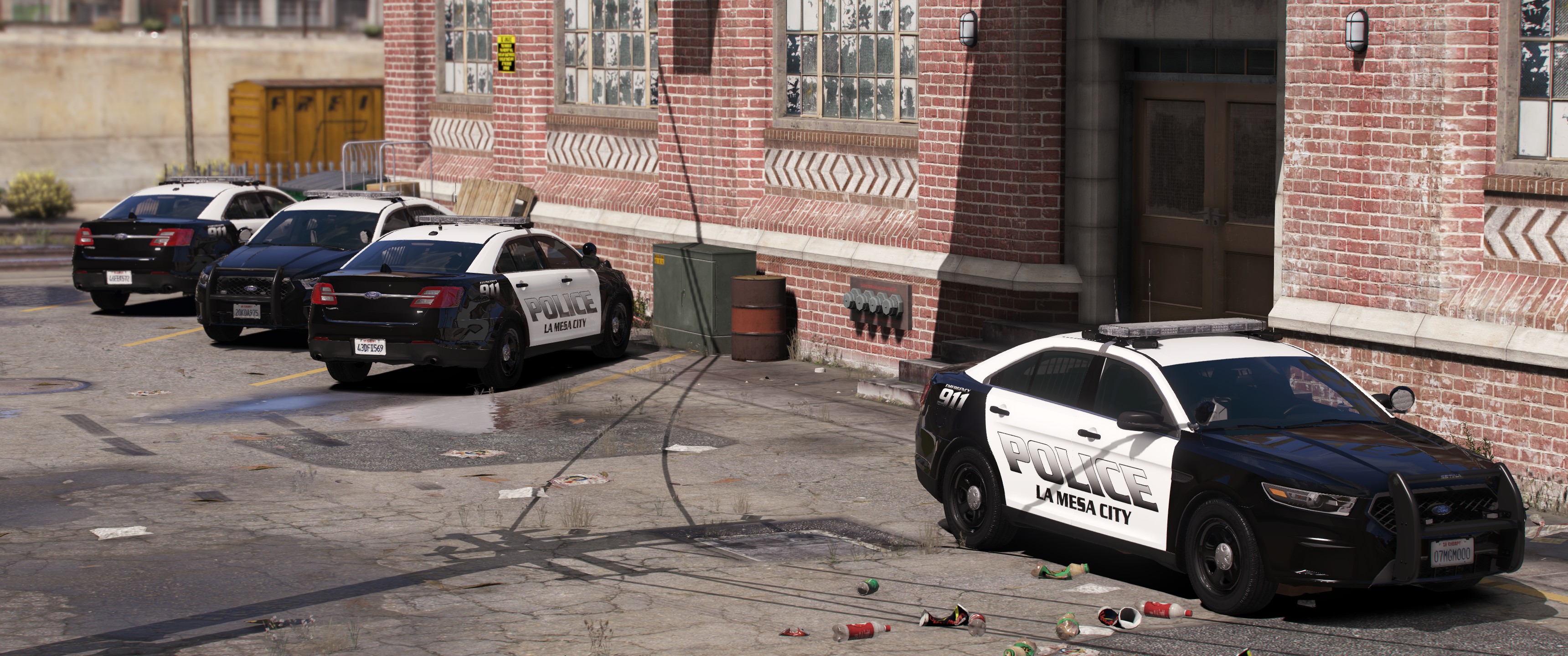
This is a w-i-p mega-pack for the city of Cincinnati police department. They look a hell of a lot better in-game, photos are bad since I need to get a graphics mod installed (my bad). Anyways, these two are reflective, others way not be... sorry... Now to get down to business, please do not re-upload or claim this as your own, you are allowed to use it in videos and photos (even Fivem if ya want).
-
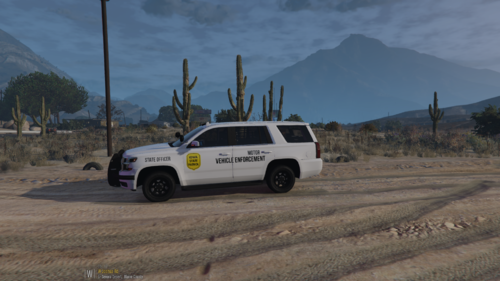 I like it, couple things though, I would add the little black lines that go on some of the cars and the "STATE PATROL" on the back sides should be bigger. Other than that a very solid texture pack.
 -
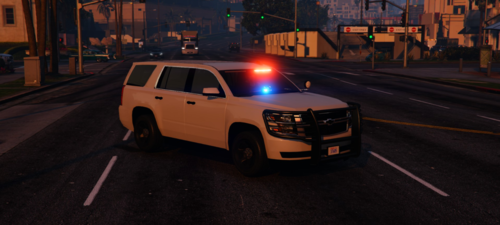 Yea, idk about the rambar but it looks nice from the pics
 -
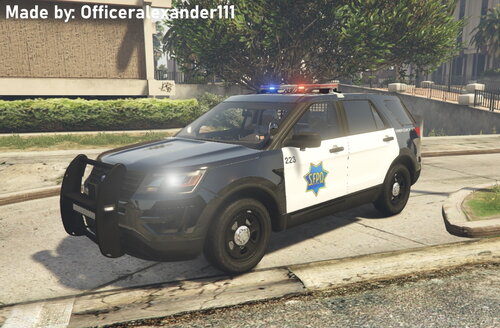 👍
👍 -
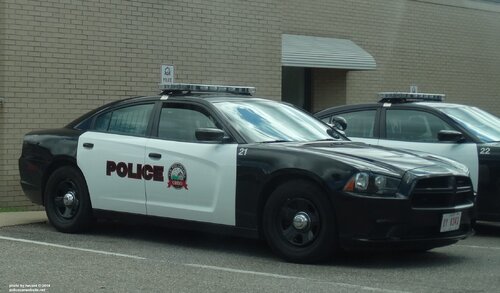 Ok, Thanks!
 -
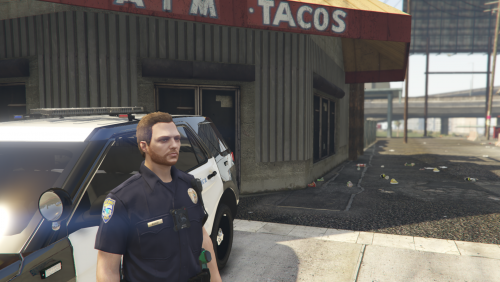 Uhhhh no I made it, but ok!
 -
-
-
.thumb.png.3bf1f0e8b8b1ee5b711de2afac3a0d8a.png) 👍
👍 -
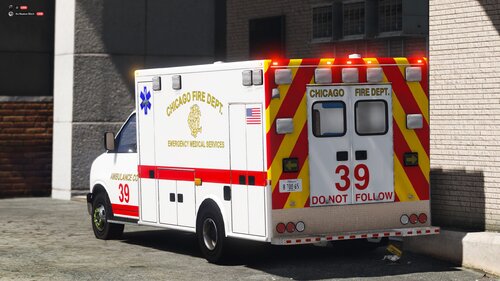 Hot ambu.
 -
🥵
-
Go to YouTube and search "How to install police textures in Gta V" and a bunch of videos will come up. Watch any one you would like and they should show you how to. https://www.youtube.com/watch?v=IPyvsj9-pdc
-
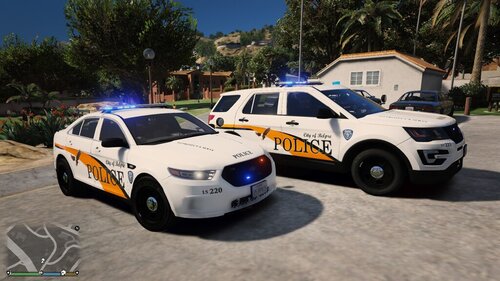 Always love seeing Ohio textures on here, great work bud.
 -
-
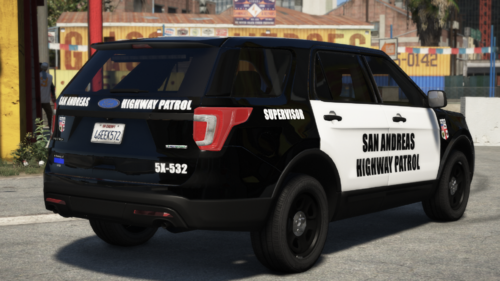 Uhhhhhhhh, the push bar????? Lookin kinda weird.
 -
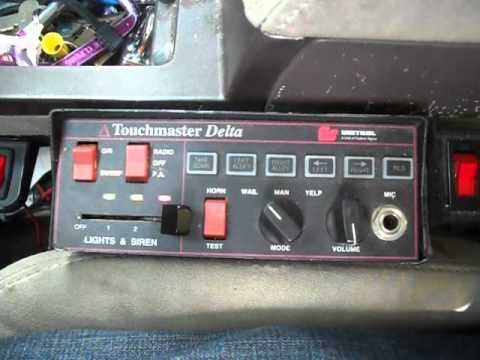 Outstanding work bud, I have a soft spot for this siren and you nailed it, I'm exited to see what else you bring to this platform.
- 8 comments
- 2 reviews
-
-

- 1
-
-
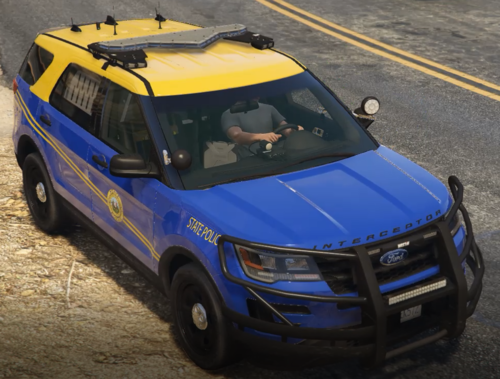 Couple things, colors don't look right and the font isn't correct. Font looks a little to skinny. Overall though good jib bud, looking forward to your future designs.
 -
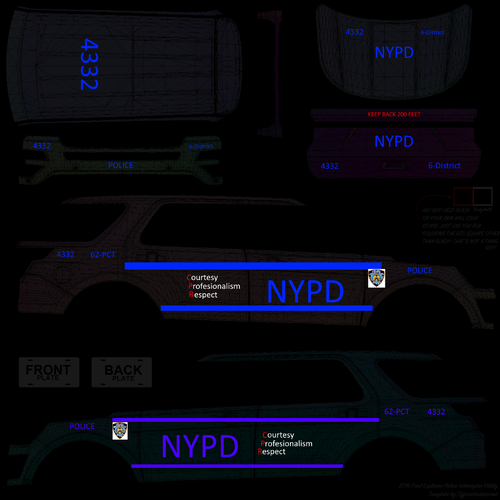 I think Nwaps made decals for NYPD didn't he?
 -
A few things I've noticed from the picture provided, wrong font and the lines on the top look thicker than the ones on the bottom.
-
Fixed.



.thumb.png.3bf1f0e8b8b1ee5b711de2afac3a0d8a.png)

