
PantherSims
Members
-
Joined
-
Last visited
Everything posted by PantherSims
-
-
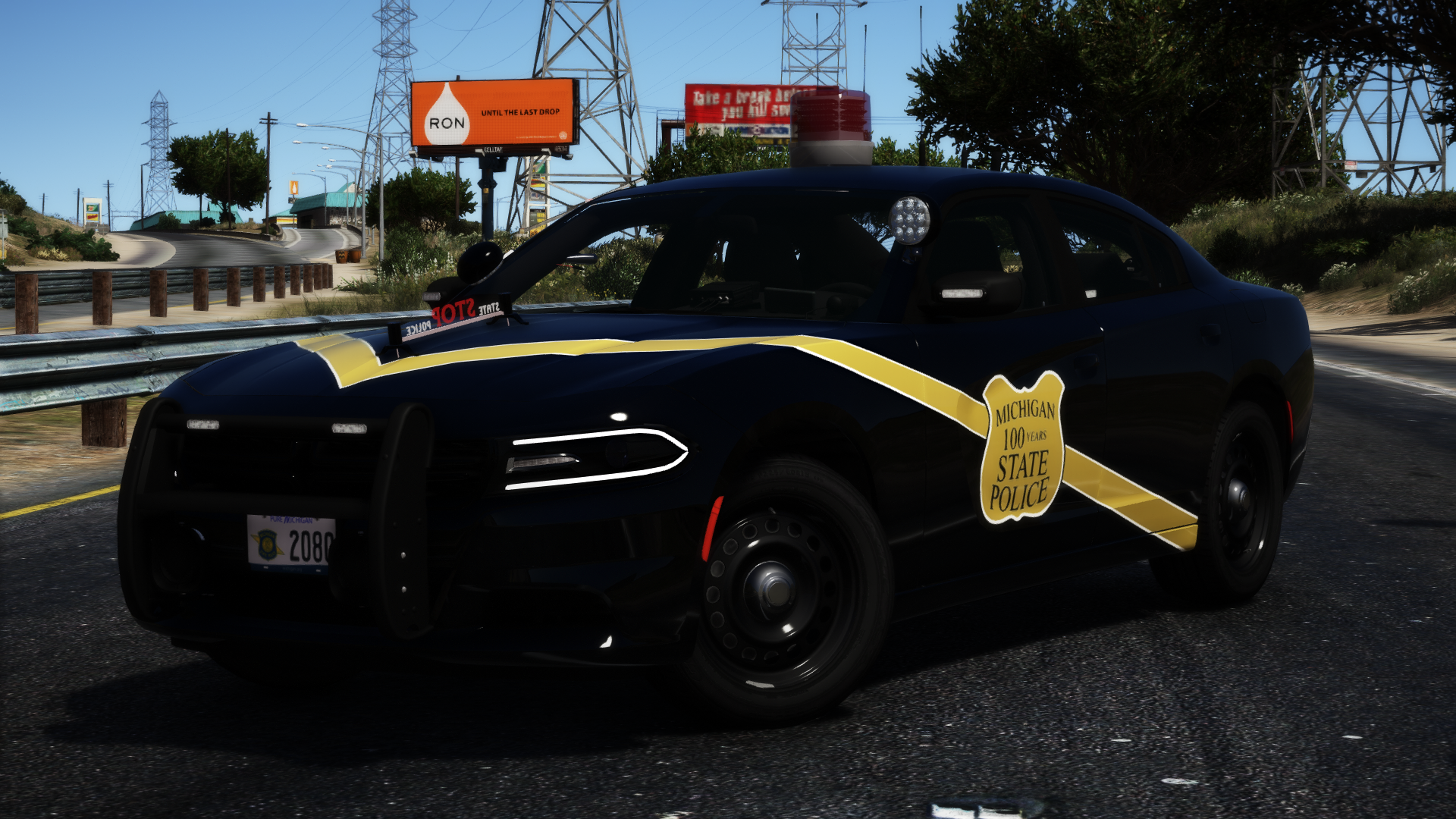
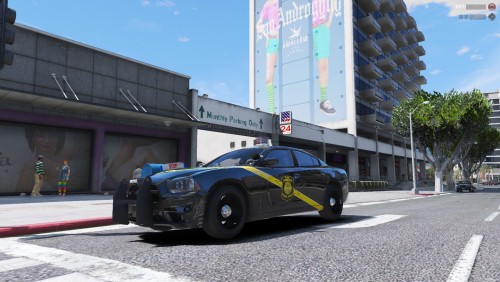 1st of all, they only have Centennial Paints on 2016 Model Year Dodge Chargers purchased after February of 2016. Second of all they do not use that version of the MSP logo, they use more of a badge looking one Thirdly, You forgot the white outlining stripe. Fourth of all, they use a special font for the "State Police" which I can send you if you message me. Lastly, you forgot to color the stop stick. I'm not trying to be a jerk, I'm providing constructive criticism in an attempt to help you make your representation more accurate 😉
- 10 comments
- 1 review