DeputyTactical
Members
-
Joined
-
Last visited
Everything posted by DeputyTactical
-
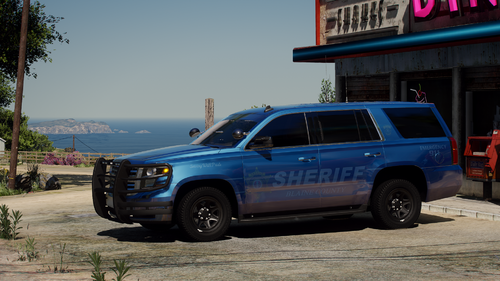 This mod replace is amazing! Easily the best looking Sheriff pack I have ever seen! Sadly the gauges do not work for both the Taurus and the Tahoe as they are all messed up.
- 77 comments
- 10 reviews
-
-

- 1
-
-
-
 Do you mind posting the pathway to get to the right carvation? Do you mind posting the pathway to get to the right carvation?
- 176 comments
- 25 reviews
-
I just dragged and dropped where they needed to go. They were spawning black until I think installed a new car pack that had it's own custom meta, and ever since then they have been white.
-
-
-
I have downloaded an unmarked Tahoe and Charger that are both black, but they keep popping up as white in game no matter what I do or re-install.
-
Basically I forgot to make copies of the riot default files. Can anyone DM me the original files from the XML to the .ytd files to the meta for it?
-
How do I add EUP uniforms to bodyguards or other LE officers?