



The General Lee
Members
-
Joined
-
Last visited
Everything posted by The General Lee
-
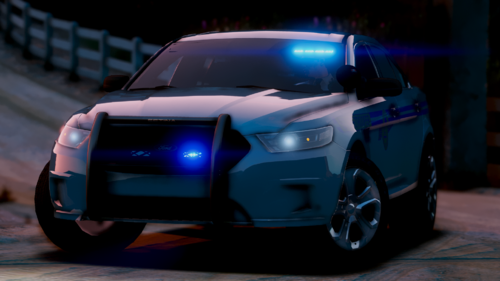 Can you add a lore friendly 14 FPIU, and ghost Charger? And the Lore Friendly 14 Charger and FPIS skins do not line up on the car.
- 40 comments
- 2 reviews
-
 Can you do this pack? https://gtapolicemods.com/index.php?/files/file/458-bcso-mega-pack-with-whelen-liberty-2-els/
- 269 comments
- 17 reviews
-
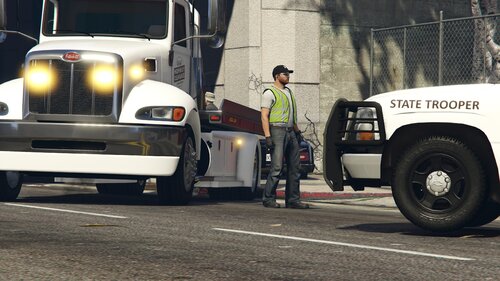 A way to get the tow truck is in the Read-Me. May make this into a skin pack.
 -
-
-
-
-
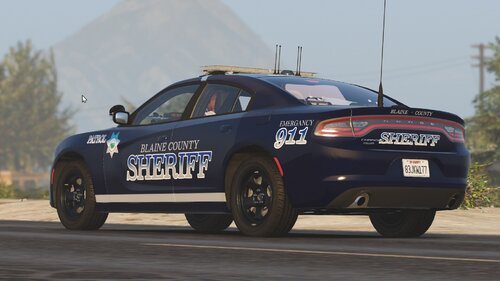 Looks cool, Emergency on the rear of the car is spelt wrong. And it would be nice to see this as a pack
- 6 comments
- 1 review
-
Patchday 21 in the policeb slot
-
What do you mean by that?
-
-
https://gtapolicemods.com/index.php?/files/file/321-whelen-harley-davidson-electraglide-els/
-
I'm using a replacement one.
-
-
For some reason the POLICEB model will spawn but I can't get on it and AI will just leave it in the middle of the road.
-
-
Did you find any skins for this?
-
https://docs.google.com/document/d/1XVKntHS88XrgyWRh25Luui8xSv-Dj54Lwqa9NXhG2V0/edit?usp=sharing
-
Do you have Script Hook V installed?
-
What siren does New York State Police use?
-

From the album: Blaine County Pack
-
-
Hey could you add a slicktop Dodge Durango.
-
Nice!
-
I would like a all blue Dodge Charger (Message me for more details).


.thumb.png.10456e9e2b3e2c8cbab04439add4e498.png)