


RyZe Gaming
Members
-
Joined
-
Last visited
Everything posted by RyZe Gaming
-
Rebonsoir, j'ai tout désinstaller et refait au propre. Maintenant quand je lance RPH, le jeu se lance mais RPH m'affiche cela quand je fait ALT+TAB : could not hook game process, Insufficient permissions or bad anti-virus Encore de l'aide please ? Merci :)
-
Bonsoir, voici ce que sa m'affiche après avoir lancer RPH. Je ne sais vraiment pas d'où provient le problème, mais c'est vraiment embêtant..
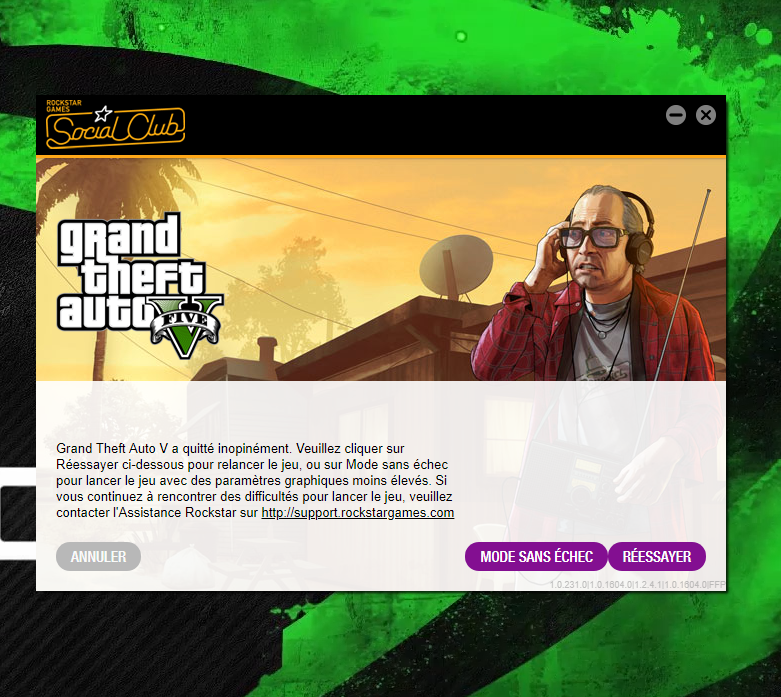
-
Bonsoir, je suis nouveau sur le forum, et assez novice dans le milieu du mooding. Je souhaite jouer à LSPDFR, j'ai bien suivi le tuto de MattZePol (https://www.youtube.com/watch?v=LRBHu7cibNg), mais au moment de lancer RPH pour vérifier si LSPDFR fonctionne correctement, dans les settings on m'affiche cela : "This settings dialog can be shown again by starting RAGE Plugin Hook, then immediately holding down the SHIFT key until the dialog displays; or by using the -settings command line switch." Si quelqu'un arriverait à résoudre mon problème, je lui en serais très reconnaissant. Bonne soirée, et bonne patrouille ! ;)
