



Terry Sloman
Members
-
Joined
-
Last visited
Everything posted by Terry Sloman
-
-
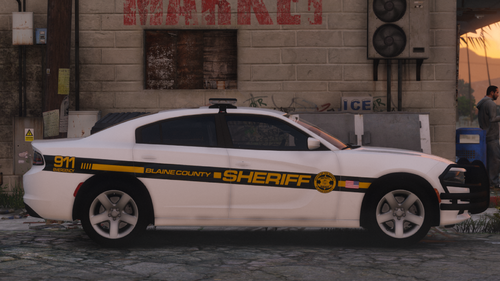 Model Information: I have taken quite a sizable break from developing GTA V mods, however I am back and have many projects that I wish to share with you! This is the first of many I aim to develop and release for you all to enjoy over the coming future. Notes: This model is optimized to be used with the Siren Setting Limit Adjuster by CP702, however not required. A link to his mod can be found here: https://www.lcpdfr.com/downloads/gta5mods/scripts/28560-sirensetting-limit-adjuster/ Thank you and enjoy this mod!
 -
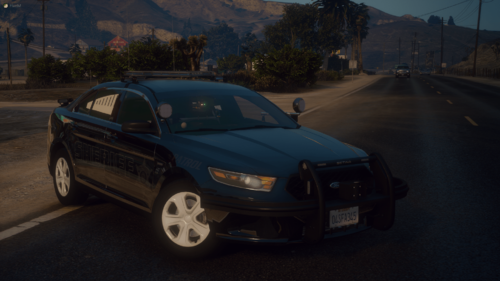 I see, in that case, they are way to far out. From the pics posted it looked like they were. The housing around the outside of the module shouldn't be seen if its mounted in a pushbar.
 -
A few things to point out - The lights on the front of the pushbar are surface mounted when there should be a hole cut out in the pushbar for them. - From the looks of it you need to replace your vehicle_mesh.fxc file with the default game file, thats most likely why your spotlights are chrome. - I may be wrong here but that doesn't look like the proper console for the FPIS, like I said, I could be wrong but it looks like you're using a FPIU console. It's not a terrible model but its also not amazing, with some more knowledge and work it could maybe turn out somewhat decent. Hope this helps.
-
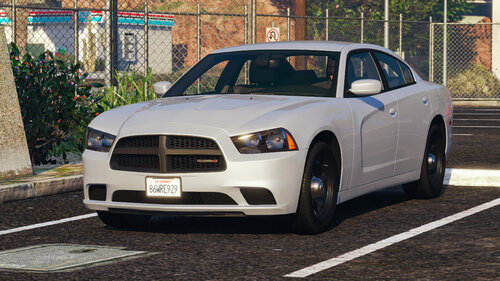 This was much needed and very well done. Thank you for this awesome release. 👍
 -
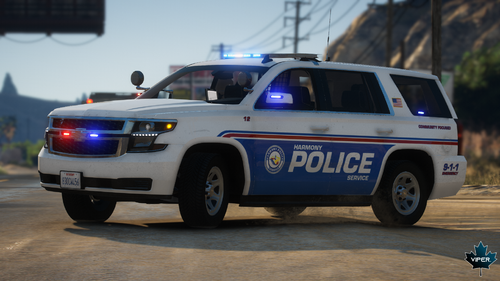 Please stop asking viper for the vehicles you see in his screenshots, if they aren’t linked in the description, then they are private. Period
 -
 I didn't say he couldn't? I was adding to the point someone else made about CPD not having red lights or durangos.
- 70 comments
- 5 reviews
-
They use that in the show, but the Chicago Police Department don't use durangos. Plus, the one in the show is just a generic unmarked durango outfitted for the show.
- 70 comments
- 5 reviews
-
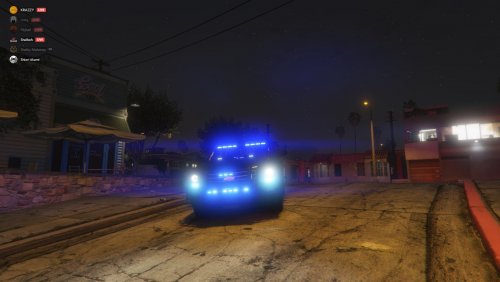 I'm interested in this file because I am a massive fan of Gwinnett County and really want to see it done properly, its nothing against you, i just want to see it done properly because like i said, I am a massive fan of Gwinnett County, both the Sheriff's Office and Police Department. I would be just as nit picky with anyone else if they uploaded the same thing.
 -
I can't say it looks like you spent a week on it. Plus, it hardly resembles the real unit from Gwinnett County.
-
Just because you're working on another version of the tahoe, doesn't mean you can't take the screenshots. Wait until you are finished with it, then take the screenshots yourself. You don't need to rush everything
-
Don't use steam to take screenshots, use something like lightshot combined with the Rockstar Editor. That's better than openiv and steam screenshots.
-
Its chrome in game because you have the wrong specular map, change it to a darker colour (e.g. plastic_spec) will do just fine.
-
Like i said, none of them are the same size, they all have the same module count so they should all be the same size Edit: Even if they were copied from another Gwinnett County pack, they are still wrong so I don't know why you are using that as an excuse 🤷♂️
-
Why are all of the dominators different sizes? They are all 6 module sticks, therefore they should all be the same size. None of them are scaled correctly.
-
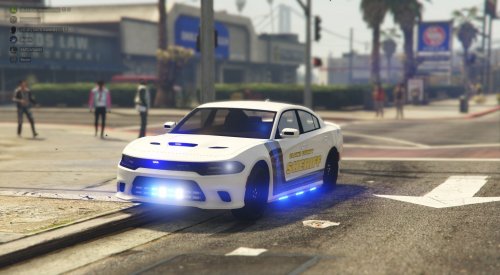 If you dont want you discord issues on your file of want them known to the public, dont post a screenshot of it in the file description, simples
 -
im assuming he is asking if he can sell it locked with edits
-
Hey, ive spent the last day or so trying to do the same thing, though i haven't been as fortunate as to be able to get the spotlight to move at all. I dont know if im messing up in the meta side of things or if its the model itself. I will provide information as and when I understand it a bit more. I would be greatful (and im sure many others would be too) if you could let me know how you got it to move at all. Thanks.
-
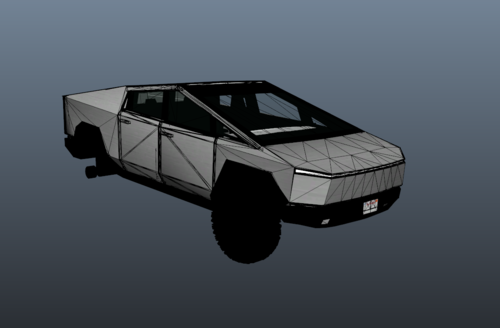 I gotta agree with the man, crunching do be fun until you need to do it to 800K verts
 -
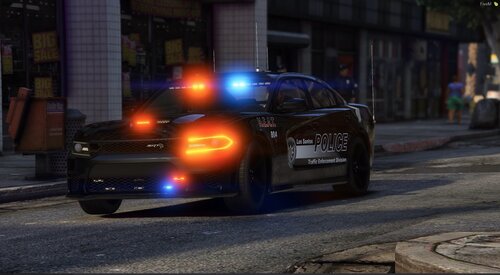 Quick question, whats your discord tag? Edit: Nevermind
 -
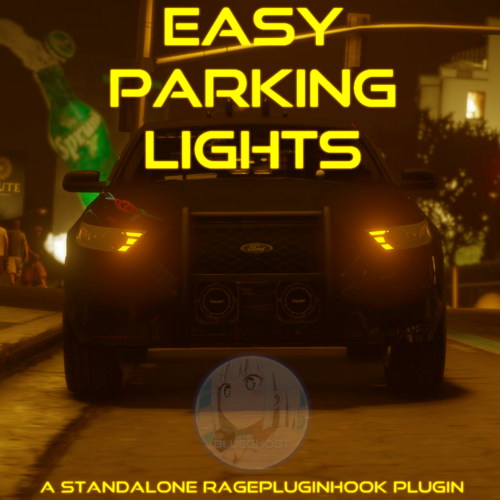 I really like the idea and functionality of this plugin but it kinda screws over ELS Devs that use extra_12 for their Alley Lighting. While not all ELS Devs take advantage of this feature, in my opinion, it would be more suited for extra_ten as I don't find myself using steady burns that often or even at all. Anyways, i really like the concept of this plugin and i think it will make a huge difference for some peoples gameplay experience 👍 Keep up the great work!
 -
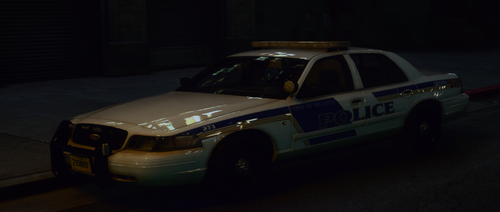 The Avengers in the rear windshield are over-scaled, the text on the trunk is clipping with the Ford Badge, the plate lights should also be Impax and the Rambar lights should be a Micropulse of some sort
- 7 comments
- 1 review
-
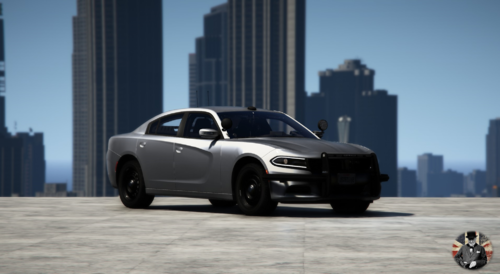 that famous skyline screenshot 😂
 -
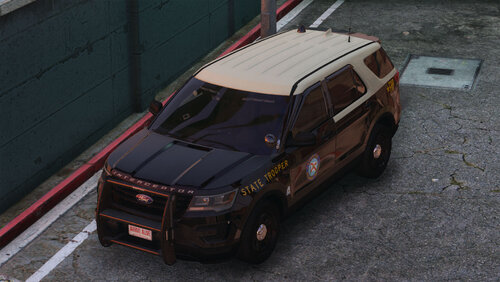
.thumb.png.f831855a7e15d026d5b466c052cbc359.png) Nice Work my guy, not a lot of stuff catches my eye on this site and this stood out. 👌
Nice Work my guy, not a lot of stuff catches my eye on this site and this stood out. 👌- 15 comments
- 1 review
-
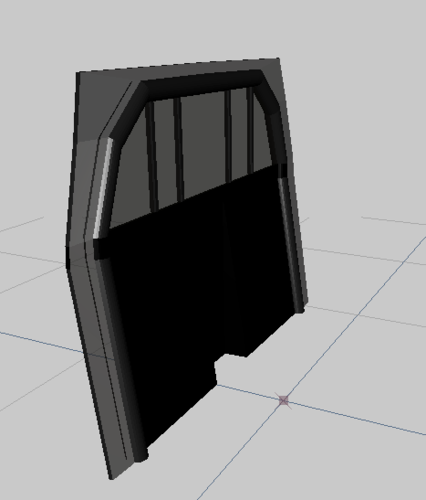 Maybe poly crunch the cylinder parts, there is no need for that many polys when you can utilise the smooth tool. The guards at the sides should be part poly-carbonate part metal/plastic like the rest of it. Adding detail like screws, scratched/cloudy window (to simulate fingerprints, bodily fluids etc this could be optional). Altering the shape so its not so blocky would also be a good thing to do.



.thumb.png.f831855a7e15d026d5b466c052cbc359.png)
