
Harold4220
Members
-
Joined
-
Last visited
Everything posted by Harold4220
-
Rage Plugin Hook will start and throw the code it typically does in that little bar, and then launch GTA 5, but after everything is done, it just stays at "Launching Game" in which it will just sit on that, and never actually initiates Rage Plugin Hook into the game while loading. I have a completely clean install of GTA 5, I've verified my Game Files about 3 times now, even reinstalled it once, restarted my computer, and even re-downloaded the LSPDFR, and all have led to this SAME result. Every now and then though, it will get stuck on "Launching Game via Steam", but is to the same result basically, where it just gets stuck there, and never progresses. I'm really stumped and I'd appreciate any help!
-
-
4:40 on the video
-
https://www.youtube.com/watch?v=VRH0F9DNfSg Jeff shows how to fix your issue here in the video.
-
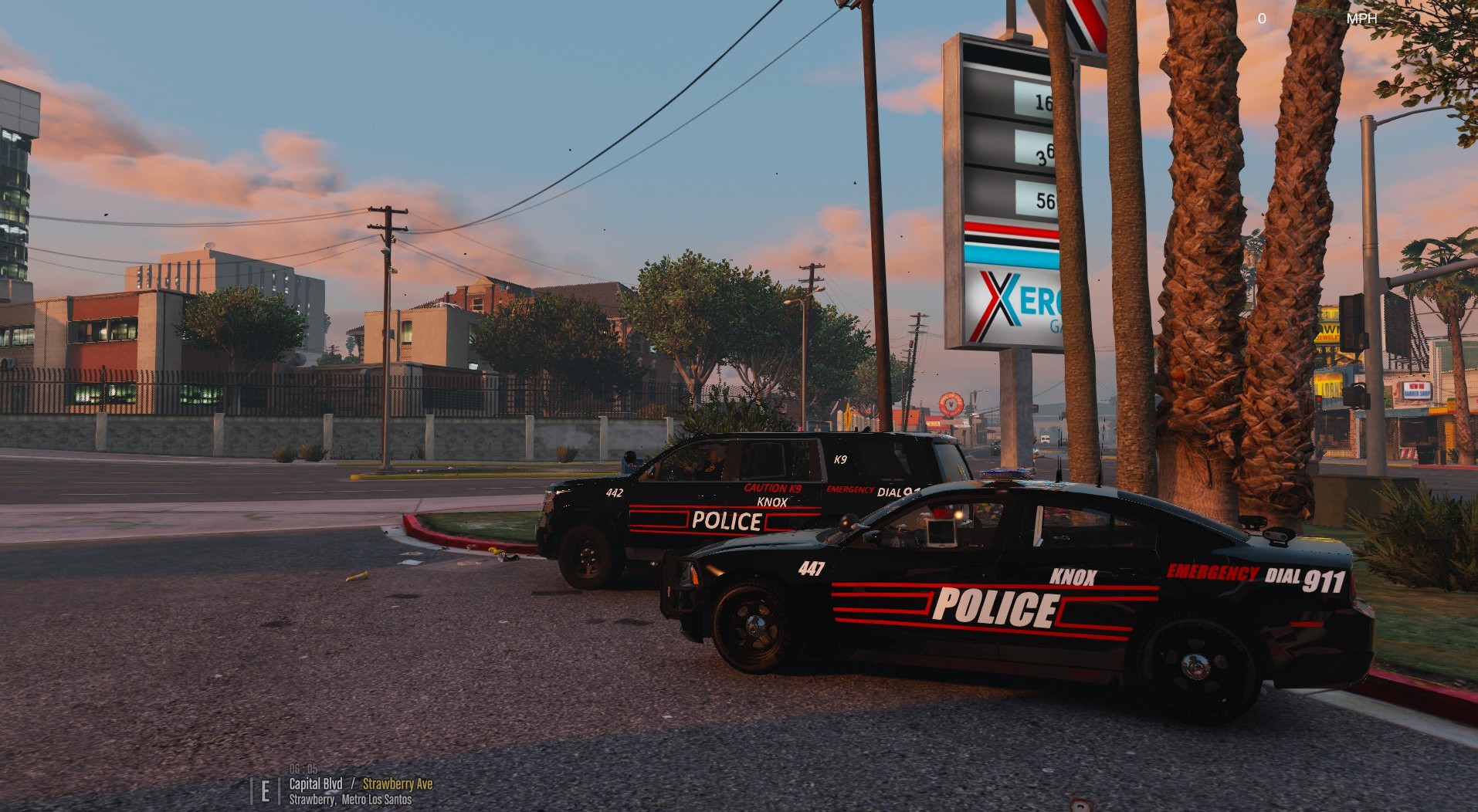
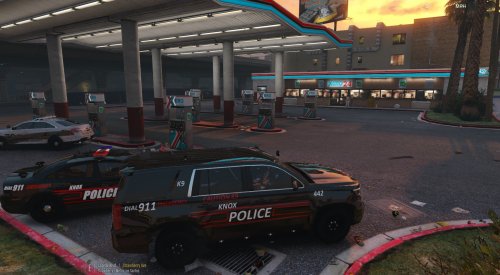 @RustyHarper Just uploaded them
 -
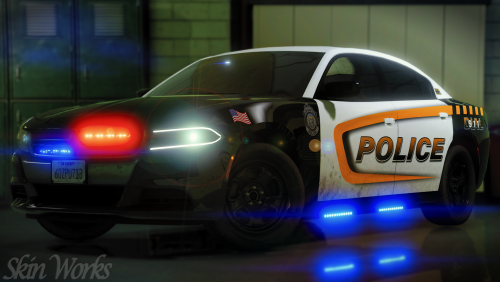
My first ever own made texture. I'll make many more if this gets some love.