Jacka69
Members
-
Joined
-
Last visited
Everything posted by Jacka69
-
I recently got LSPDFR working and the next day GTA started a infinite loading screen this isn't completely a fault with LSPDFR or Rage I tried reinstalled the game and tried setting GTA 5 as priority high (Task Manager) Right now GTA is a clean copy, if you know of anyway to fix it please reply! Version: Steam
-
@adwanner I have got it working! Please try this, this may help Please check that all of the below are downloaded via downloading them. https://www.microsoft.com/en-us/download/details.aspx?id=48130 http://www.microsoft.com/en-us/download/details.aspx?id=13523 https://www.microsoft.com/en-us/download/details.aspx?id=52685 If that doesn't work reinstall them to be sure
-
Rage first then LSPDFR but LSPDFR wants to reinstall rage for some reason
-
@adwanner Yeah we should be able to enjoy this mod like everyone else
-
@Rareroblox He is meaning that rage plugin isn't loading He either has the same problem as me (Look at mine above for screenshots) or when he tries to run ragepluginhook.exe it fails to execute/open @Alex Hill @adwanner Lets hope we find a fix!
-
Hello, I use Trend Micro and I am currently running Windows 10 so it includes Windows Defender Turning them both off doesn't help Also, In the install process, I install Rage first then LSPDFR and Rage says it is outdated (when it says "Current Version 1604, Required Version 1604 Outdated" so I end up reinstalling rage separately. Also when rage asks if I want to backup my game files it freezes so I end up reopening it. Could this be resulting to the problem? Screenshots Available on request Thanks for replying
-
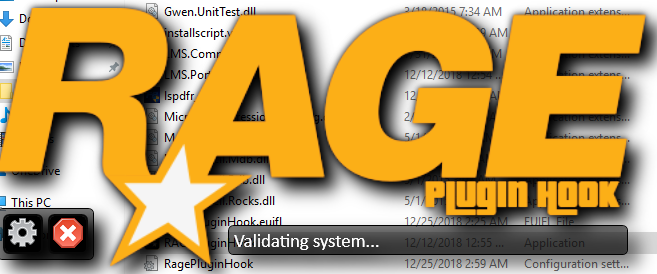
Like thousands of other people Rage isn't launching for me. I tried it on 2 computers, its the same result except one crashes and the other disappears after about 8 seconds of loading. It only says "Validating Hook" and "Validating System" (Attached Screenshots) I have tried reinstalling several times I have tried opening GTA V at the same time as opening Rage Hook GTA V Works fine and works with my trainer Please respond quickly