


.jpg.a8b184e26c2c7143438a65893a1b7496.jpg)

danksg
-
Joined
-
Last visited
Everything posted by danksg
-
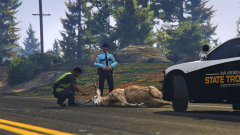
From the album: Dank LSPDFR Adventures
Roadkill. -
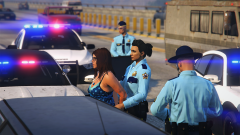
From the album: Dank LSPDFR Adventures
Frisk her! -
I'm getting about 40-50 in general which is actually an improvement for me. I used to average only 20-30 with 0.3 though, and that's with much lower graphics settings and no graphics enhancements. Go figure hah.
-
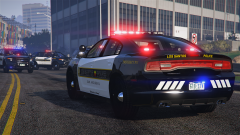
From the album: Dank LSPDFR Adventures
LSPD Charger -
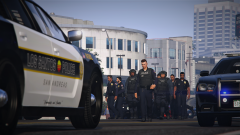
From the album: Dank LSPDFR Adventures
Is this a police convention? -
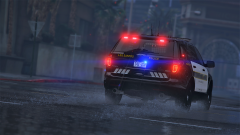
From the album: Dank LSPDFR Adventures
Out exploring on a rainy day. -
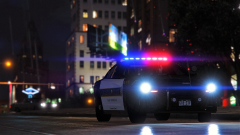
From the album: Dank LSPDFR Adventures
Rainy night. -
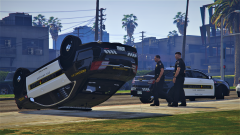
From the album: Dank LSPDFR Adventures
You want to run by me how that happened again? -
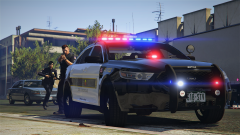
From the album: Dank LSPDFR Adventures
Engaging suspects! -
Thank you so much! Added the following which fixed it. Really appreciate your help! <Item> <parent>vehshare_truck</parent> <child>flatbed2</child> </Item>
-
Hi there, I'm trying to add a new flatbed (shown below) and I've added it into a flatbed2 slot. I've added flatbed2 accordingly to both the vehicles and carvariations files. The problem I'm encountering is that the vehicle always spawns with a purely white interior texture. There are no lights to the dials, they are just pure white. Same for the seats, floor, steering wheel, etc. I'm pretty sure I must have done something wrong because when I replaced the regular flatbed slot with this, it worked totally fine. But yet, I copied the flatbed data and used that to add the flatbed2 slot, so I'm really confused. I had encountered this previously when I tried to add a new sheriff slot as well but the entire interior turned red instead. Would greatly appreciate any advise and assistance anyone could give. (I've included my vehicles and carvariations entries below.) Thanks! Vehicles.meta Carvariations.ymt
-
LSPD Patrol (1) LSPD & LSSD units finally stop a stolen bus. (2) LSSD units in pursuit while an LSPD unit attempts a rolling roadblock. (3) LSSD unit setting up spike strips. (4) Watching, waiting, commiserating. (5) Alley patrol. (6) Processing
-
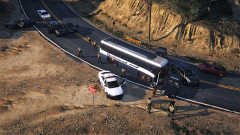
From the album: Dank LSPDFR Adventures
Stolen bus stopped thanks to officers from the LSPD and LSSD. -
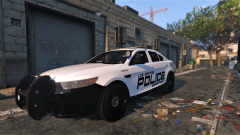
From the album: Dank LSPDFR Adventures
Alley patrol. -
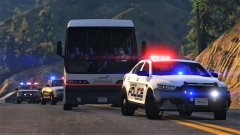
From the album: Dank LSPDFR Adventures
LSSD units in pursuit of a stolen bus as a LSPD unit attempts a rolling roadblock. -
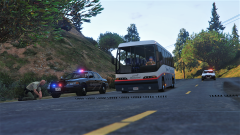
From the album: Dank LSPDFR Adventures
Deploying spike strips on a stolen bus. -
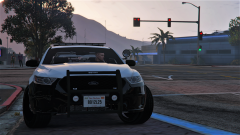
From the album: Dank LSPDFR Adventures
Watching, waiting, commiserating. -
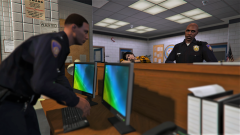
From the album: Dank LSPDFR Adventures
Processing -
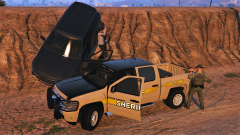 That's really weird. That was actually the description for another photo. I have no idea how it ended up here. The texture used here can be found at https://www.gta5-mods.com/paintjobs/blaine-county-sheriff-skin-pack-fictional-2. There isn't one for the Silverado though, so the one here was something that u put together.
 -
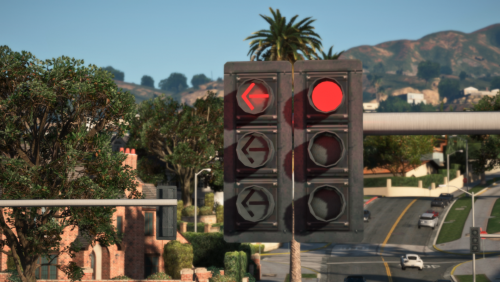 This may seem like something insignificant, but it's absolutely not. One of the beauties of LSPDFR and GTA5 is that we get to create the world we want, and things like that are the icing on top that makes it that much sweeter. Thank you for creating something that I never knew I needed. Those arrow lights...just....perfection.
- 53 comments
- 11 reviews
-
-

- 1
-
-
-
BCSO PATROL: Armed suspects, shootouts, hostages, traffic stops, and everything else in between.
-
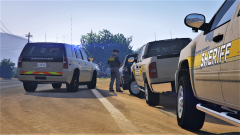
From the album: Dank LSPDFR Adventures
BCSO Patrol -
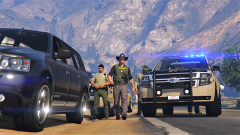
From the album: Dank LSPDFR Adventures
BCSO Patrol -
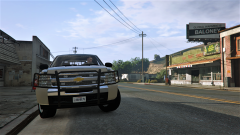
From the album: Dank LSPDFR Adventures
BCSO Patrol

