
TakeYaBackToStation4BumVio
Members
-
Joined
-
Last visited
Everything posted by TakeYaBackToStation4BumVio
-
From the album: Gallery
-
From the album: Gallery
-
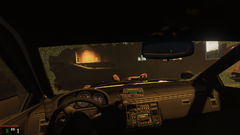
From the album: Gallery
-
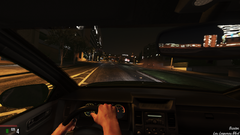
From the album: Gallery
-
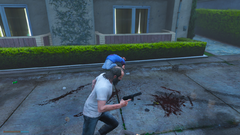
From the album: Gallery
-
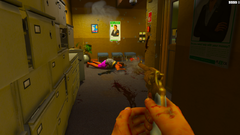
From the album: Gallery
-
From the album: Gallery
-
From the album: Gallery
-
From the album: Gallery
-
From the album: Gallery
-
From the album: Gallery
-
From the album: Gallery
-
From the album: Gallery
-
-
 Hey good job man. I just also wanna let people know that by editing Headroom in the OAC scripts you can adjust the DST applied to sounds. For my gear shift and car damage sounds (There's about 60 of them) I have the Headroom set to 0, this makes it sound right DER -900 is quite Lo-Fi and a distant I can't describe. Just different. 900 is very loud and high pitched via the semitones above the original base peak in the sound. So, in other words... want every car door in the game to SLAAAAAM like Jesus himself has got the hump? Edit headroom -da know it man
- 28 comments
- 2 reviews
-
-
I just got word via Ikt on his discord that AB "is away until Sunday after the 3rd of next month" so no one expect an update for atleast 2 weeks. If anyone needs help reverting, pm me
-
. . .

-
The interiors for the set R* added is in a second to last of increments for the dlc lines, so only a few days (hopefully) and not only will we have ScripthookV and RPH working, but a new interior to access and purchase via ENT
-
And as we all now know, I am the king of handling
-
TakeYaBackToStation4BumVio replied to TakeYaBackToStation4BumVio's topic in GTA V Discussion & Media@Slickybp Na sorry man I've never used a controller on my PC before. I would imagine that the amazing BetterVehicleFirstPerson would handle it very well. One issue, and I really do mean the only issue I've ran into with this, is that when shifting from N to first, R* have a game state fuction that reads basically If player has engine on and is stationary, trigger Non-drive state, and because this non-drive state is regarded as silent/ nothingness there is no awesome gear shift sound when going from first to N, or N to first. So in other words, pulling away from a driveby, rp scene, drug deal or just yo bitches house... looks really bad. Here, I'll go record a video, upload it to youtube just to show you how bad it is. I've contacted lots and lots of programmers, including Ikt and Slash_Alex but they both don't think it's worth fixing. Hopefully this video proves them wrong and me right! MAKE RP GREAT(ER) AGAIN! And thanks for your words slicky, and just to let you know since I wrote this tut, Ikt has updated some code allowing the steering Mult to go below 0.10, so if you want to drive that fucking humungous dumper truck in gta V with 360 steering wheel, YA CAN! 😄 Youtube video (please share with anyone you know who can write scripts for GTA. All we need is a very VERY basic script that says "Is player inbetween N and R? if so, play audio block EXTERNAL_ INTERNAL_GEAR_CHANGE)
-
A+++ content MUST SEE!
-
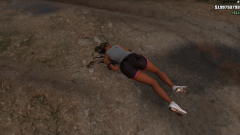 GTA5 2019-07-10 15-09-11-85.png
-
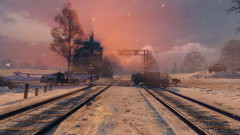 GTA5 2018-12-23 03-11-58-16.png
-
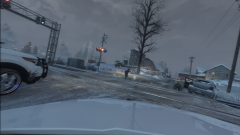 GTA5 2018-12-23 03-35-11-57.png
-
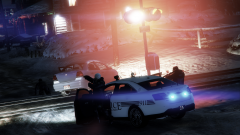 GTA5 2018-12-23 04-23-43-92.png
-
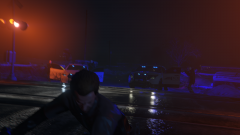 GTA5 2018-12-23 03-24-47-53.png
-
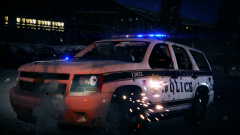 GTA5 2018-12-23 18-20-26-87.png
-
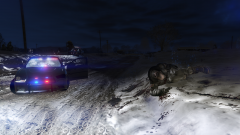 GTA5 2018-12-22 16-26-32-68.png
-
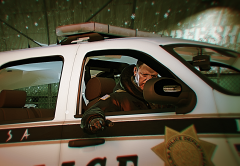 GTA5 2018-12-23 18-22-54-10.png
-
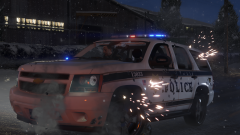 GTA5 2018-12-23 18-19-41-65.png
-
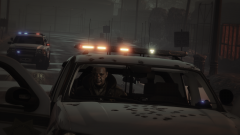 GTA5 2018-12-23 17-59-36-75.png
-
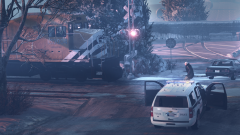 GTA5 2018-12-23 17-45-06-90.png
-
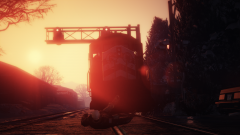 GTA5 2018-12-23 17-33-51-39.png
-
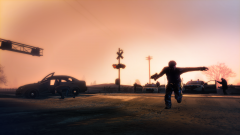 GTA5 2018-12-23 04-02-09-22.png
-
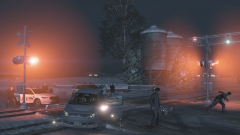 GTA5 2018-12-23 04-12-52-64.png
-
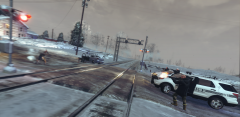 GTA5 2018-12-23 03-36-33-37.png
-
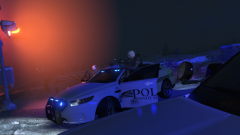 GTA5 2018-12-23 03-19-42-11.png
-
 GTA5 2018-12-23 03-11-34-71.png
-
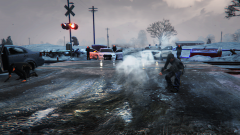 GTA5 2018-12-23 03-33-57-17.png
-
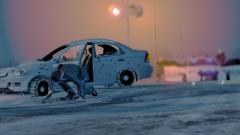 GTA5 2018-12-23 04-36-01-10.png
-
 GTA5 2018-12-23 17-38-17-75.png
-
-
From the album: Spent a while crafting these scenes, mwha perfecto
-
TakeYaBackToStation4BumVio commented on TakeYaBackToStation4BumVio's gallery image in GTA V Galleries
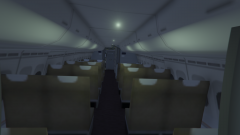 In other words, can you people stop doing this low quality interior shit?!
 -
This is like the tenth post I've made trying to alert more knowledgeable people to my amazing discovery... So I made a vid, check it https://www.youtube.com/watch?v=WJ7340rs6yQ A tutorial https://www.lcpdfr.com/forums/topic/93615-drive-like-ya-do-in-real-life-rl-amazing-driving-via-mouse-steering/ And here's a second video with more technical detail https://www.youtube.com/watch?v=0TzUtvfUPA0 C