


Meaty
Members
-
Joined
-
Last visited
Everything posted by Meaty
-
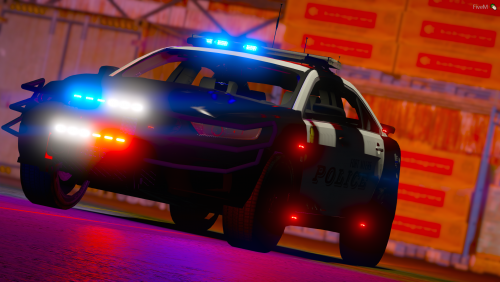 This is a very lovely car and I can see how much hard work you have put into this model and I am considering using it on my FiveM server if you do not mind of course! My only comment is that the taillights do not work at night, not sure if its just me or how I installed it to my FiveM Dev server but nothing I tried got the tail lights to work unless the emergency lights were on. Lovely work though keep it up and I maybe in touch about other models!
- 10 comments
- 1 review

