TFD205
Members
-
Joined
-
Last visited
Everything posted by TFD205
-
 Like many others I am also getting random crashes when searching ped/vehicle database. It does not happen every time I search so I am not sure if the crash is related to a specific instance? I'll also add that these crashes are on normal traffic stops as I do not use Computer+ to search peds/vehicles during callouts. I will attach my RPH log. If anyone knows a fix to this or has any advice it would be greatly appreciated!! RagePluginHook.log
- 1,743 comments
- 172 reviews
-
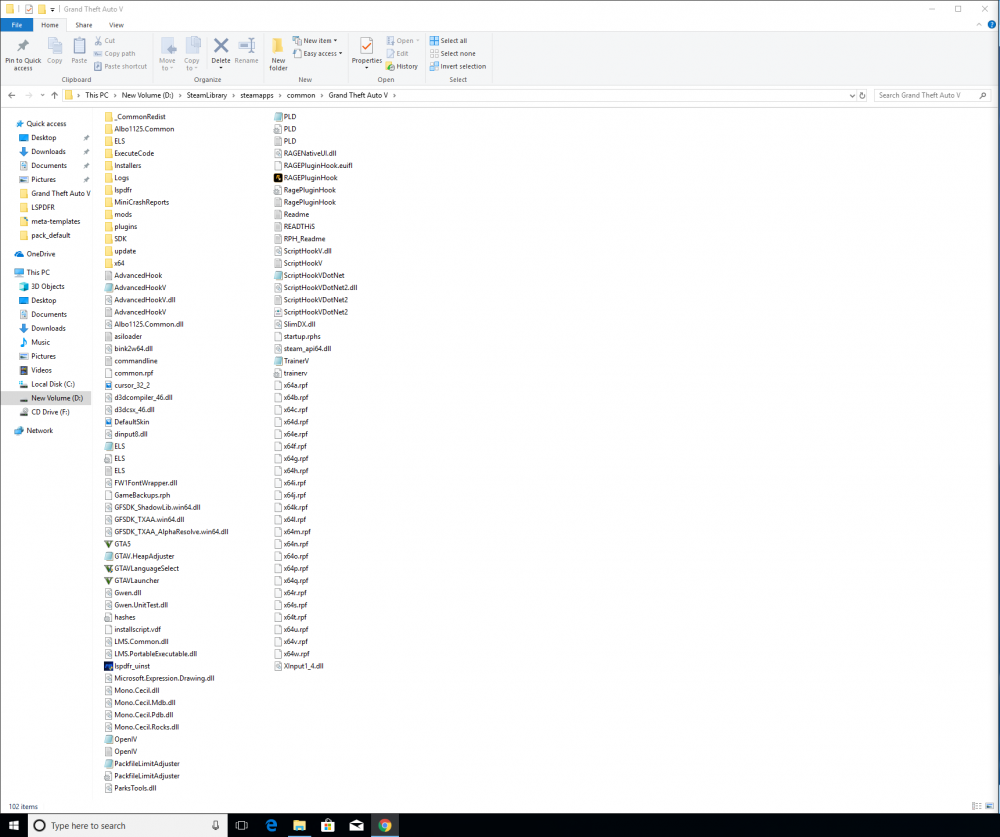
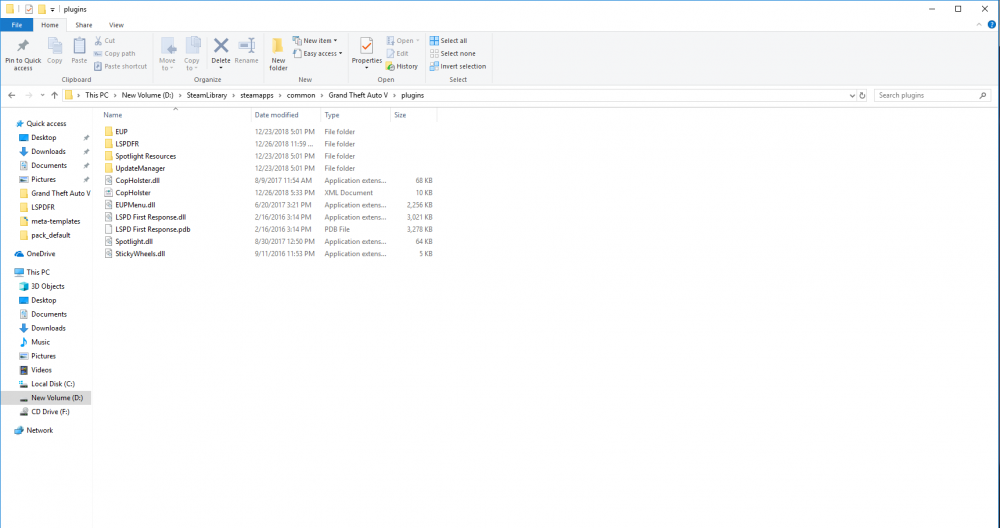
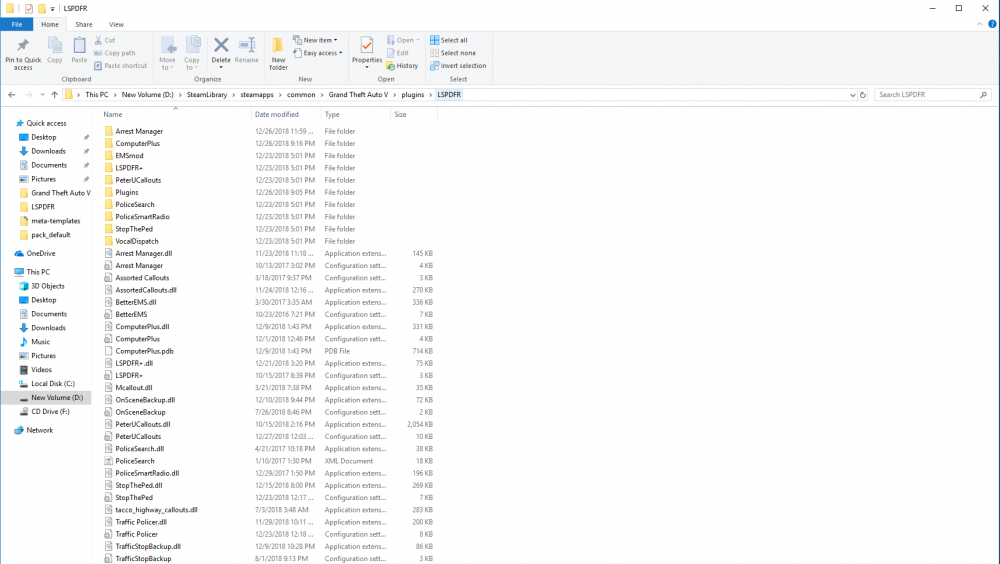
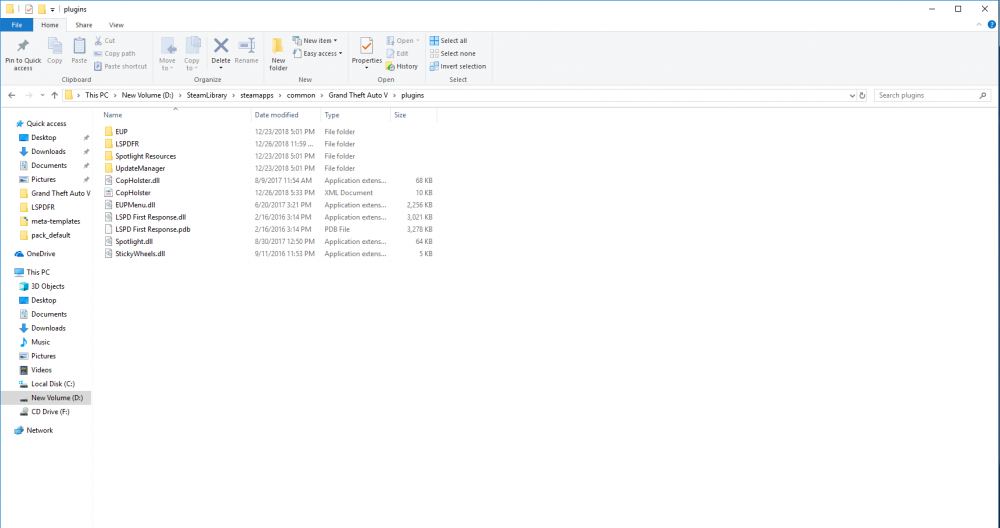
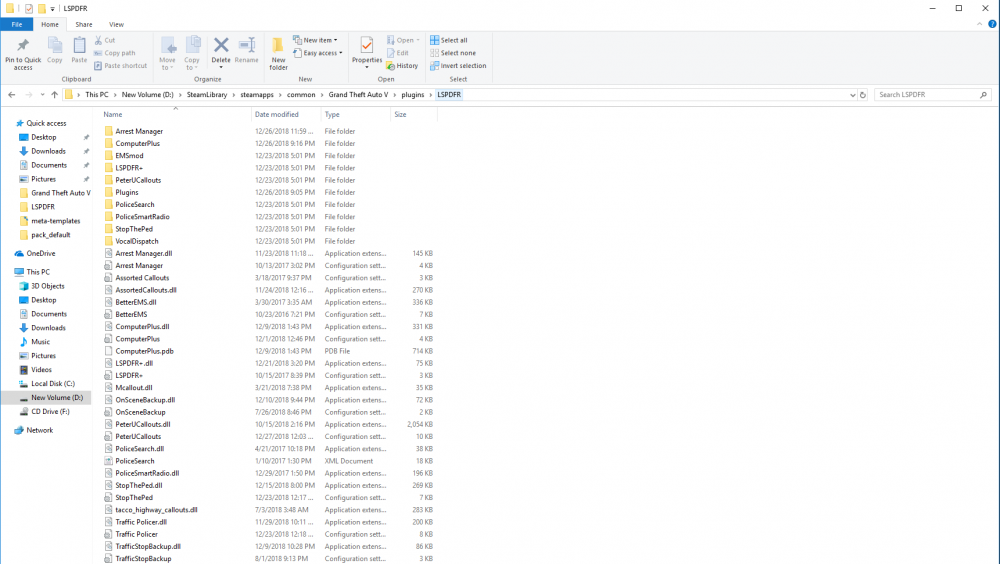
Hey guys, I am having some issues with the LSPDFR Computer+. I am not sure if there is compatibility issues with some of my other mods or not - I have checked around and have not found any well known issues. I am able to search the ped and vehicle databases some and I usually get a picture for both the vehicle and ped - and then just randomly I will click the ped or vehicle database button and I will get a RPH crash and the game crashes to desktop. I am not sure if the crash is due to a certain instance that occurs with a ped/vehicle? Usually I can't play for more than 30 mins before I get this crash. If I do not use computer+ it seems to be just fine. When I don't use it I have played for up to 4 or 5 hours. I really love the LSPDFR Computer+ plugin and it is a huge part of the LSPDFR experience for me. If anyone has a solution I would really appreciate your help! I have attached my RPH file and mods/plugins installed. (I also have vehicle mods installed that are not shown in the screen captures). I would really appreciate the help if someone has a solution. We really have a great community here and it is nice that other people take their personal time to help out others. We all appreciate it! rphcrash.txt
-
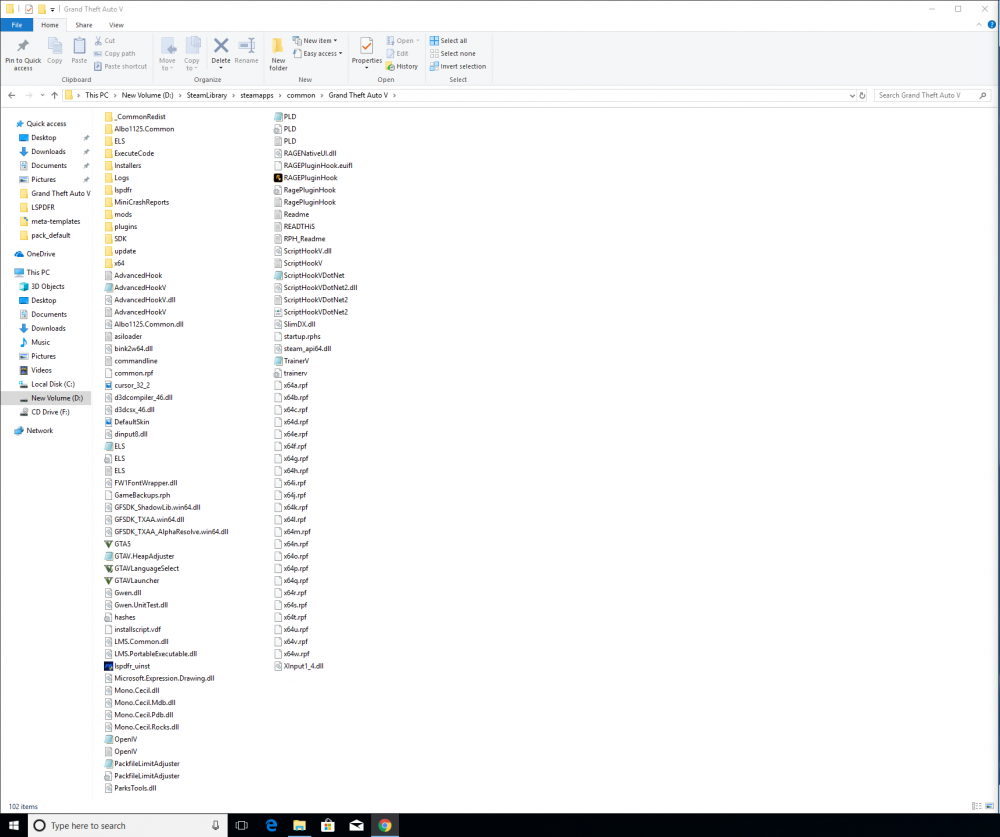
Hello, I am also having the same issue that scottie2950 and others have listed above. I do not have many mods installed so I am not sure if there is compatibility issues with some of them or not - I have checked around and haven't found any known issues. However, when I don't have as many mods installed it is not as frequent. I am able to search ped and vehicle database many times and get a picture for both the vehicle and ped and it isnt a problem. I am not sure if the crash is due to a certain instance that occurs during a vehicle/ped check or not? Usually I can't play for more than an hour before I get a crash. I have attached my RPH file. I have also attached what mods/plugins I have installed. Also - I play on an ultra wide monitor and I am experiencing flickering with the computer+ screen. I did not experience this before I got a new monitor. Any suggestions? Would really appreciate the help if someone has a solution. We really have a great community here and it is nice that other people take their personal time to help out others. We all appreciate it! rphcrash.txt