DreadEd
Members
-
Joined
-
Last visited
Everything posted by DreadEd
-
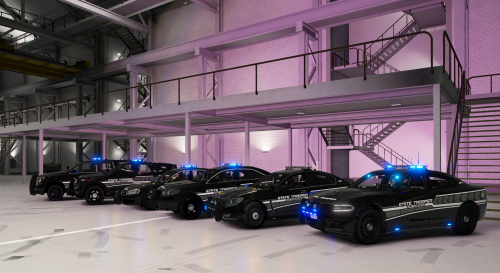 I found a LOT of mismatched naming conventions deep in the data files, too much to go over in the comments section. If you can get the cars to load, they are truly beautiful models. However, I would steer rookie modders/ "plug-and-play" users away.
- 102 comments
- 5 reviews
-
-

- 1
-
-
Thanks Thota, that worked. I knew I was missing something. I hadn't played in quite a number of years. Also, I think it's important to share a crucial tip for anyone who might come across this thread in the future. If you're updating the Lore Callouts mod, it's essential to delete the old files before installing the new ones. I noticed that directly installing the updated Lore Callouts without removing the old files first led to duplicate files in the GTAV/lspdfr/plugins directory. This caused instant LSPDFR crashes, and removing the duplicates fixed that issue. Thanks again for the help. Warm regards, Ed
-
Hello LSPDFR Community, I'm seeking assistance with some issues I've been encountering in LSPDFR. After returning from a lengthy hiatus, I've jumped back into playing LSPDFR and have faced a couple of persistent problems. Issue 1: SuspectTransportManager Error The first issue I observed is AI arrests leading to an immediate crash of LSPDFR. The log shows an error related to "SuspectTransportManager." The log points to an unhandled exception occurring in the game fiber titled "SuspectTransportManager." This seems to be linked to a System.NullReferenceException, with the specific message being "Object reference not set to an instance of an object." It also lists out a drive location, but I can not find this anywhere within. When I hear suspect transport manager I think of albo1125, but I haven't used any of those plugins in ages. Steps Taken: Updated LSPDFR and all associated plugins. Checked and reconfigured game and mod settings. Searched for and attempted to resolve mod conflicts by disabling other mods. Issue 2: InvalidHandleableException After that, I am now observing a new recurring crash, as indicated by my RPH log. The log repeatedly shows Rage.Exceptions.InvalidHandleableException, with the error message stating, "Operation is not valid because the specified Rage.Ped is invalid." Again, AI arrests cause an immediate crash of LSPDFR. Steps Taken: Reinstalled LSPDFR. Despite these efforts, the issues persist. I unfortunately didn't think to save the first log to my desktop to keep, so the RPH log I uploaded is the most recent. Thank you in advance for your support and assistance. I'm looking forward to getting back into LSPDFR and would greatly appreciate any help in resolving these issues. Best regards, Ed RagePluginHook.log
-
Sure was, thanks for the help 👍
-
Ahhh! As soon as I read "vehiclelayouts.meta," I remembered I added a bearcat and it had it's own vehicle layout meta. I'll try replacing it with the original and see what happens.
-
my apologies for the delayed response. The only two files I remember editing before this issue occurred were the carvar and vehicle meta to add the additional slots for the sheriff3 through 9 cars. I am using albo's mod dlc and I have the modified game config to allow for extra cars.
-
Hello. I'm stumped by this one. As the title states, I'm experiencing a game crash when entering certain vehicles. The two vehicles in question are the sheriff2 slot and the pranger slot. I've attached the only video I have of this crash, which only shows the sheriff2 car. However, the crash is identical for pranger. You'll notice that you won't warp into the car when spawning, and it immediately crashes when trying to enter. This issue isn't appearing in any other mod/add-on cars. Any advice on where to start looking for this problem is appreciated. Thank you for your time. Game Crash When Entering Specific Vehicles.
-
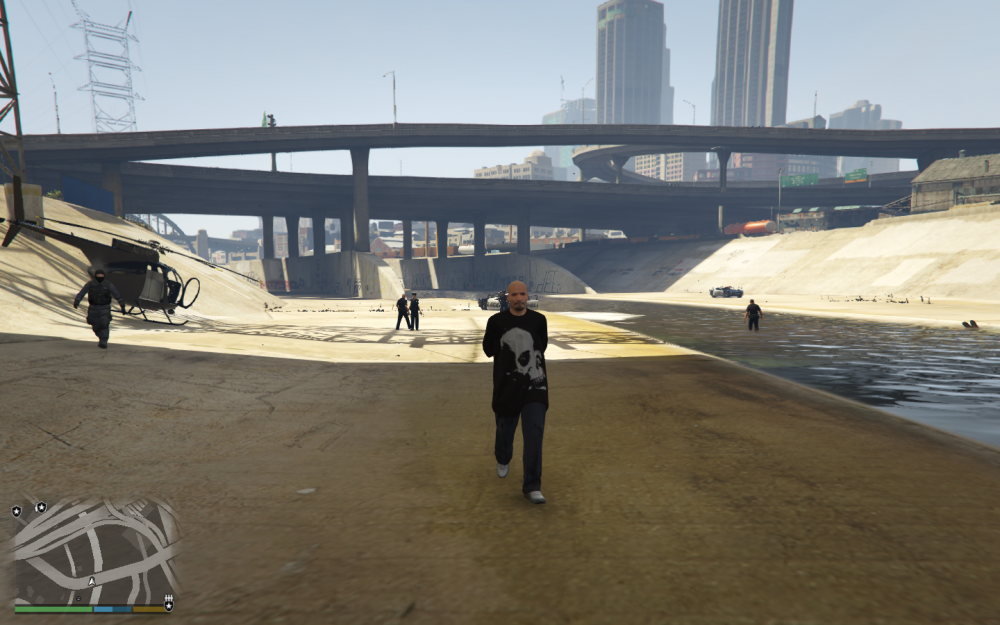
Ah yes, the heli smashed right into the power pole there on the left and fell to the ground XD lol As an update though I've added all the essentials of LSPDFR (ELS, Computer+, LSPDFR+ etc.) and some cars with no other issues. I still do not understand why that crash was happening. but anyways, I'm getting ready to hop on now and chase down some criminals 😉 Ya'll have a good one!
-
To my surprise, it loaded everything normally. I was able to get into GTA V via RPH and was able to load LSPDFR with no issue, go on duty, take a callout, and arrest a suspect. I honestly don't get it lol, I literally didn't change anything. All I did was send the log file here. It makes me feel bad though for taking up your time with this. Like I said, I don't know what happened. I'm sorry that I took your time up, but I deeply appreciate your patience and input. I'll update if anything goes awry again. Thank you!!
-
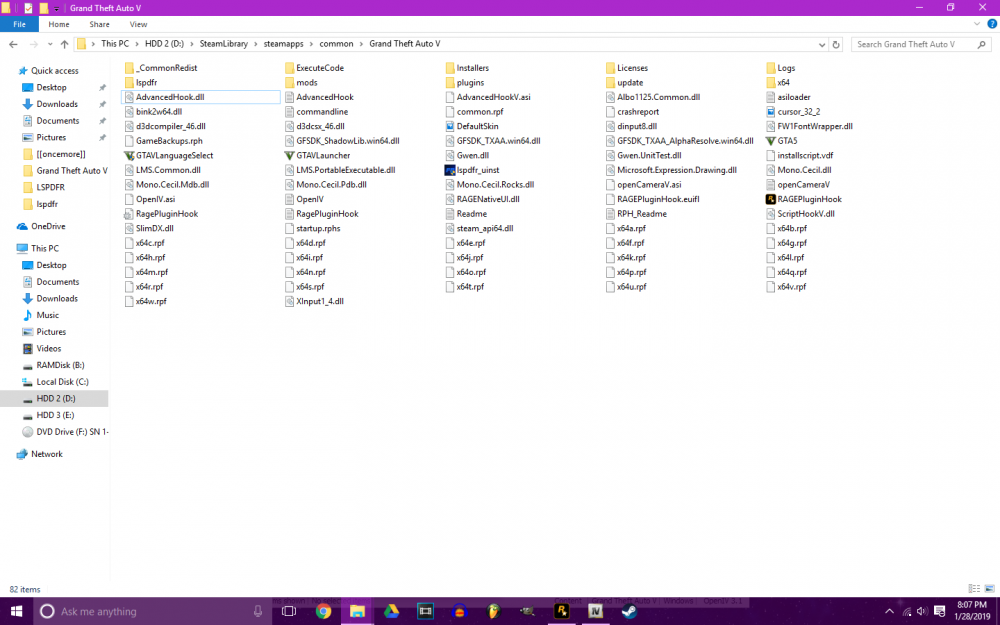
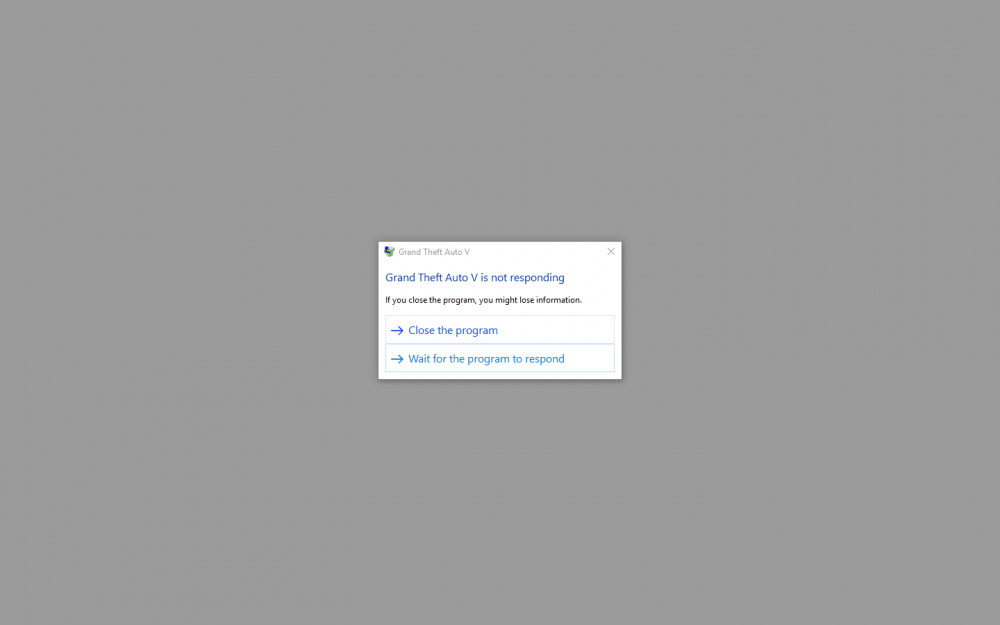
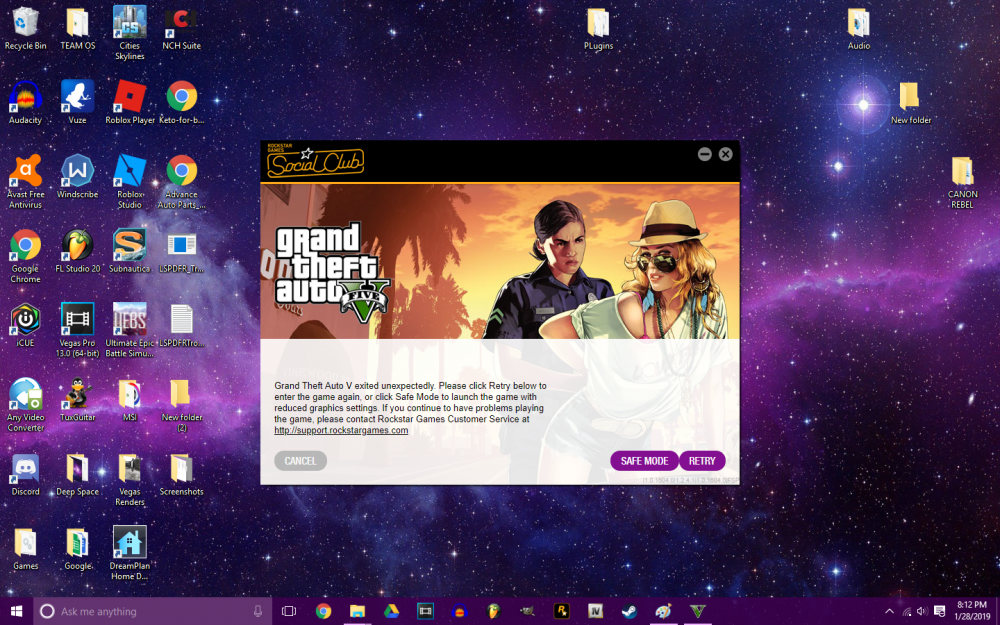
The same thing. When I launch it, I just get a black screen, which eventually leads to a crash. I've attached some screenshots; Two I took of the incident, the other is my GTA directory. Just for kicks and giggles, I'm gonna try and launch GTA again via RPH and see what happens.
-
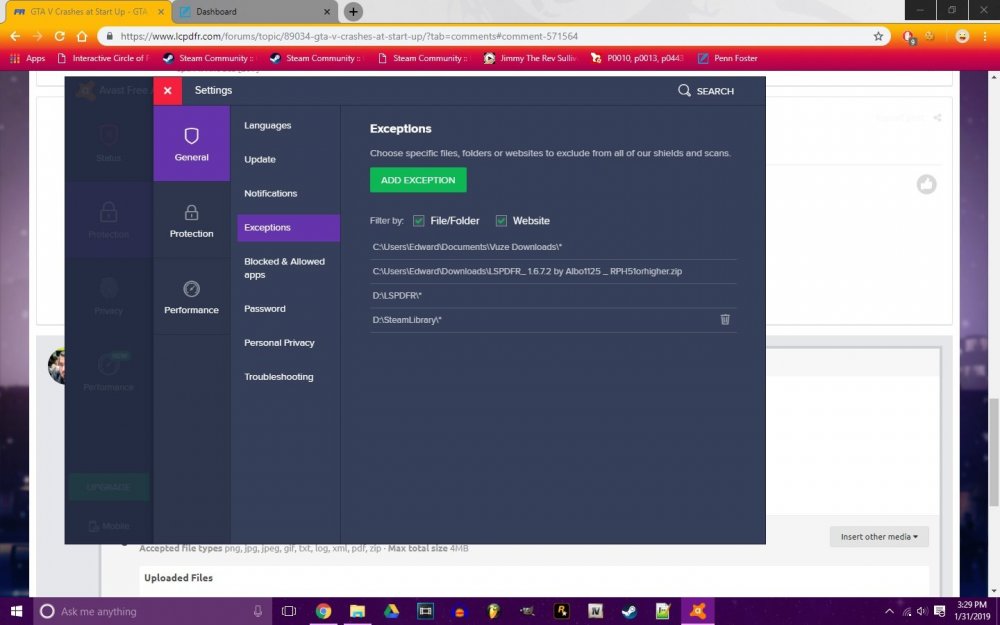
Here you go Bastion. RagePluginHook.log Also DrDuebbi, I have done that. I disabled my antivirus before trying to install LSPDFR and RPH and have any folders with LSPDFR/RPH related files in my exceptions list. Attached is a screenshot of my exceptions list, for reference.
-
I apologize for the slow response, but is this the correct file? This is my most recent crash log. RPH Crash Log.txt
-
Alright guys, So here is the situation. I attempted to install LSPDFR. I followed the install guide as directed; install LSPDFR first, then RPH, then scripthook. When I start RPH, it runs through its normal course of actions. However, when it gets to "Hooking Game Instance," the GTA V window opens (I run it on windowed borderless.) to a black screen. the RPH window fades away with "Enjoy" and after roughly a minute the game crashes with a "GTA V exited unexpectedly" error message left behind. However, if I install ONLY RPH, the game will launch. I am lost. I've tried every single thing I can think of, and read a ton of articles and forum topics related to GTA V crashing on startup. I can't figure it out and it's rather frustrating. Here is a list of fixes (that i can remember) which I have already attempted; - Fresh GTA V install -Renaming/deleting mods folder (even though there is nothing in there right now because I'm just trying to get vanilla LSPDFR up and running before adding mods again) -Reinstalling LSPDFR, RPH, Scripthook -Reinstalling ASI Loader and openiv.asi in OpenIV -Renaming/moving Social Cub folder in "Documents" -Installing custom game configs -rebooting PC -RPH with Admin privileges let me know what screenshots or log files you need in order to assist with this issue. Thanks in advanced.