


.jpg.bcaf220c97b0585d81a1f901576a1e3d.jpg)

Ampro119
Members
-
Joined
-
Last visited
Everything posted by Ampro119
-
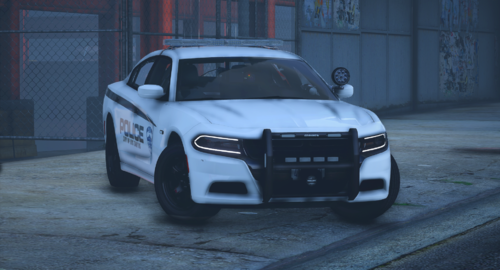 Looks great! Although, after looking at the pics, I did notice the word "dial" was misspelled with two L's. Other than that, it is minimalistically fantastic.
 -
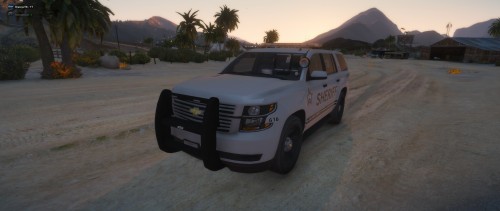 Looks fantastic! Although one thing, the Tahoe skin has Sheriff spelled with two R's on the back. Everything else is great! 👍
- 8 comments
- 3 reviews
-
 Nice, very well done! 👌
 -
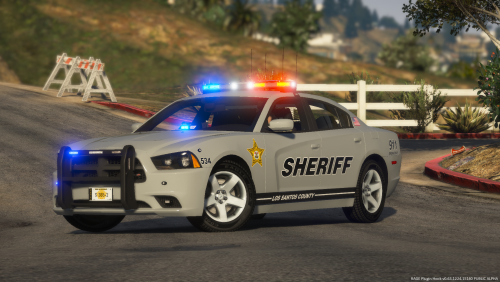 This is amazing! Thank you a lot for making this pack, it is really appreciated! 👮♂️👍❤️

