Royal Hype
Members
-
Joined
-
Last visited
Everything posted by Royal Hype
-
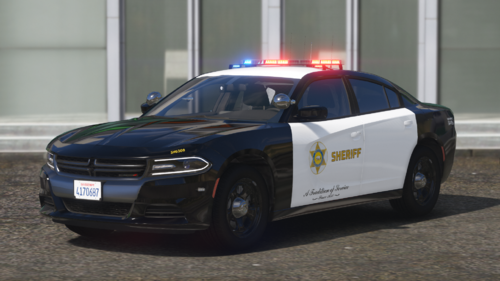 Would you ever create a LASD template pack with all of the numbers and logos like the LAPD one?
 -
-
 Quick question.. So when Im using radiance V in game all of the lights work fine and the reflections of light show on buildings and different objects. But inside of Rockstar editor they don't.. The reflections are very dull kind of like vanilla almost... I've use other vehicles that do show inside of Rockstar editor Is this dealing with a configuration of your files or can I go and change the settings myself?
- 779 comments
- 187 reviews