Skip to content
View in the app

A better way to browse. Learn more.

LCPDFR.com

A full-screen app on your home screen with push notifications, badges and more.

To install this app on iOS and iPadOS
  1. Tap the Share icon in Safari
  2. Scroll the menu and tap Add to Home Screen.
  3. Tap Add in the top-right corner.
To install this app on Android
  1. Tap the 3-dot menu (⋮) in the top-right corner of the browser.
  2. Tap Add to Home screen or Install app.
  3. Confirm by tapping Install.

GhostDaGhost

Members
  • Joined

  • Last visited

  1.    Sytse reacted to a comment on a file: [ELS] Lenco Bearcat (with lore friendly liveries!)
  2. GTA 5 Jedi Master started following GhostDaGhost
  3. GhostDaGhost changed their profile photo
  4. Michael21107 started following GhostDaGhost
  5. HardwiredMike started following GhostDaGhost
  6. Arman.s started following GhostDaGhost
  7.    john 321 reacted to a file: [DEV] Garmin GPS
  8. Austin not powers started following GhostDaGhost
  9. mjg91199 started following GhostDaGhost
  10. I've been trying for a long time to make ELS+ work on my server.
  11. How did you get a ELS car to work with FiveM???
  12. Soon. I discovered issues with the Impala I was going to release but forgot to delete some of the files from the zip. Next update will have the Impala.
    • 1,847 downloads
    • Version 1.0.0
    Hello Everyone Discord (for modding updates): https://discord.gg/rm8zhHr This is my first scratch modeled object. There may be issues. I noticed that there wasn't much GPS out there so I decided to make and release this one. Enjoy! You are not allowed to reupload this file on any other sites without my permission. You may not re-upload this with different textures or changed a small thing.
  13. Wait for the update. Since the lightbar will be changed. Thus textures will also change.
  14. Headlights will be fixed next update. Not sure about takedown lights yet but I will be putting in a new lightbar on all models next update. Stage one lighting coming next update. 🙂
  15. There is already a Lenco Bearcat in the Dev section.
  16.    GhostDaGhost reacted to a comment on a file: All Blue Lighting For ELS Models
  17. Hey there! Thanks for making blue lighting possible on my Seattle PD pack! Appreciate it.
  18. Daniel Madsen     Performed a traffic stop on a Taxi Yellow Taxi with registration 07CWE819 in Mirror Park, Bridge St
  19. Daniel Madsen     Responded to a Store Robbery in El Burro Heights, Capital Blvd
  20. Daniel Madsen     Performed a traffic stop on a Black Bobcat XL with registration 44WNN069 in El Burro Heights, Sustancia Rd
  21. Daniel Madsen     Responded to a Holdup in La Puerta, Davis Ave
  22. Daniel Madsen     Responded to a LSGTF in Mission Row, Sinner St
  23. Daniel Madsen     Responded to a CarAccident in Mission Row, Atlee St
  24. Onlinegamer44 started following GhostDaGhost
  25. Daniel Madsen     Went off-duty at Downtown Police Station in Mission Row, Atlee St
  26. Yep! 🙂 The PB5 wraparound I found had texture issues but I was able to resolve them and thus put it in.
  27. It indeed would. I need to learn how to make a DLC but I use this and recommend it.
  28. Daniel Madsen     Performed a traffic stop on a Steel Gray Prairie with registration 45JHI488 in Rancho, Roy Lowenstein Blvd
  29. Daniel Madsen     Performed a traffic stop on a Steel Gray Prairie with registration 45JHI488 in Rancho, Roy Lowenstein Blvd
  30. Daniel Madsen     Responded to a OwnerWanted in El Burro Heights, Elysian Fields Fwy
  31. Daniel Madsen     Performed a traffic stop on a Util Light Brown Mule with registration 84MTT591 in El Burro Heights, Elysian Fields Fwy
  32. Daniel Madsen     Responded to a HotPursuit in Mission Row, Vespucci Blvd
  33. Images added to a gallery album owned by GhostDaGhost in GTA V Galleries
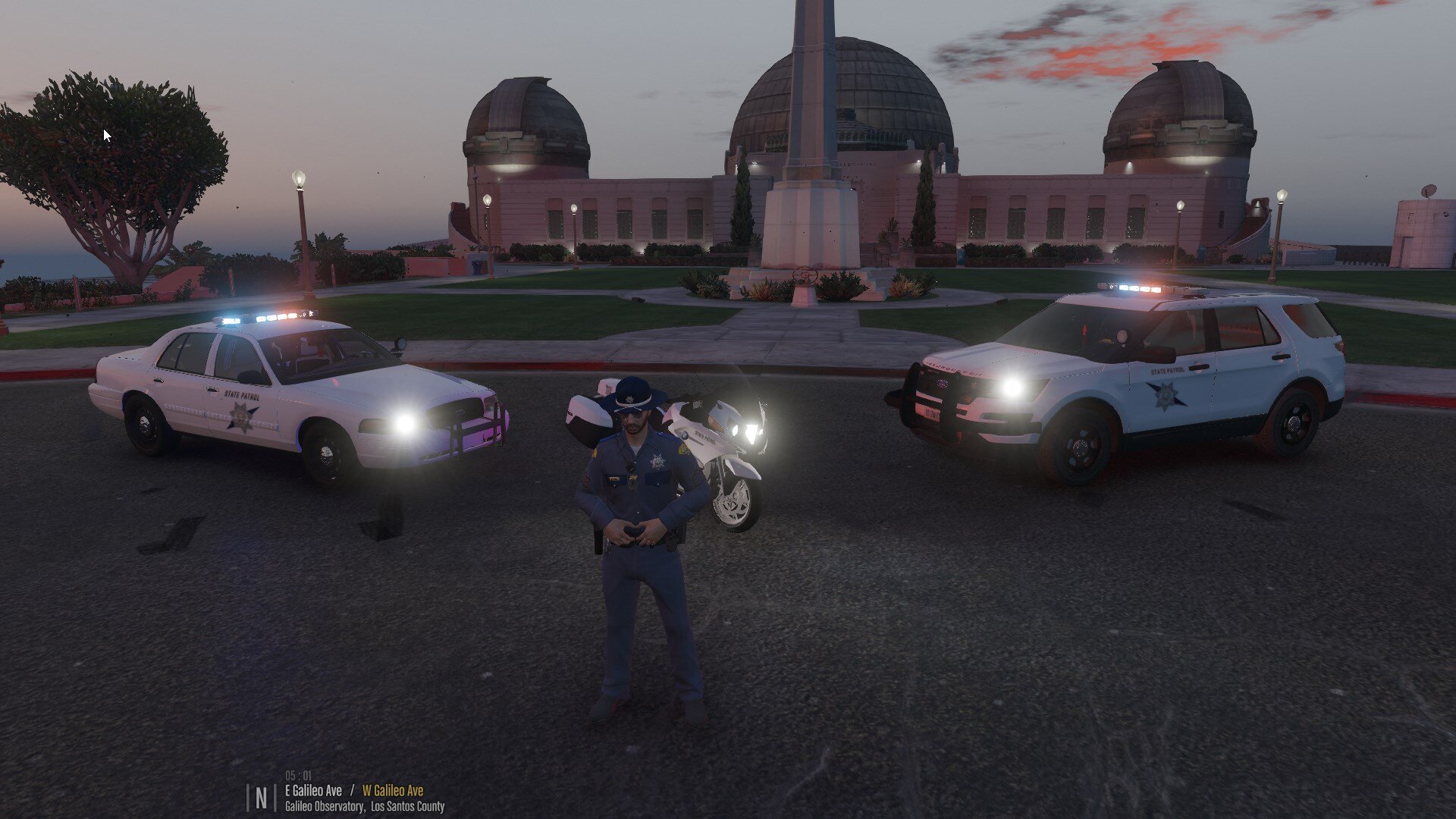
    Work in Progress Explorer with livery and components based off of Washington State Patrol. Explorer model made by Thehurk 😄

Account

Navigation

Search

Search

Configure browser push notifications

Chrome (Android)
  1. Tap the lock icon next to the address bar.
  2. Tap Permissions → Notifications.
  3. Adjust your preference.
Chrome (Desktop)
  1. Click the padlock icon in the address bar.
  2. Select Site settings.
  3. Find Notifications and adjust your preference.