
narndt101
Members
-
Joined
-
Last visited
Everything posted by narndt101
-
Whenever I load LSPDFR, it sometimes gives me this: I have no clue how to fix it

-
-
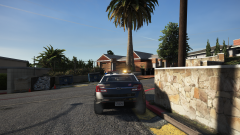 yeah yeah
 -
love the pack, I use it myself. Makes it seem like you are actually a LA police officer!
-
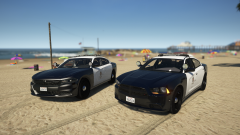 is that the LAPD vehicle pack?
 -
-
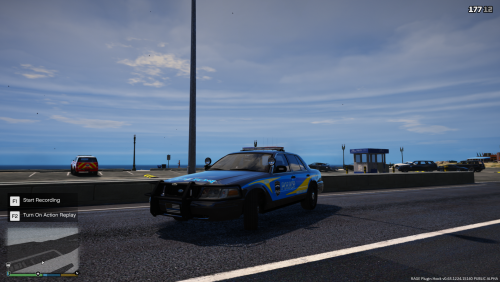 off topic but, what did you do to change the road to look newer?
 -
When I click 'F12' the EUP Menu does not want to pop up. I have everything installed for it, it shows it works, but it does not show the menu. Does anyone know how to fix this?
-
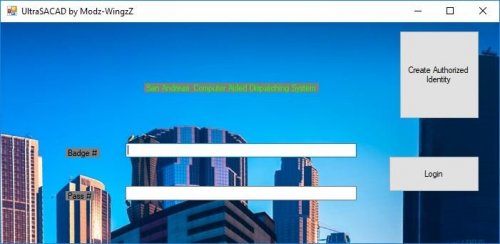 All it does is generate random numbers. Not even close to being legit. only real thing is the internet browser.