


Maxiluren
Members
-
Joined
-
Last visited
Everything posted by Maxiluren
-
The last few days ive has countless issues with my gta. ERR_GEN_ZLIB_2 has popped up more times than i can count and i cant for the life of me figure it out. i have been modding gta 5 for like 6 years now and i have never had this issue before. I recently reinstalled the game and have been adding back my mods one by one, everything seemed fine. I tested the game between each mod i added. I just installed a addon vehicle pack (this pack in perticular i had in my game the last time i played so i know it works). I edited the dlclist.xml file like i've done hundreds of times before but when i put it back in the game and try to launch i get the error. I have installed the normal mods for using addon packs, gameconfig, heapadjuster and packfilelimitadjuster. I've also double checked that there arent any errors in the dlc file itself and there are none as far as i can tell. Does anyone know what causes this?
-
I did, I think the problem was with the tool I was using. The Addon vehicle creator. Whenever i tried installing cars that came as addon packs there was never the same issue
-
I've installed several ambulances with ELS, I installed these as seperate addons (Probably not the most effective but it's the only way I know). I changed the UB Defaultregions.xml so that they spawn as instead of the vanilla ambulance. But now whenever I call for one they respond without lights or sirens. I first thought it was a problem with ELS but whenever I sit in them myself it works as usual. Also when I call for regular police backup they use ELS properly but since I haven't replaced those yet, clearly the issue only revolves around the vehicles I manually replaced. Im unsure what could be causing this. I've done this before the same way and never had this issue so if anyone has experienced this and has a fix I'd love the help.
-
After installing NVE lspdfr crashes on startup.
-
The game crashes after a few minutes, sometimes when im driving around. Sometimes in the middle of a pursuit. I have tried removing all plugins from the lspdfr folder but it still doesnt work
-
I fixed the issue, i had to reinstall Natural Vision several times and it works great.
-
I put them in the Mods folder and they are completely white now, and if it adds anything i have the same issue with Police4
-
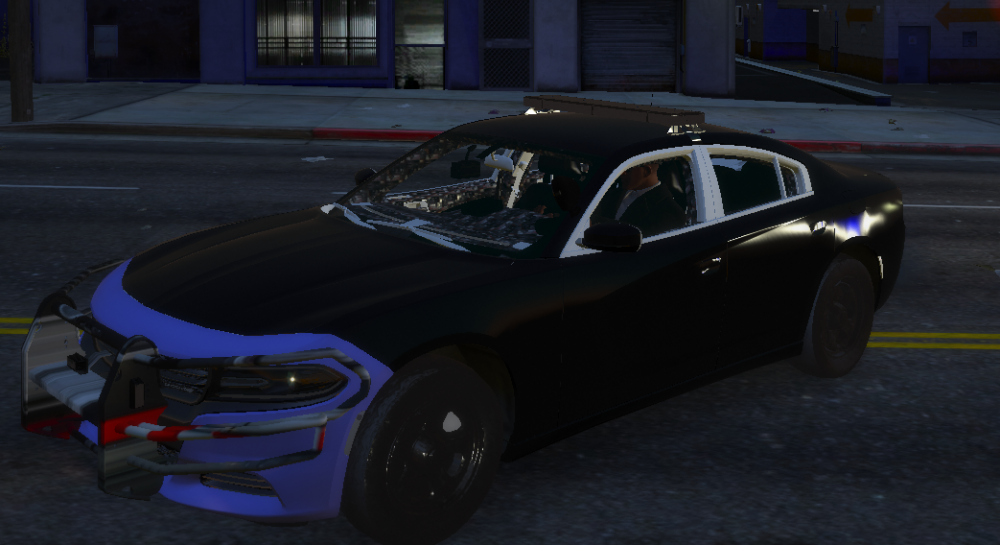
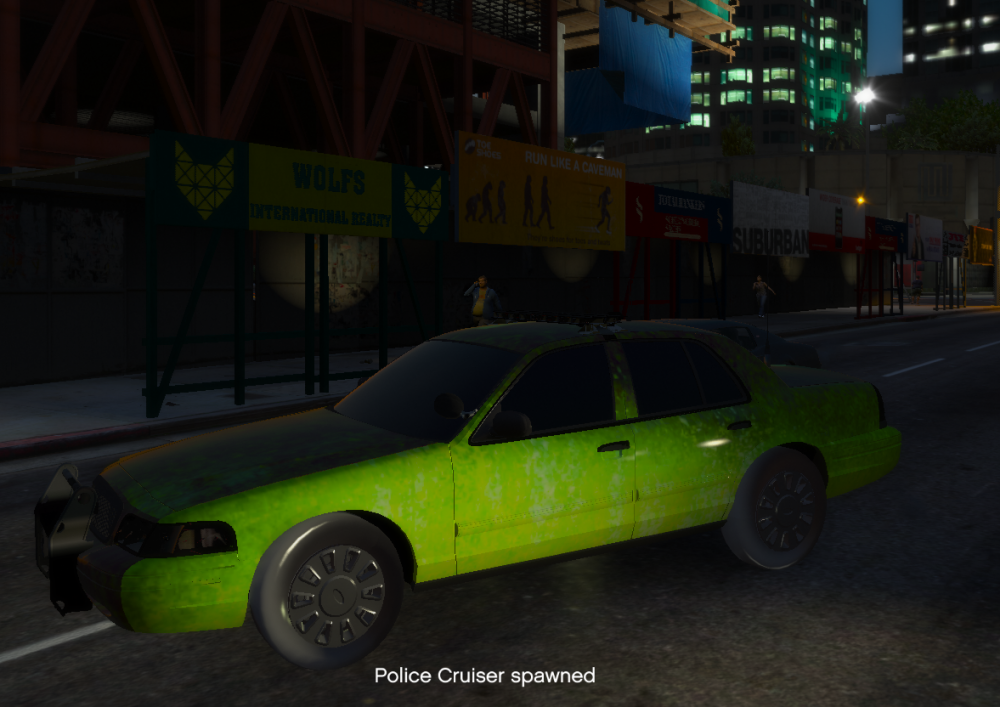
I replaced the sheriff and police models it worked fine for all of them except the first Sheriff and Police models. The lights are basically white and the cars are just glitched, don't really know how to explain it. This issue is really annoying, thanks 😄
-
I managed to get to game to work, I had to remove my mods folder. But now lspdfr crashes when i try to load it. not the game, the plugin crashes.
-
I have several copys of gta 5, a swedish one, american etc. But none of them work. My main issue is with the american version, i can't load rph without it crashing on the loading screen. I tried removing all plugins but lspdfr, same with all scripts and callouts etc... Nothing works, i have tried to load using steam but even then my game crashes. I have updated anything i can think of.. Any help would be appreciated 😄 (sorry, my english isn't perfect)I followed the tutorial and everything worked fine, when i updated eup to 8.1 the officers have like the stuntman clothes or whatever you call it. The menu works fine but when i enter a police station the outfits work partly, The jackets work but the shirts and pants don't. My english isn't the best.


