
Snicks
Members
-
Joined
-
Last visited
Everything posted by Snicks
-
-
-
-
-
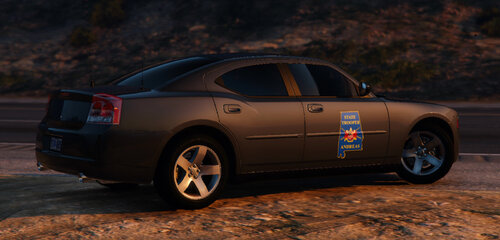
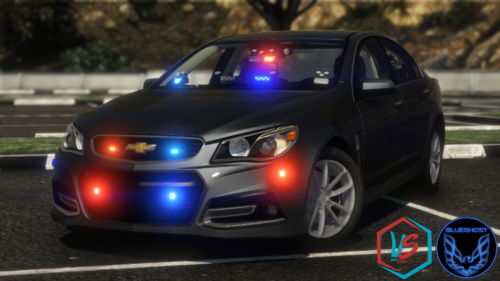
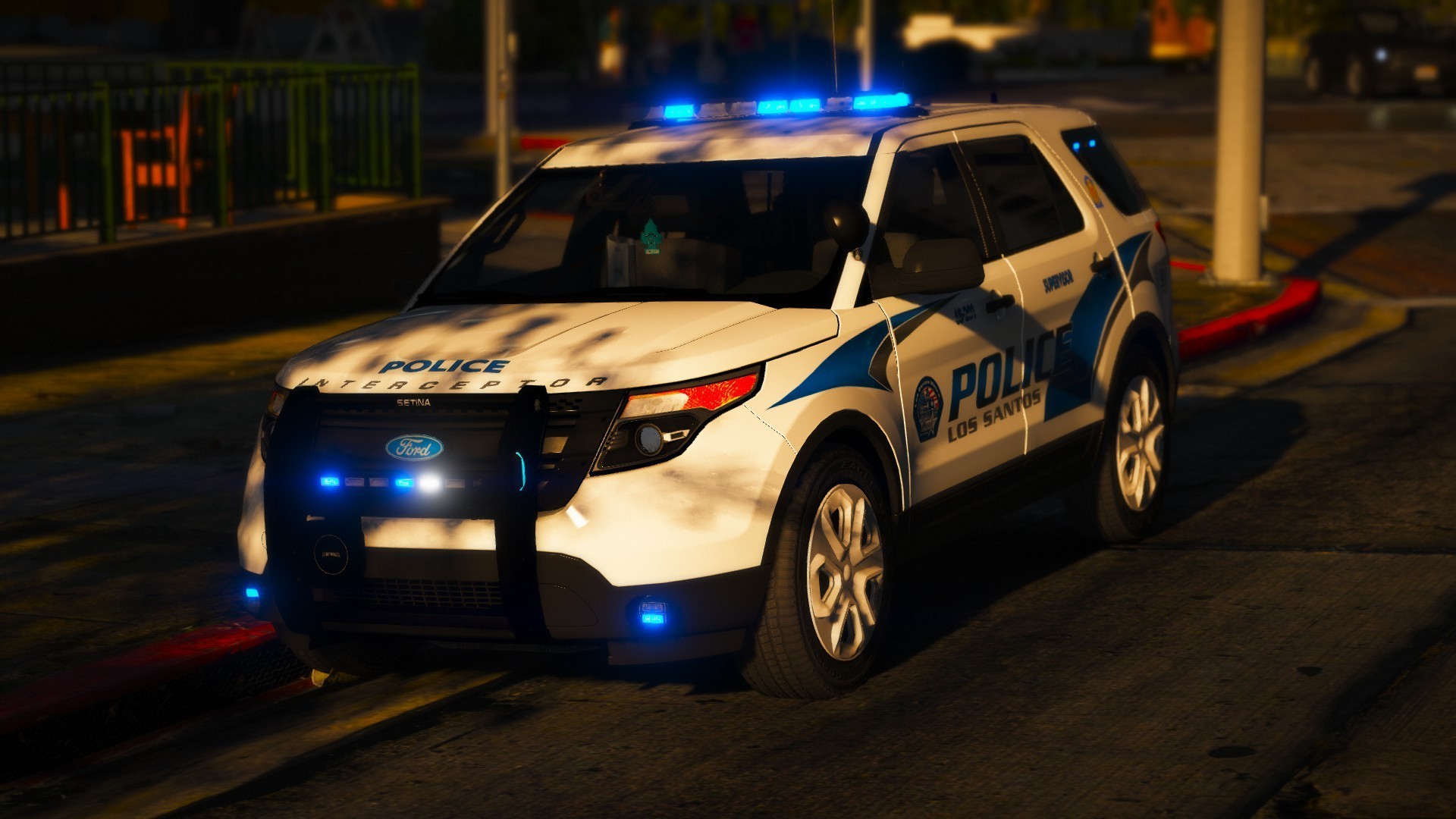
 The best unmarked Ive put into my game highly recommended going into my stash file 👍
- 175 comments
- 25 reviews
-
-
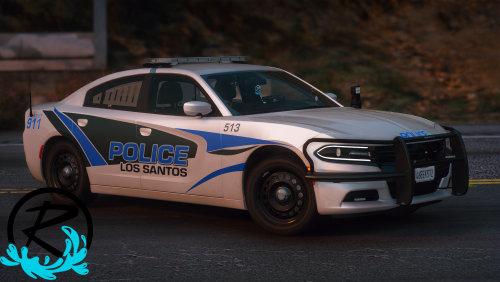
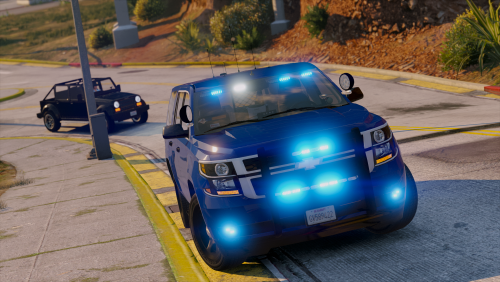 Great pack, I love all blues so when I seen I had to give it a try, I was not disappointed. Only flaw I have is the take downs it goes high beam then take downs and they are on the side of the vehicles, but I still love the pack hope you make some more would love to see ideas you come up with.👍
- 26 comments
- 13 reviews
-
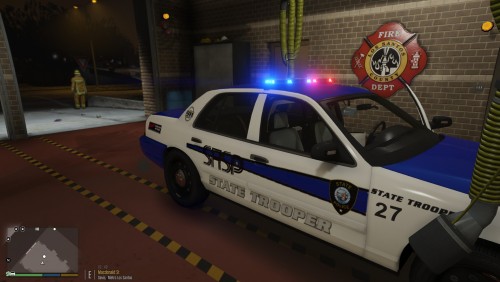
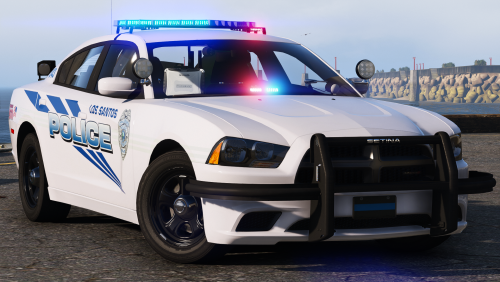
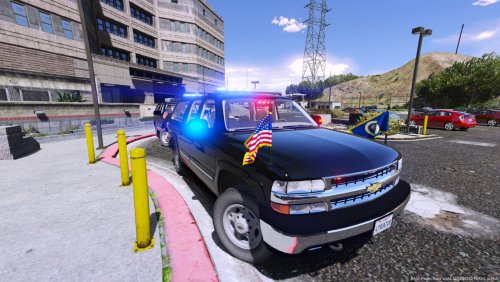 Slick idea man haven't seen one of these in a while, keep up the good work my man 👍
- 4 comments
- 2 reviews
-
-
-
-
-
-
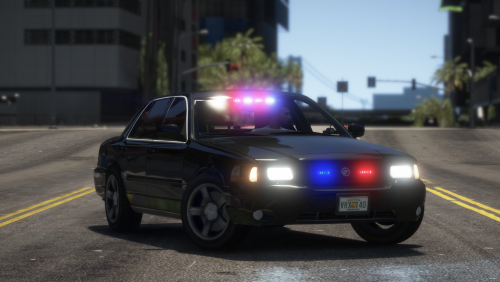
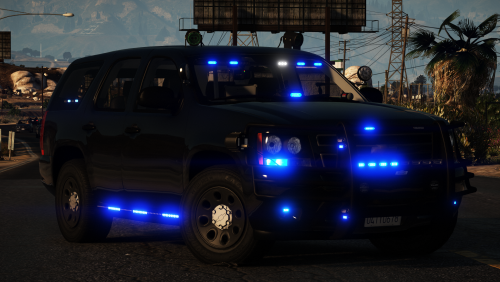
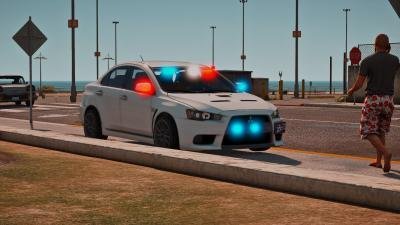 Best undercover I've ever used, license plate has issues, but overall a fantastic car if you go to ever update it think about adding takedown lighting. Will make this car unbeatable, Keep up the great work.
- 11 comments
- 4 reviews