


Code4Mods
-
Joined
-
Last visited
File Comments posted by Code4Mods
-
-
-
-
Go in and edit the uniform through the eup menu to change that and save them. Only other thing I can suggest is reinstall eup law and order. Im assuming something is messed up with installation because this only replaces two model files and two texture files, doesn't have anything else to do with any other pieces of uniforms.
-
-
-
-
-
-
7 minutes ago, smoketoobig said:
Hey, so I've been trying to use the duty belt and it works... but only for BCSO long sleeve. It shows up on the LSSD long sleeve but with wacky and messed up textures. Also, it only shows up for BCSO and LSSD, none of the other agencies. Any way to fix this? I've already tried clean EUP and replacement belt reinstall, but same result as before.
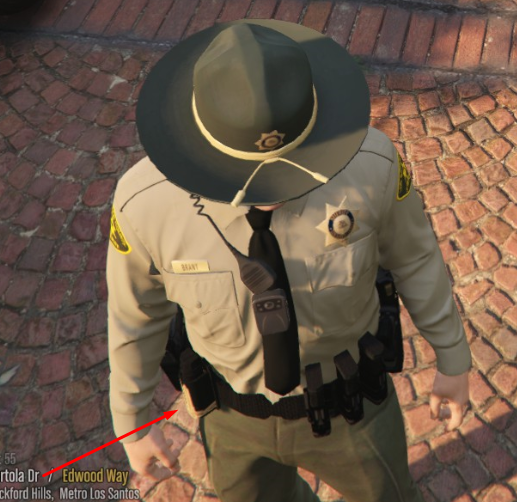
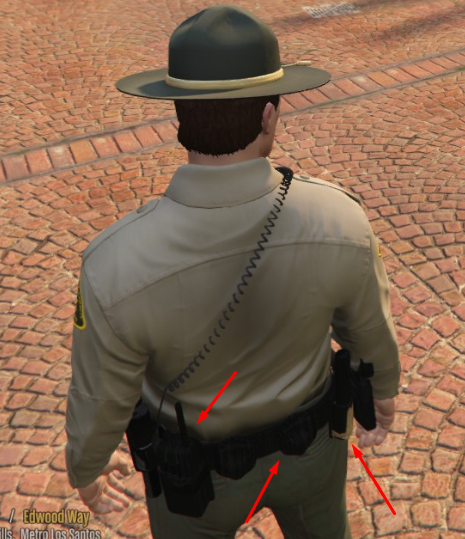
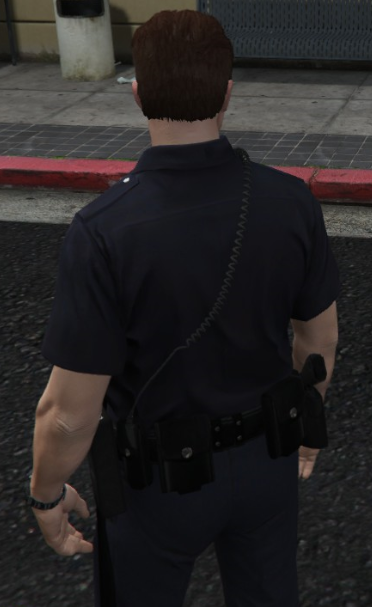
You have to edit the uniform under the wardrobe option in the EUP menu and use the 4 and 6 num pad key to change the texture to 1 for it to show up correctly. I’m going to probably make an update that sets up all 3 textures so you don’t have to change it.
-
-
-
-
-
-
-
Just now, Rym20 said:
@CodeyWynne Are you planning on creating a version of this for female characters?
Possibility of it at some point not sure when yet
-
-
-
-
-
-
-
Edited by CodeyWynne
Not sure what the gold texture on the belt would be caused by only thing I’d recommend is to be sure that the ytd was overwritten. Only other thing I could think of is maybe another mod is causing conflict. Any way you can get me some closer shots? What about the holsters are they doing the same thing?
2 hours ago, Milo655 said:Ehm hi,
i want to report a something you might have forgotten.
I have cop holster installed but if i pull the gun out of it, the holster goes black.
I have a photo of the black holster.
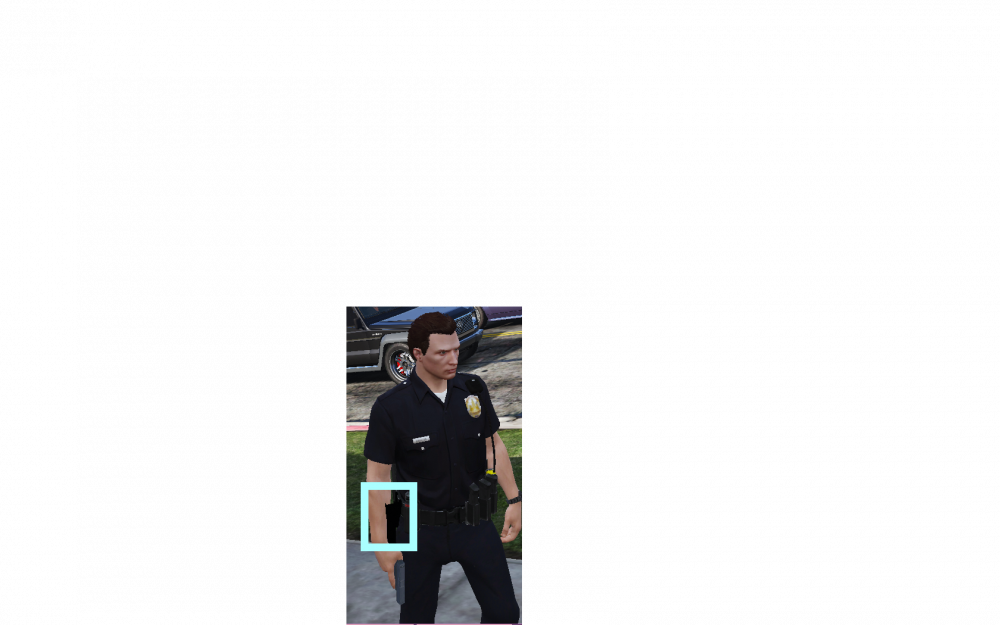
I’ll look into this a bit further I believe this is just a texture issue.
-






EUP Replacement Belt & Holsters V1.0
in Player & Ped Modifications
For personal use only. Do not release it is all I ask