


Cameron K.
Members
-
Joined
-
Last visited
Everything posted by Cameron K.
-
Hi, I keep consistently crashing solely from the ambient fake traffic stops. I noticed something in the log mentioning an invalid model, however, I'm not familiar with the hash 0x9f05f101 so I wouldn't know how to be sure. Any input would be helpful. I've attached my log as well. RagePluginHook.log EDIT: I figured out that hash is police2 so I'll see if changing the model will fix anything but if there's anything else of note in my log please let me know. FINAL EDIT FIXED: Turns out I had somehow deleted police2 in vehicles.meta. Copied it over from my regular folder and it seems to be working now.
-
-
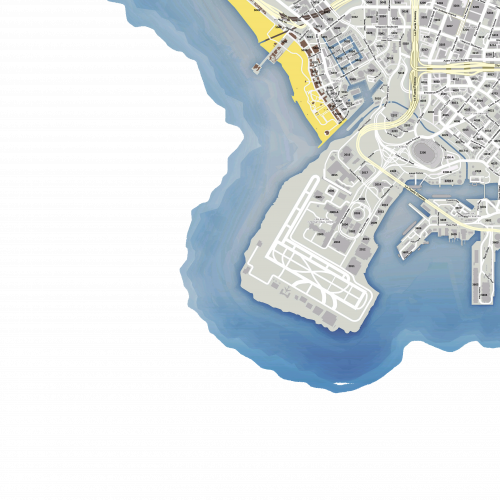 Whenever you close out of the map and go back in, it returns to the fully zoomed out state. Any way to fix this?
- 33 comments
- 7 reviews
