


RHefo96
Members
-
Joined
-
Last visited
Everything posted by RHefo96
-
@Goksi try deleting the replace vehicles out of Patchday20 and install them into Patchday19 that worked for me. Let me know if that helps.
-
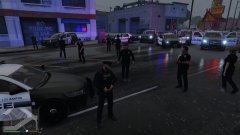
From the album: 0.4 says it all
-
From the album: 0.4 says it all
-
From the album: 0.4 says it all
-
From the album: 0.4 says it all
-
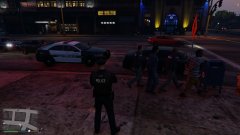
From the album: 0.4 says it all
-
@LMS After months of trying to figure out the issue, I done a PC wipe and long behold it worked after that. So whatever hidden software I had was obviously conflicting with something. Sorry for being so hot headed at the time. I appreciate your good work and 0.4 is HOT!!!
-
Dumpt it, the amount off people having problems with RPH by the time 0.4 comes around for LSPDFR The game will be unloadable with RPH, would be better off having a standalone system that belongs to LSPDFR, instead off RPH.

