



Chief Bloodshot
Members
-
Joined
-
Last visited
Everything posted by Chief Bloodshot
-
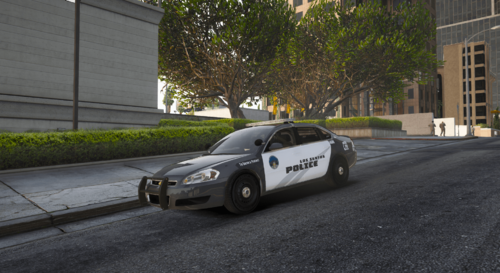 My bad, it's a 2016 Chevrolet Impala Limited.
 -
Join My Discord! : https://discord.gg/eVUk88U DO NOT RE-UPLOAD THIS MODEL ON LCPDFR OR ANY OTHER WEBSITE. YOU MAY NOT CLAIM THIS MODEL NOR LIVERY AS YOUR OWN. IF YOU ARE GOING TO USE THIS IN YOUR FIVEM COMMUNITY, YOU MUST GIVE CREDITS WHERE THEY ARE DUE. BY DOWNLOADING YOU ARE AGREEING TO THESE TERMS THAT I HAVE SET. extra 1 - Lightbar extra 2 - Visor Lights extra 3 - Pushbar extra 4 - Spotlight (Closed) extra 5 - Spotlight (Opened) extra 6 - Laptop extra 7 - Radar extra 8 - Partition extra 9 - Antenna Template is found in rbimpala.ytd or bbimpala.ytd
-
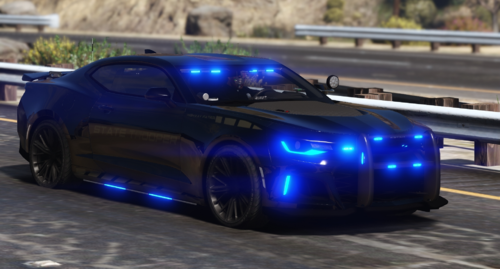 You can go to my Corvette and download it. Put the metas of the camaro into a data folder, copy the handling.meta from the corvette and put it in the Camaro data folder. Do your edits in the handling meta, change the handling id name, then go into the vehicles.meta and change the handling id to the custom handling meta. Then copy the __resource.lua from the corvette into the camaro.
- 64 comments
- 1 review
-
 i love you
 -
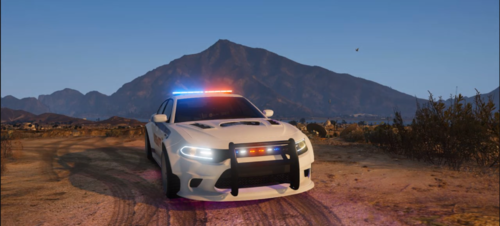 change carcols id value to a random 6 digit number, then go in to the carvariation meta and change the siren id to that same 6 digit number
- 38 comments
- 1 review
-
-
why not conflicting carcols if the lights don't work then it is conflicting carcols. If you are talking about the dummy, then the dummies are hidden, so you won't see the boxes.
- 38 comments
- 1 review
-
-
-
-
-
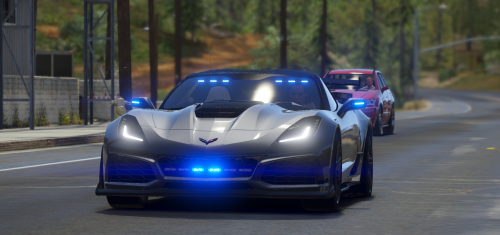 This was made for FiveM. You can use Lenny's Mod Manager to make it work for GTA 5, but I don't provide support for it. Maybe someone in the comments section can help you.
- 25 comments
- 3 reviews
-
max speed is 200 mph. If you are driving down the highway then the fastest you will get to is 180 mph.
- 25 comments
- 3 reviews
-
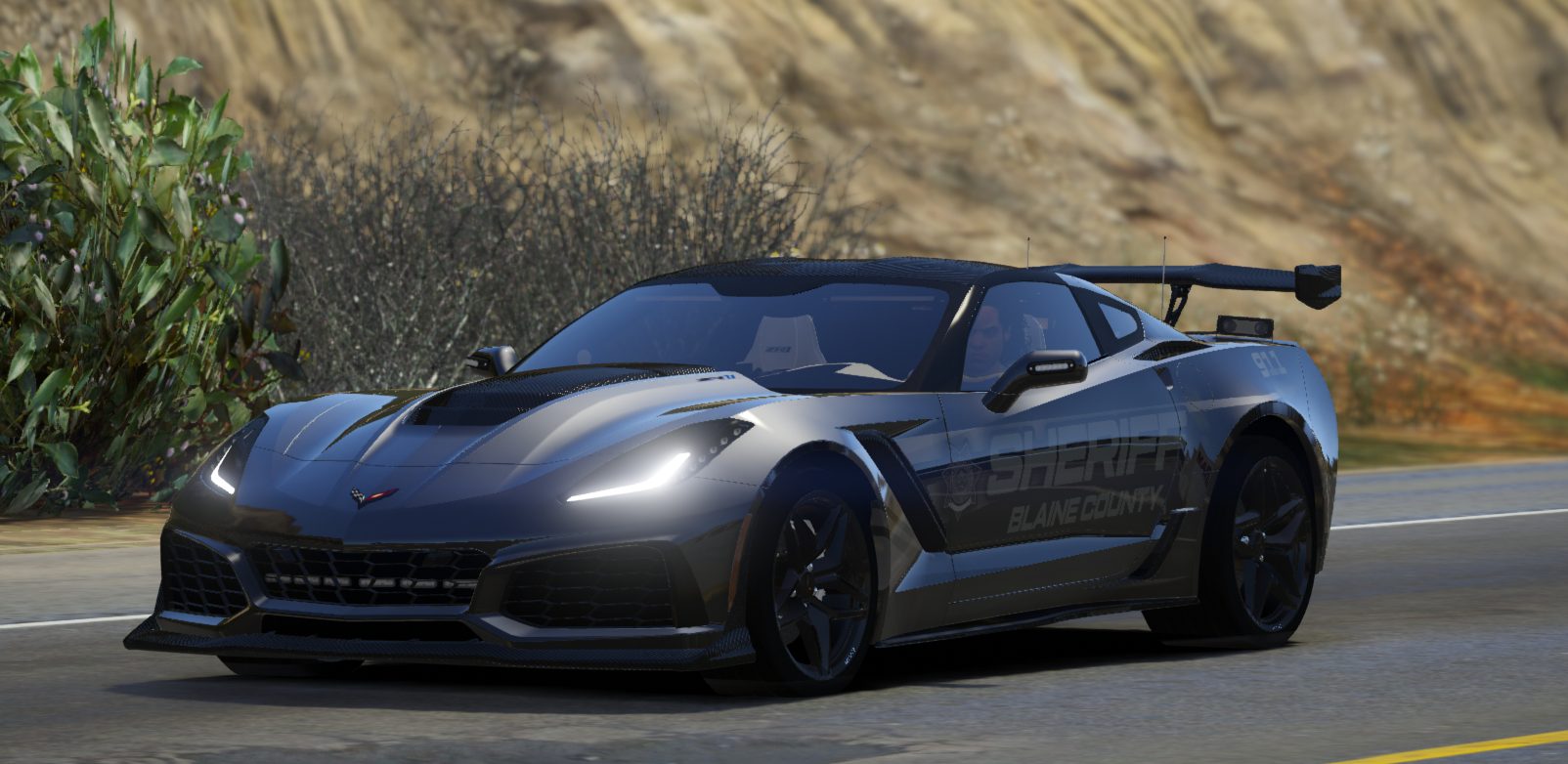
Join My Discord! : https://discord.gg/eVUk88U DO NOT RE-UPLOAD THIS MODEL ON LCPDFR OR ANY OTHER WEBSITE. YOU MAY NOT CLAIM THIS MODEL NOR LIVERY AS YOUR OWN. IF YOU ARE GOING TO USE THIS IN YOUR FIVEM COMMUNITY, YOU MUST GIVE CREDITS WHERE THEY ARE DUE. BY DOWNLOADING YOU ARE AGREEING TO THESE TERMS THAT I HAVE SET. GIF: https://gyazo.com/730993444f82d82b721925a7c97ed959 ; https://gyazo.com/e216e4db7c0555ac95945c6746de3a93 ; https://gyazo.com/6eded1c97b88a34aeb978613252f1d4a extra 1 - Roof extra 2 - Spoiler extra 3 - Radar extra 4 - ALPRs extra 5 - Antennas
- 25 comments
- 3 reviews
-
yes, but makes sure that it's the same regarding the uppercase or lowercase. It is case sensitive.
- 38 comments
- 1 review
-
You get openiv and open the ytd using it. In the ytd there is a template, and you can use that to make your own skin. The car supports multiple liveries. Make sure to use that same name as the other skins, but make sure the number at the end rises in order. Then in game use a menu to switch the skins.
- 38 comments
- 1 review
-
-
-
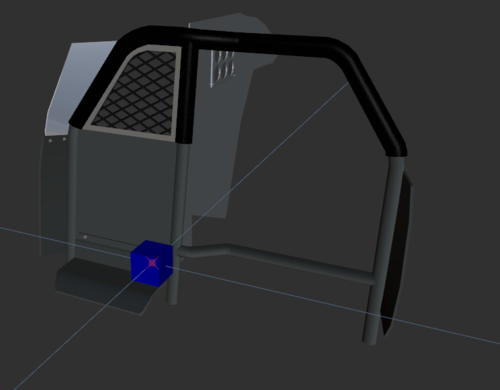 tnx
tnx -
-
-
-
-
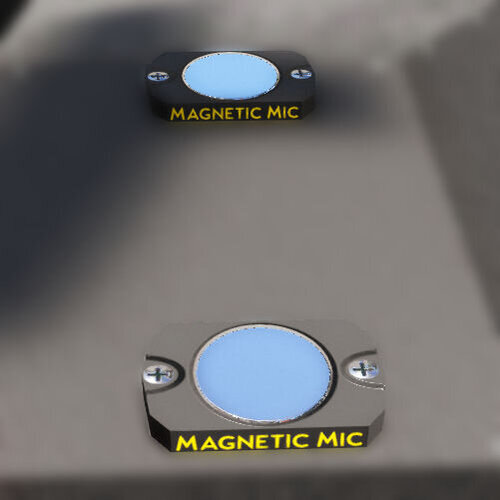 hold the microphones
 -
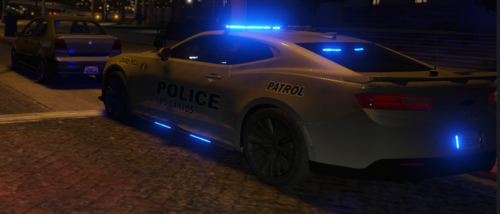 🤤
🤤


