


xarthatusx2018
Members
-
Joined
Everything posted by xarthatusx2018
-
 sooooo anyone else having an issue when you open computer+ in game where your mouse physically wont move anywhere it gets stuck in the middle and flickers back to center no matter how much i try move it...and i cant logout of computer cause i cant mouse over to the button what is going on? does this need to be updated to 4.2?
- 1,743 comments
- 172 reviews
-
so i have fresh installed GTA V 4 times now and when ever i open GTA through Ragehook it works fine but as soon as loading lspdfr comes up it spins and crashs lspdfr everytime no matter how fresh an install i do.....whats the deal?
-
agreed its almost like you pick components that are tagged to the folder its in but i cant even find those like i do not understand where its pulling this texture from. i even changed the ped in patchday and all my officers who are npcs half are changed to new outfit half are in the lspd one lol its a right weird thing really lol
-
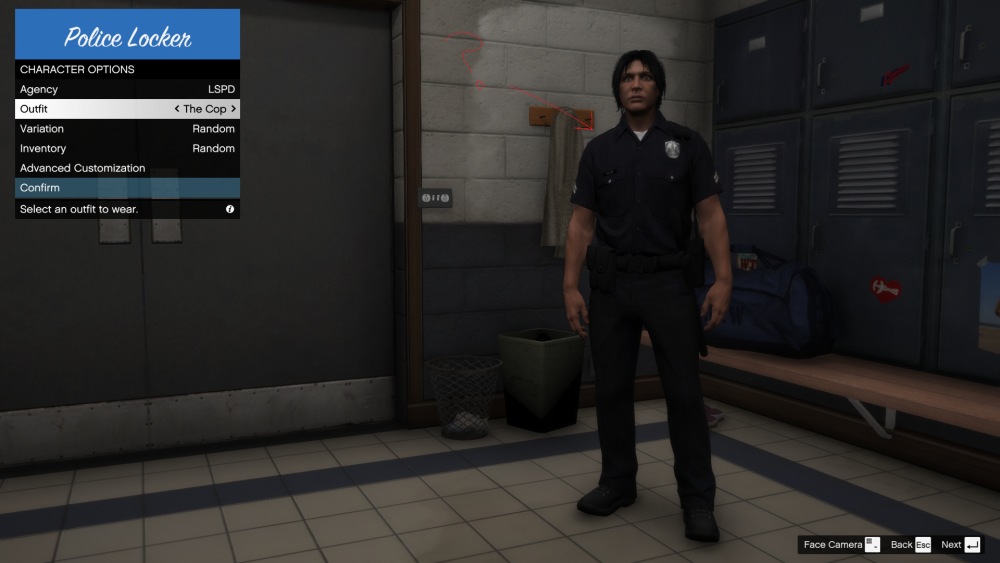
i have looked everywhere in openIV and i want to use a different police outfit for lspd. I want to change it in the lspdfr 4.0 outfit menu and i cant find it anywhere to replace the textures .....anyone have any idea? see photo for description.
-
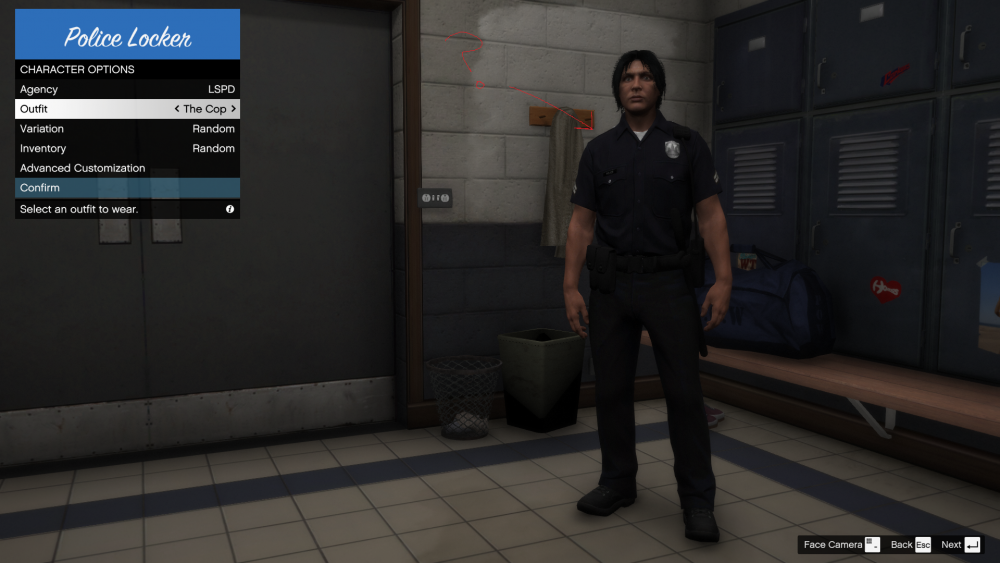
i have looked everywhere in openIV and i want to use a different police outfit for lspd. I want to change it in the lspdfr 4.0 outfit menu and i cant find it anywhere to replace the textures .....anyone have any idea? see photo for description.
-
did you disable TRAFFICSTOP_INTERACT_Key to None curious? ill also try reinstalling see if that changes anything well not sure why but that seemed to fix it thank you man
-
test something and you will see i am right. first under lspdfr in your gta V directory there is a file called Keys.ini you must disable the TRAFFICSTOP_INTERACT_Key=E from default E to TRAFFICSTOP_INTERACT_Key=None in order to stop two traffic stop menus opening at the same time in game. GREAT! no problem right 😄 ....Wrong 😞 pull over ped using Interaction+ works fine pull ped out of car works fine switch to Stop the Ped game dosnt recognize Stop the Ped while interaction+ is running this causes a mad jam of crap that is not realistic also attempt to remove and place a ped into a vehicle without him getting out everytime or stealing your car in cuffs lol or you and the ped while holding drift 400 ft away
-
there is you cant use stop the ped currently and you cant talk to ped in window and use stop the ped it basically dosnt see stop the ped if you use lspdfr default e command after a pull over
-
its built into stop the ped mate 😉
-
 well he updated arrest manager so hopefully today we see this updated cause this mod is so essential to lspdfr. its been 4 days now and there is literally no work around for this mod and basically no point in playing lspdfr until this is updated😞 please hurry albo1125 appreciate all the hard work bro.
- 1,178 comments
- 137 reviews
-
-

- 1
-
-
ill give that a go guess its just a waiting game on the updates from the devs
-
ill try it only problem is once i get the ped out the vehicle when i hit the stop the ped menu key it dosnt recognize im hitting it becuase its locked in lspdfr 4.0 default traffic menu with E 😞
-
if i take out lspdfr+ it works but when i pull a ped out the vehicle i cant use my stop my ped interaction menu key because its stuck on lspdfr 4.0 default traffic stop and does not see the keybind being pressed. this also takes away questioning like why did u hit that vehicle etc
-
so i do not get it i am using traffic policer, stop the ped and lspdfr+ when ever i try telling the ped to step out the vehicle on traffic stop lspdfr crashes. when ever i hit my hotkey for stop the ped and ask ped to get out vehicle lspdfr crashes. basically as soon as my ped gets out game crashes. inside the lspdfr folder in the GTA V main directory the is a file named keys.ini inside i had to change TRAFFICSTOP_INTERACT_Key=None other wise two traffic stop menus pop up at the same time this is really confusing. can some one assist here is the log i am stumped and again here is another log same issueyou sir are a genius haha thank you its working perfect now i would never have thought of that nor could i find anything referencing to go there thanks mate 🙂
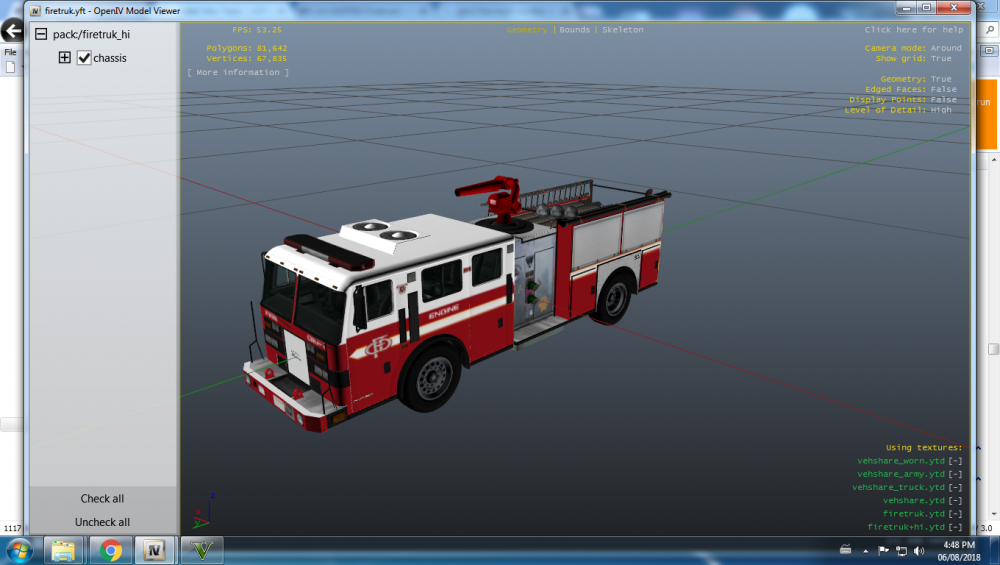
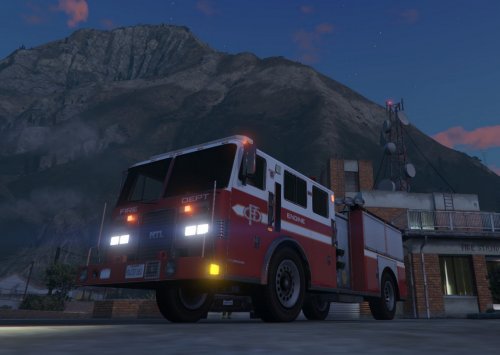 hey man tried to load your png file under sign_1 when you open the .ytd files and it looks like this in game? do you need to update i am lost why it wont work i changed it in GTAV/mods/64e.rpf/levels/gta5/vehicles.rpf and changed Fire skin 1 in both firetruk+hi.ytd and firetruk.ytd after i installed this is what it looks like when you load gameHey all I was hoping someone could help me with this probably very easy issue. So i Installed the new firetruck model i needed for this skin under GTAV/Mods/64e.rpf/levels/gta5/vehicles.rpf and replaced firetruk.yft,.ytd,._hi.yft and +hi.ytd i then downloaded this skin i want and installed it on the .ytd files by opening and changing the liveries to the new png file provided and my fire truck look like this in game picture 1 what did i do wrong? when i open the ytf files in openIV it shows the skin is added as shown in picture 2 so im lost. plz help any assistance would much appreciated. thanks Steve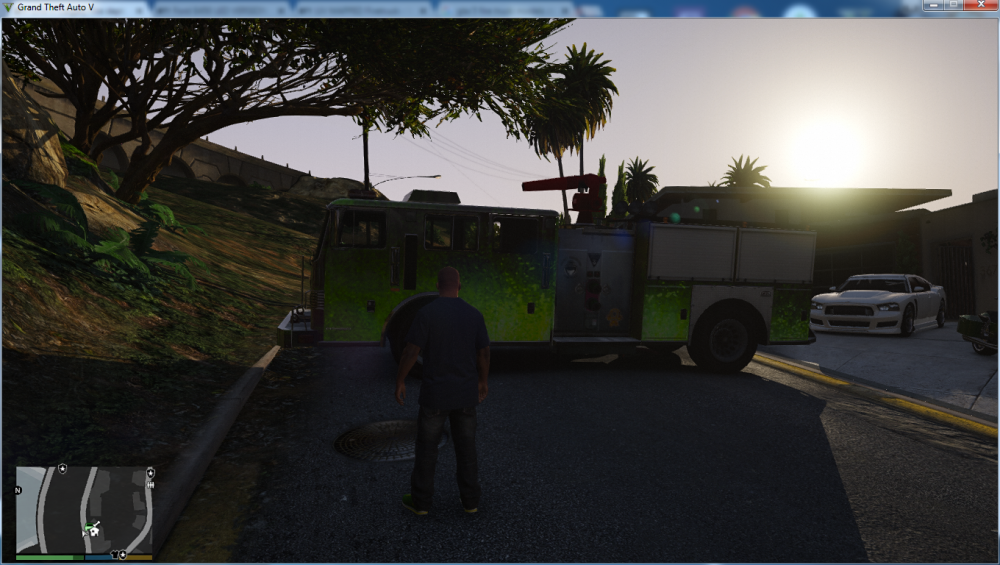
 i replaced the original Visuals.dat and settings.xml with the default originals and it still looks like this its like there is this crazy contrast and all i did was put radiance V in and Visual IV with LED Spotlight and Corona Version 9.1.0 i am not sure what i have done but i cant seem to get the glare to go away. like all my other lights are this blotchy bright blurry lens flare.
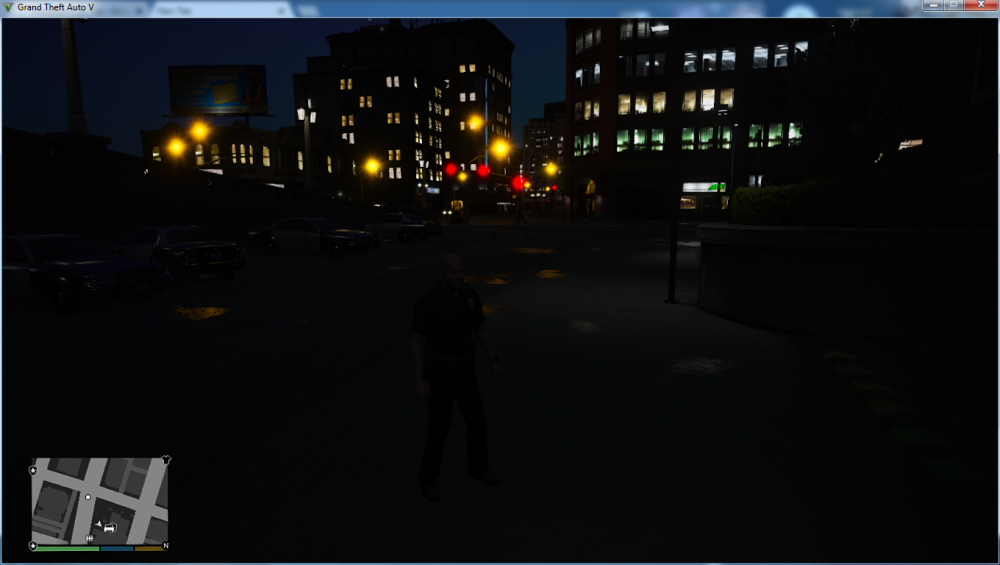 Can anyone please shed some light on this its super annoying. my police lights work fine but all other lights in game example street lamps,traffic lights and headlights are off the wall bright with this crazy glare how do i revert this to normal please assist anyone see screenshots below.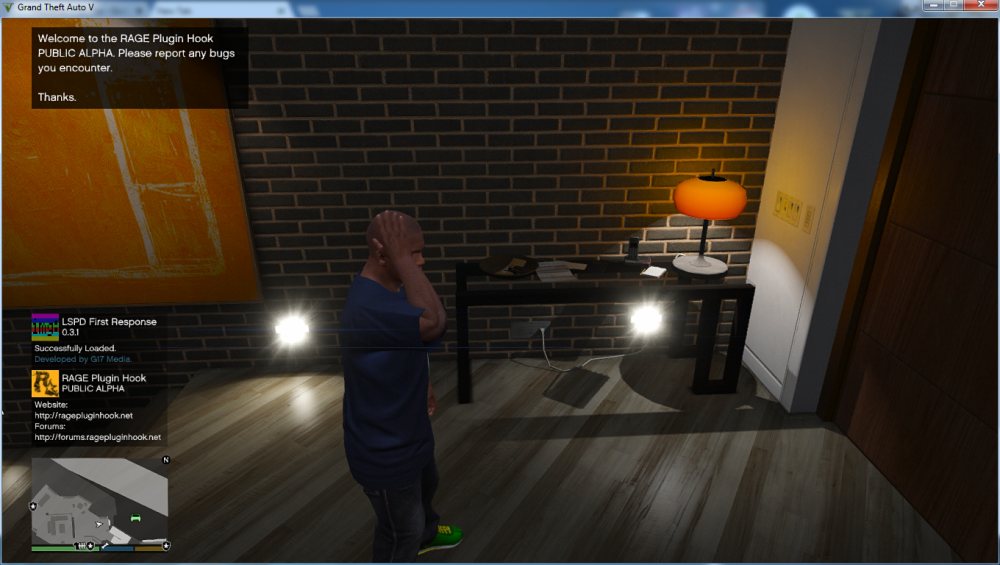
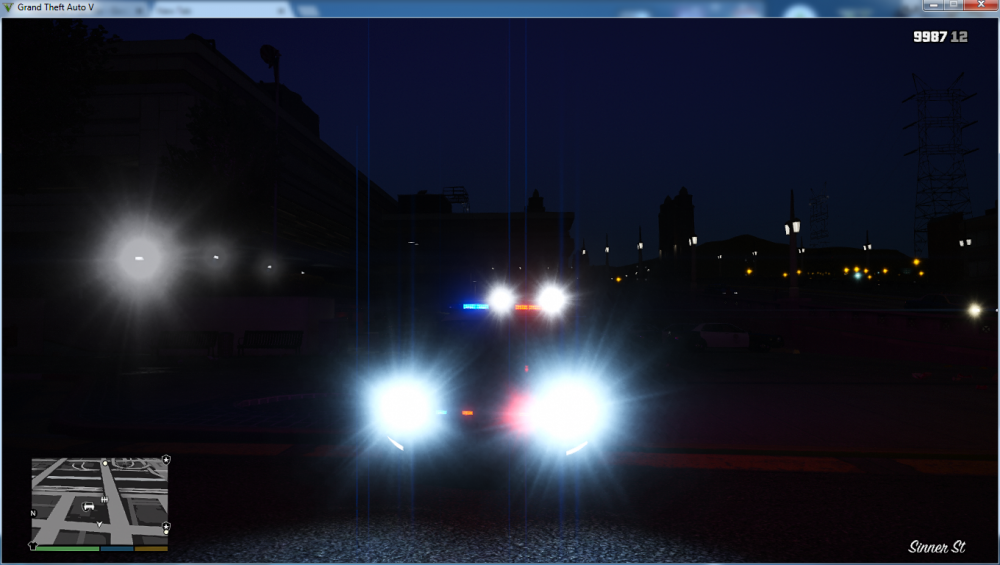
 Can anyone please shed some light on this its super annoying. my police lights work fine but all other lights in game example street lamps,traffic lights and headlights are off the wall bright with this crazy glare how do i revert this to normal please assist anyone 🙂 see screenshots below.
- 337 comments
- 72 reviews
-
-
- 2
-


