


Czapeusz
Members
-
Joined
-
Last visited
Everything posted by Czapeusz
-
@totallynotbriantall is that a callout plugin or was this made specifically for the screenshots
-
Will there be a option to tackle someone down? Or being held at gunpoint (something like there is in station 19 callouts plugin in armored car call, where the security guard aims his weapon at you but doesn't shoot you, everything is scripted obviously so there is no negotiation or something). Wouldn't it be cool to see someone with a gun, approach him and then he helds you at gun point, with full out negotiating etc. Or pursuit standoffs with 5 police cars behind the suspect, and SWAT moving in to neutralize him. Or the suspect suddenly stoping and opening fire on the officers. One of the things I don't like the most in LSPDFR is that even when suspects have guns, they most likely won't use them unless scripted to. Also will there be k9? And a partner system?
-
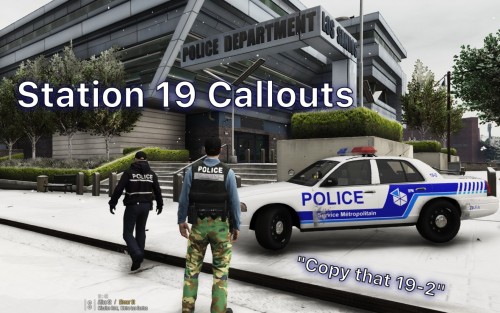 Hey, currently only the armored van callout is working, station 19 shooting completes itself automatically right after accepting it, the school shooter callout works but only in half, I get the marker where to go but when I arrive at the school the callout also ends automatically. The newest update didn't help
- 58 comments
- 16 reviews
