Skip to content
View in the app

A better way to browse. Learn more.

LCPDFR.com

A full-screen app on your home screen with push notifications, badges and more.

To install this app on iOS and iPadOS
  1. Tap the Share icon in Safari
  2. Scroll the menu and tap Add to Home Screen.
  3. Tap Add in the top-right corner.
To install this app on Android
  1. Tap the 3-dot menu (⋮) in the top-right corner of the browser.
  2. Tap Add to Home screen or Install app.
  3. Confirm by tapping Install.

Fergus

Members
  • Joined

  • Last visited

Everything posted by Fergus

  1. i can't find "mod universe" by googling, can i have a link please? 😄
  2. Should I install this before or after radiance V?
  3. Didn't realise this was in the settings, my bad! thanks.
  4. I recently installed a mod to remove the reticle which also removes the little hit marker. I thought this was really cool as you can't instantly tell when someone's dead. The only problem is, even with this mod, the screen flashes when you kill someone. Anyone know of any mods to remove this? I've googled for it multiple time to no avail Sorry if this is the wrong forum catagory by the way, I'll repost if you tell me which one I should put it in. Thanks.
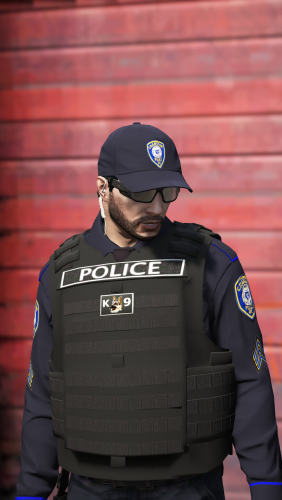
  5. Do you plan on making female vests? Love the skins btw 🙂

Account

Navigation

Search

Search

Configure browser push notifications

Chrome (Android)
  1. Tap the lock icon next to the address bar.
  2. Tap Permissions → Notifications.
  3. Adjust your preference.
Chrome (Desktop)
  1. Click the padlock icon in the address bar.
  2. Select Site settings.
  3. Find Notifications and adjust your preference.