


coreys2010
Members
-
Joined
-
Last visited
Everything posted by coreys2010
-
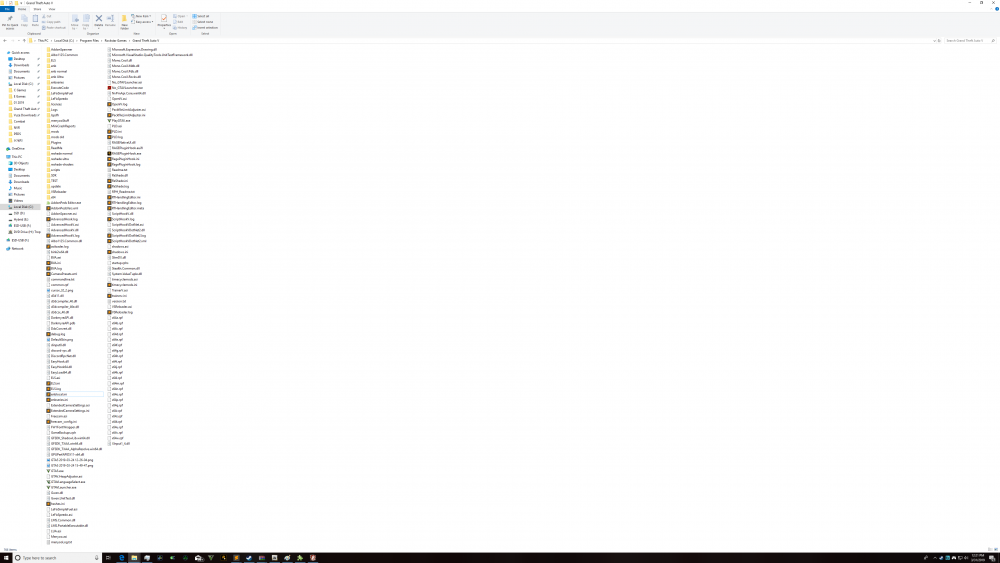
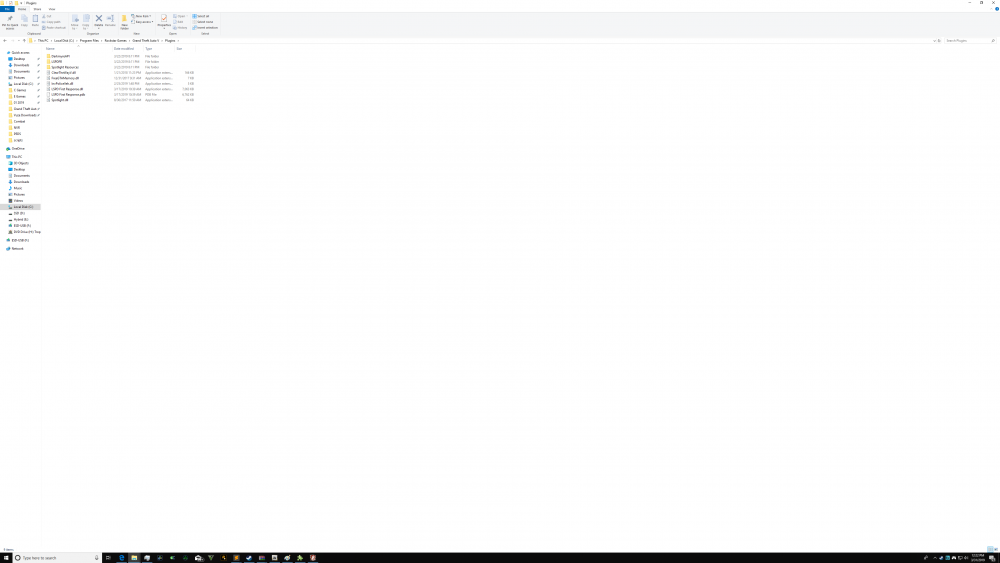
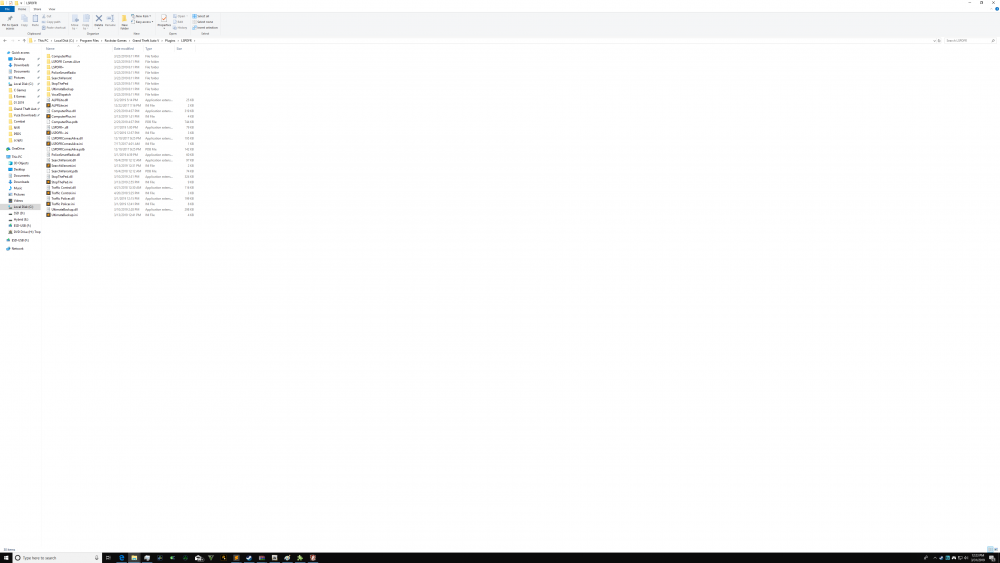
You need the gameconfig too as well as the heap limit mod. Users have posted comments that crashes happen if all three aren't installed Here is my game folder Check this link as well for an ingame screenshot
-
https://www.gta5-mods.com/misc/too-many-add-ons-gameconfig-fix Install the pack file mod and the heap limit mod as well. Links to them are the description.
-
This. GTA 5 is a difficult and stubborn game to mod. Start with base lspdfr as mentioned above and add from there... One at a time... But done right it's a great game to mod.
-
I had issues with arrest manager and since I've removed it my game has been better. I have the same plugins as op plus a few more.
-
I use the latest version of input mapper for the ds4 controller and haven't had any issues. Try that and let us know.
-
Ok that might be it. I know it's not your PC. Just trying to see what's different in your game vs mine. Mine looks amazing and is stable with no crashes or texture loss. Install the pack file limit adjuster and the heap limit adjuster. These files simply allow GTA to use more of your PC resources. It made a huge difference for me with crashing and instability in a modded game. Also try the gameconfig 1604.1 by f7yo. Also try the gameconfig that comes with world of variety. I downloaded the whole mod and only took the gameconfig and popcycle from it. GTA wasn't designed to do what we're trying to do. I have been playing with the gameconfig recently and found that a properly setup gameconfig is vital for a modded game. I am using the arena war gameconfig now. If I put the original gameconfig in my game now it crashes after about 10 minutes. If you're up to it, try it and let me know how it goes. You shouldn't be having issues with your rig.
-
I normally just force callouts anyway. Either that or I force pursuits after I pull someone over lol. The current lineup of callouts don't really interest me much. Your issue is strange to me though. I have an i9 7900 1080ti 32gb ram and don't have any texture loss after forcing duty. I had instant texture loss before adding those lines and zero loss after. What about your gameconfig? Have you installed the pack file mod and the heap adjuster mod along with the 1604.1 gameconfig? Edit: Forgot to ask, did you replace game vehicles (police 1 2 FBI etc) with els vehicles? Replacing ai vehicles with els ones always gave me issues. Since I replaced them with non els the issues have gone.
-
Have you installed a new gameconfig for GTA version 1604.1? In my experience, replacing base vehicles (police 1 2 3 FBI etc) with els vehicles adds extra lag and crashes. I have about 30 els add-on vehicles and I only replace the game vehicles with non els vehicles. Stop the ped Ultimate backup Traffic policer Police smart radio Search warrant These are essential for me Callouts are more about personal preference If your PC van handle it, these are also good. Clear the way Spotlight Lspdfr comes alive
-
Glad it worked for you. I have several backups of modded GTA folder. About 1tb worth lol. It's so easy to change things and then it breaks. It's so hard to figure out what to undo to fix it lol. common update x64 x64a- x64w These files above don't change as you long you only put mods in the mod folder. You don't have to delete or copy over these if you revert back to original GTA folder. It can save a lot of time. If you do edit them then you have to delete or copy over them to get back to original GTA
-
I think it has to do with the model. Do other els cars have this? I think a work around was to change the distant Corona setting in els.ini to 1000. Els hasn't been updated in years. It's also confusing and tricky to properly setup the lights on vehicle models
-
It's an old bug with els and lspdfr that is unlikely to be fixed as it has to be fixed by els creator. A work around is to use traffic policer by albo. His mod allows you to issue alternative pullover locations in several different ways (mimic follow and custom I believe). I think traffic policer is a must have if you use els vehicles
-
What method did you use for the add-on cars. Do the els lights function. Does general traffic move to the side while driving when els sirens are on. I have about 30 add-on els police and I used albos modding dlc method. I haven't run into this so I'm not sure what it could be
-
You have to edit the lspdfr.ini file in the lspdfr folder in the main GTA directory. Open the ini and and those lines. Save and close. Adding these lines helped me Networking.DisableServerCommunication = True Networking.DisableDiscordRichPresence = True Main.DisableAmbientScriptHooks = True AmbientSpawn.MaxCopsInArea = 0 WorldEvents.IntervalMultiplier = 0.0f Callouts.Multiplier = 0 The preload models is set to false i have about 30 add-on els police cars and can play without texture loss. However I use non els cars for the ai (police 1 2 3 etc are non els.) I also downloaded a new gameconfig for GTA version 1604.1
-
Agreed. Did you download the latest version of ragehook? Install lspdfr first then install the latest ragehook after and copy over everything. Lspdfr doesn't come with the latest version of rage hook and it must be downloaded separately
-
This is the only way I have ever got rage to work. Launch GTA first in windowed mode and get past the legal screen. Then alt tab out and launch rage
-
GTA is finicky when it comes to modding. The creators didn't make it easy to mod. I've had to start over with a fresh GTA folder so many times because I broke something lol. The only things I can suggest are to 1 try reinstalling els (backup your pack folder first) 2 try els without loading lspdfr Let us know if you try these suggestions I haven't had a single issue with els since the new updates so not sure what it could be
-
Can you be more specific about what doesn't work. It might also help if you could upload a screenshot of your GTA 5 directory to see what you might be missing or what might be conflicting with it Thanks
-
Deleting the plugins folder and lspdfr folder from the main directory works for me. Also if you have the space, create a backup of a vanilla game folder. If you don't have the space just backup everything in the vanilla folder except common update x64 x64a- x64w Name that folder vanilla files or something similar. To go back to a vanilla game just delete everything but those files. Then copy the vanilla files to the main folder and you have a vanilla folder again. It's easy to break your game and sometimes even easier to just start over with a vanilla folder. You also shouldn't ever edit main GTA .rpf files. All edits should be done in the mod folder
-
Any plugins installed? Edit: just thought about it. Hold shift or click the gear when rage is loading. Change the number on the first screen to 60000. I forget what the setting is called. I'm away from my pc. But doing that stopped that cash when I got it
-
For the scripts folder, just create a new folder in the main directory and rename it scripts. Mods either go in the scripts folder, plugins folder, or the main directory. Mods also usually require scripthookv, scripthookvdotnet, ragehook, nativeui, or lua. Check the readme of the mod to find out what is required for the mod to work
-
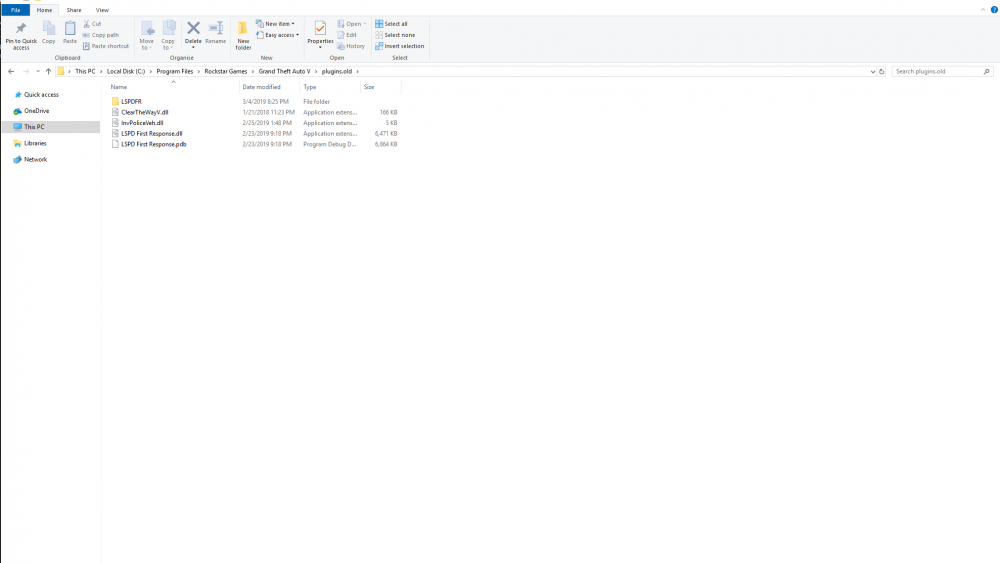
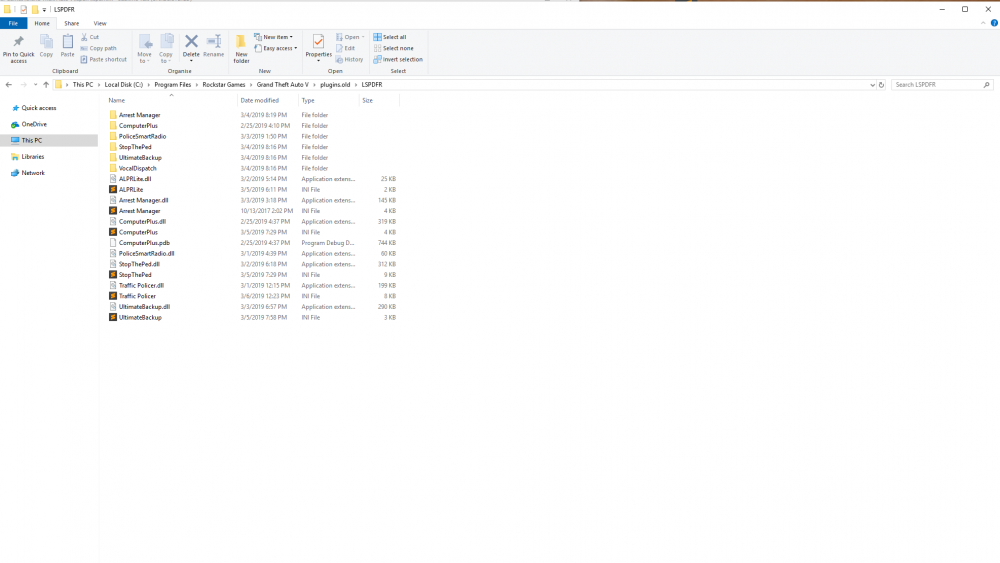
I made a backup of plugins and lspdfr folders inside the main gta folder. I deleted them and then reinstalled manual lspdfr .4. In game I reloaded lspdfr through rage and it didn't crash. No plugins installed at the time. It must have been a plugin that was interfering with lspdfr reloading through rage after a crash. Tried reloading lspdfr with plugins and then with only one plugin and it crashes again. It crashes when I press insert with plugins and it crashes if I try to load lspdfr through rage with plugins. Tried with just police smart radio and then with only ultimate backup and it was still crashing.
-
Had a similar issue when doing a traffic stop. It crashed when the car pulled over to stop. The last entry in the rage crash log for me was "assigned parking task". No other plugins installed at the time. The car I pulled over was blocked by traffic and couldn't pull over cleanly. Maybe an issue with cars pulling over to park?
-
I was hoping to avoid as that as for the most part it is stable. I have GTA heavily modded and several plugins for lspdfr. I'll make a backup of lspdfr in it's current state and then try reinstalling. Thanks for the reply
-
I can load into lspdfr .4. However if lspdfr crashes and I try to load plugin through rage it crashes again. I don't know any other way to restart lspdfr other than restarting the gta. I also have the spinning lspdfr in the corner after a loadplugin crash. Any help would be greatly appreciated. Thanks.
-
I agree. It would be nice if the shower or the couch didn't dominate off duty spawning. And for the shower, where is the soap?! Lol I really like that you can start on duty conducting a traffic stop.




